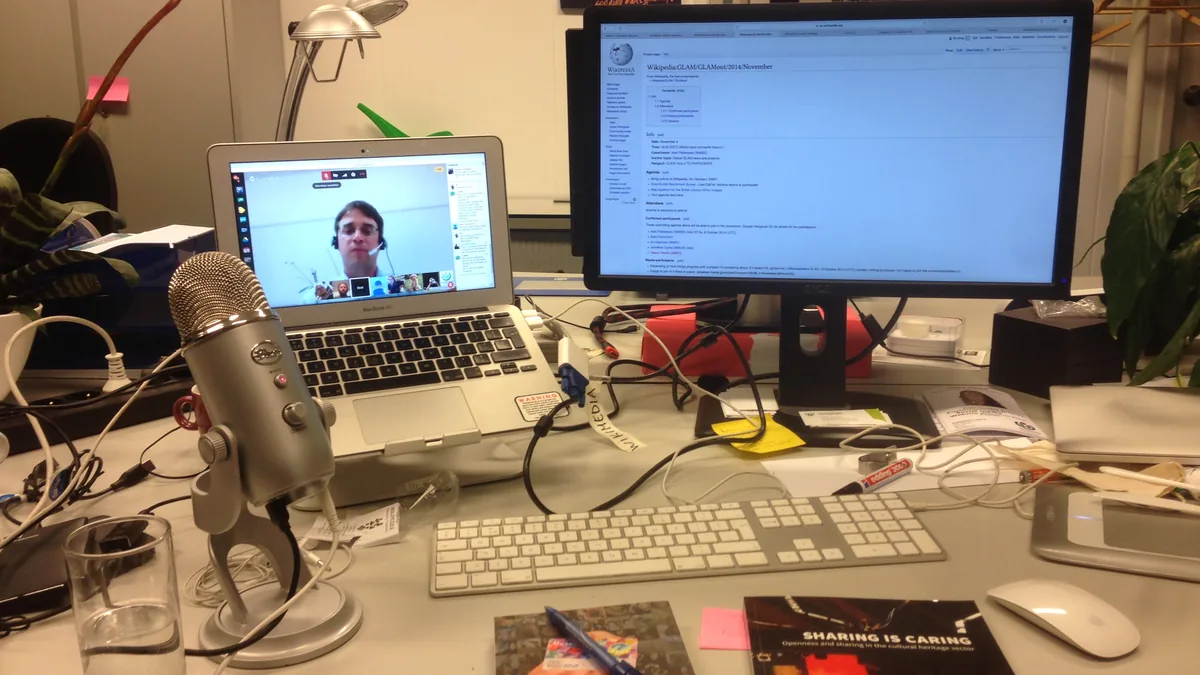
An AI meeting note taker joins your calls, records them, turns the audio into a transcript and then writes a summary with action items. Done well, it saves the person who used to take notes most of an hour a week and gives everyone a searchable record. Done carelessly, it produces confident summaries of things nobody said, records people who never agreed to it, and leaves a copy of every confidential conversation on a vendor's servers for as long as the vendor decides.
This guide covers the three questions that separate a useful tool from a liability: how accurate it is for your meetings, how it handles consent to record, and what happens to the data afterwards. Price and integrations matter too, but they are easy to compare. These three are not.
First, decide whether you need one at all
If your team meets mostly on Zoom, Google Meet or Microsoft Teams, check what your existing subscription already includes before buying anything. Many video platforms now offer transcripts or AI summaries in some plans. A built-in feature keeps the recording inside a service you already trust and already pay for.
A dedicated note taker earns its place when you need things the built-in feature does not do: one tool across several meeting platforms, notes pushed into a CRM or project tool, searchable history across months of calls, or in-person meeting capture. Free tiers from the specialist vendors are often enough for one person with a handful of meetings a week. Paid plans make sense for teams that want shared libraries and admin controls.
Accuracy: test with your own voices
Every vendor advertises high accuracy, and none of those figures tells you how the tool will cope with your meetings. Transcription quality depends on audio quality, accents, crosstalk, jargon and how many people talk at once. Two pieces of independent research show why you should test before you trust.
A Stanford study published in the Proceedings of the National Academy of Sciences tested five commercial speech recognition systems and found they misunderstood 35 percent of words spoken by Black speakers against 19 percent for white speakers, according to Stanford's summary of the research. Speech systems change quickly, but the lesson holds: accuracy is not the same for everyone, and an average figure can hide a much worse result for some of your colleagues or customers.
A second study, "Careless Whisper: Speech-to-Text Hallucination Harms", led by researchers at Cornell, found that a widely used speech model sometimes invented entire sentences that nobody spoke, in roughly 1 percent of the transcriptions they examined. Some of the invented text was harmful, and hallucinations were more common for speakers with longer pauses, a pattern associated with aphasia. A summary built on a transcript that contains invented sentences will repeat them with complete confidence.
What this means in practice:
- Trial with real meetings. Run two or three of your ordinary calls through each tool you are considering, then read the transcript against your memory of the meeting. Pay attention to names, numbers, product terms and the colleagues with the strongest accents.
- Check the summary against the transcript. The summary is a second layer of interpretation. Look for decisions it attributes to the wrong person and action items nobody agreed.
- Look for a custom vocabulary. Tools that let you add company names, product names and acronyms usually handle them better.
- Keep a human owner for anything that matters. For contracts, HR conversations, client advice or anything with legal weight, treat the AI notes as a draft that someone checks, not as the record.
Consent to record: the part people skip
Recording laws differ by country and, in the United States, by state. Some places require only one party to the conversation to agree; others require everyone. California is the best-known example of the second kind: its Penal Code section 632 makes it an offence to record a confidential communication "without the consent of all parties". In the UK and the European Union, data protection law generally requires that people are told when they are being recorded and why. If your calls cross borders, the strictest rule in the room is the safe one to follow. This is general information, not legal advice; if recording is central to your business, ask a qualified lawyer about your situation.
The practical risk with AI note takers is that the bot can join meetings automatically, including meetings with people outside your company who have never heard of the tool. Vendor policies tend to put the responsibility on you. Otter's privacy policy, for example, asks users to "make sure you have the necessary permissions" from other people before sharing their personal information. Whether automatic recording without every participant's agreement is lawful is being tested in court: NPR reported on a proposed class action in federal court in California alleging that Otter's notetaker recorded conversations without the consent of all participants. Those are allegations, not findings, and the case had not been decided at the time of writing.
Whatever tool you choose, set it up so consent is the default:
- Turn off auto-join for external meetings or for all meetings, and add the bot deliberately when it is wanted.
- Announce it. Say at the start that the call is being transcribed and offer to switch it off. Put a line in the calendar invite too.
- Use the tool's notification features. Many note takers can post a chat message or send an email telling participants they are being recorded. Turn these on.
- Keep sensitive meetings bot-free. Disciplinary meetings, medical or legal discussions and negotiations are usually better without an automatic recording.
Data retention and AI training: read the policy, not the homepage
A meeting recording is some of the most sensitive data a business holds. Before choosing a tool, find out four things.
1. Does the vendor train its models on your meetings?
Policies differ sharply, and the difference is often in the detail. MeetGeek's security page says: "We never use your recordings, transcripts or summaries to train AI models, ours or anyone else's." Fathom's security help article says none of its AI sub-processors (Anthropic, OpenAI and Google) are contractually permitted to train on users' data, but that Fathom itself uses de-identified customer data to improve its own models, with an opt-out in account settings. Otter's privacy policy says it trains its proprietary AI "on de-identified audio recordings and on transcriptions (which may contain Personal Information)". If a tool trains by default and you would rather it did not, find the opt-out on day one and apply it for the whole organisation if an admin setting exists.
2. How long is data kept, and can you shorten it?
Some policies give a fixed period; others keep data "for as long as necessary". Look for an admin setting that deletes recordings automatically after a period you choose. A rolling deletion window, such as keeping recordings for 90 days and summaries longer, limits the damage if an account is ever compromised.
3. What happens when you delete?
Check whether deletion removes the audio, the transcript and the summary, and how long copies linger in backups. Fathom, for instance, states that when you delete your account all recording data and metadata are removed, and that after a further seven days the data is also removed from backups. That is the level of detail to look for.
4. Which certifications and agreements are available?
Independent audits such as SOC 2 Type II, and a signed data processing agreement, are the minimum for business use. If you handle health information in the US, you need a vendor that will sign a Business Associate Agreement; MeetGeek and Fathom both say they support HIPAA requirements. Encryption in transit and at rest should be standard; MeetGeek, for example, states it uses TLS in transit and AES-256 at rest.
Other things worth comparing
- Bot or no bot. Some tools join as a visible participant; others capture audio from your device. A visible bot is more transparent to other attendees, which helps with consent.
- Platform coverage. Make sure the tool works on every platform your team and your customers use.
- Sharing controls. Check who can see a recording by default. A team library that shares every call with every colleague is convenient until it shares an HR conversation.
- Exports and integrations. If summaries need to reach your CRM or project tool, test that link during the trial, not after.
- Admin controls. On team plans, look for central control of auto-join, retention, training opt-outs and external sharing.
A simple way to decide
- Check what your video platform already includes. If it covers your needs, stop there.
- Shortlist two or three dedicated tools and read each one's privacy policy and security page, specifically for training, retention and deletion.
- Trial them on real meetings and check names, numbers and decisions against what was actually said.
- Configure consent before rolling out: auto-join off for external calls, notifications on, a line in your invites.
- Set a retention period and a training opt-out if needed, and write down who owns the settings.
The best AI note taker is not the one with the longest feature list. It is the one whose transcripts you have checked, whose data policy you have read, and whose recordings everyone in the meeting knew about.