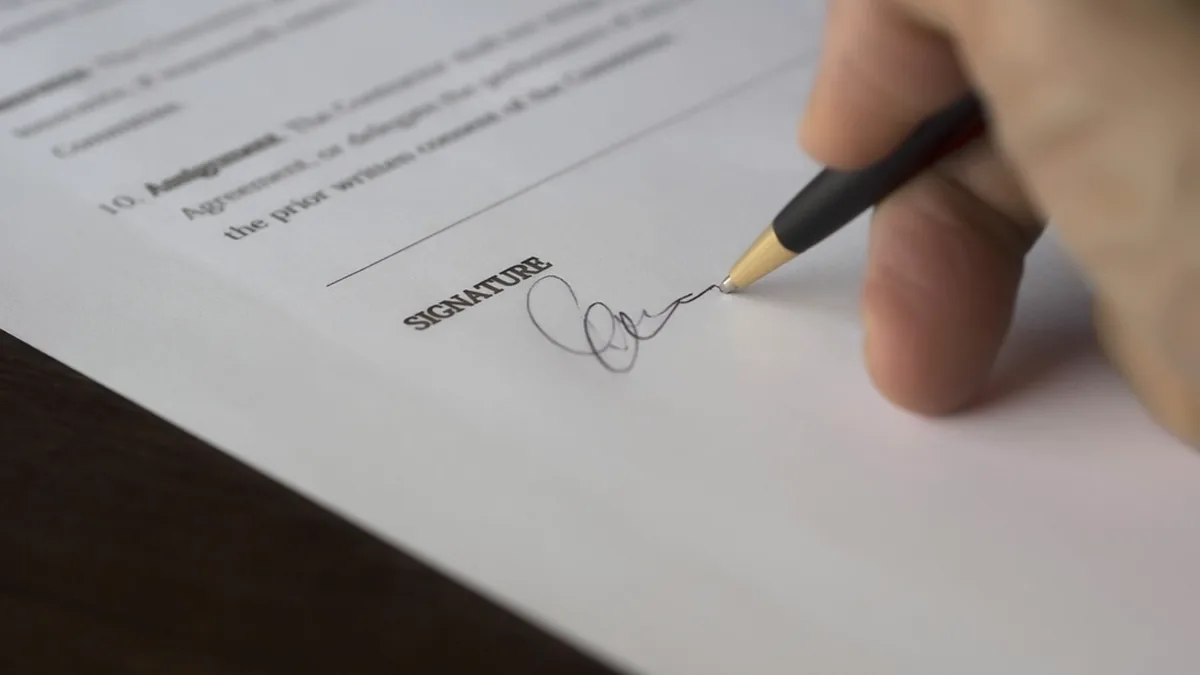
Security company Kaspersky says it has tracked an ongoing email campaign that impersonates Docusign and Zoom to steal company login details. According to Kaspersky's account, published in mid-September 2026 and reported by outlets including CNN Indonesia, Gadgets Magazine and TahawulTech, more than 1,000 phishing emails linked to the campaign had been detected as of 11 September.
The campaign uses no new technique. It works because an email that says "a document is waiting for your signature" is so ordinary in most offices that people click it without thinking. That makes it directly relevant to any business that uses e-signature software, whichever service it uses.
What Kaspersky found
Kaspersky describes two waves:
- A Docusign wave. Emails made to look like an official Docusign notification were sent to corporate accounts in the Middle East, Latin America, Western Europe, Russia, Armenia and Azerbaijan. Each contained links to pages built to capture login credentials.
- A Zoom wave. A little more than a week later, a second wave posed as Zoom notifications warning that the recipient's account was about to be disabled. These led either to credential-stealing pages or to embedded forms asking for personal information and credit card details. Kaspersky said this wave was still active when it published.
Andrey Kovtun, who manages Kaspersky's email threats protection group, said in the company's statement: "Old primitive methods are still being used and sometimes such simplicity can be effective as employees may overlook any phishing signs amid the massive flood of incoming mail."
Kaspersky has not said how many people entered their details, and it has not attributed the campaign to a named group. Nothing in its report suggests that Docusign's or Zoom's own systems were breached. The campaign borrows their names and design; it does not come from them.
Why e-signature emails are such good bait
Signing requests share three features that suit a phisher. They arrive from outside the company, so an unfamiliar sender does not look odd. They often concern money, such as contracts, invoices or payroll forms. And they carry a deadline, real or implied. Kaspersky has flagged the pattern before: an earlier Kaspersky release on phishing trends, from August 2025, warned that signatures "critical for legal and financial transactions" are being stolen "via phishing campaigns impersonating platforms like DocuSign".
A stolen email password is rarely the end goal. Once inside a mailbox, an attacker can read invoices, reply in existing threads and ask a customer or supplier to pay into a new bank account. That is why a fake signing request deserves more suspicion than a fake parcel notice.
How to tell a real Docusign email from a fake
Docusign publishes guidance on its safety alerts page. The most useful points:
- Do not use the link if you have any doubt. Docusign recommends going directly to docusign.com and using the Access Documents feature with the unique security code printed at the bottom of a genuine notification email.
- Check the sending domain. Docusign says its notifications come from @docusign.com or @docusign.net addresses.
- Know what it will not ask. Docusign says it "will never require you to download software or 'unblurring' tools to view a document".
- Report it. Forward suspicious messages as an attachment to verify@docusign.com, or use Docusign's Report Abuse webform.
The domain check has a limit worth knowing. If a criminal opens or hijacks a real account on any e-signature service, the email genuinely comes from that service. The security code method still helps, because it takes you to the document through the service's own site rather than through whatever link sits in the email, and lets you see who actually sent it.
The same habit works for other signing tools such as PandaDoc, SignNow, DocHub or Adobe Acrobat Sign: if you were not expecting a document, sign in to your account by typing the address yourself or using a bookmark, and look for the request there. If it is not there, the email was not real.
What a small business should do this week
Kaspersky's own recommendations, as reported, are dedicated email security tools, regular staff training, controlled phishing exercises to find who is most at risk, and multi-factor authentication on every email account, including passwordless options such as hardware tokens or app approvals. To that we would add the basics from the US Cybersecurity and Infrastructure Security Agency's guidance on recognising phishing: be wary of urgent or emotional language, check sender addresses and links before clicking, and verify an unexpected request through a channel you already trust. CISA notes that phishing written with AI tools may have perfect grammar, so spelling mistakes are no longer a reliable sign.
- Turn on multi-factor authentication for email and for your e-signature account. A stolen password alone should not be enough.
- Tell staff one rule: signing requests are opened from the service's website or app, never from the email link, when anything feels off.
- Agree a payment-change procedure. Any request to change bank details is confirmed by phone, using a number you already hold.
- Make reporting easy. Give staff one address or button for suspicious mail, and thank people who use it.
- If someone has already entered a password, change it at once, sign that account out of all sessions, check mailbox forwarding rules, and tell your IT provider.
None of this requires changing e-signature provider. The weak point Kaspersky describes is the inbox, not the signing platform, and the fix is a habit rather than a purchase.