

We may earn a commission when you buy through our links. .

Best Cloud Storage 2026

Back up, sync and share your files securely. We compared the top cloud storage services for individuals and teams.

ByBusiness & Software DeskBusiness, software and AI
Updated October 5, 2026How We Rate
Best Cloud Storage 2026
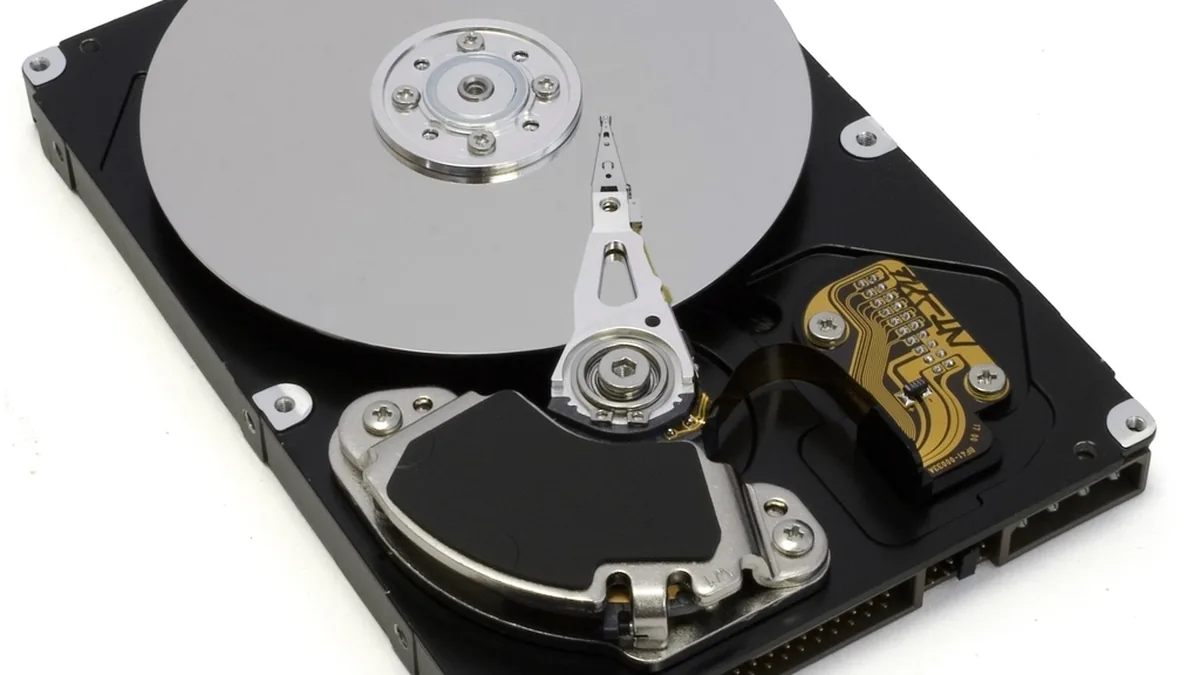
Photo: rawpixel, CC0

Cloud storage keeps your files safe, synced across devices and easy to share. We compared the leading services on security, value and how well they fit different ecosystems.

Our top picks

  1. Google Drive: Best for Collaboration
  2. Dropbox: Best Sync
  3. pCloud: Best Value
  4. iCloud: Best for Apple
  5. Sync.com: Best for Privacy

Compare at a glance

Compare at a glance
Product #1 Google Drive #2 Dropbox #3 pCloud #4 iCloud #5 Sync.com
Score 9.4/10Excellent9.2/10Very Good9.3/10Excellent8.9/10Very Good9.0/10Very Good
Best for Best for CollaborationBest SyncBest ValueBest for AppleBest for Privacy
Free storage 15GB2GB2GB, up to 10GB5GB5GB
Price $1.99$11.99$4.99$1.00$82.00
Visit Site Google DriveVisit Site DropboxVisit Site pCloudVisit Site iCloudVisit Site Sync.com

Cloud Storage: our picks in detail

1. Google Drive: Best for Collaboration

Our score
9.4/10 · Excellent
Free storage
15GB
Price
$1.99

Why we picked it

For anyone who writes, edits or shares documents with other people, Google Drive is the most capable cloud storage service we have assessed. Real-time co-editing in Docs, Sheets and Slides, flexible sharing controls, generous file-size limits and solid apps on every major platform make it the easiest way to work on files together. Independent reviewers rate it highly for the same reasons.

Pros

  • Seamless Docs and Workspace
  • 15GB free, shared with Gmail and Photos
  • Great sharing
  • Works everywhere

Cons

  • Not zero-knowledge encrypted
  • Privacy depends on Google

Visit Google Drive Read our full Google Drive review →

2. Dropbox: Best Sync

Our score
9.2/10 · Very Good
Free storage
2GB
Price
$11.99

Why we picked it

Dropbox is worth it when sync and sharing are the job. Its desktop and mobile apps are dependable, it moves files quickly, it works equally well across Windows, Mac, iOS, Android and the web, and its file requests, version history and integrations save real time. You pay more per terabyte than with the platform giants, the free plan is mainly a trial, and privacy-conscious users should note the encryption model. For individuals and teams who share files every day across different devices, Dropbox remains one of the best services you can choose.

Pros

  • Best-in-class sync
  • Excellent sharing and history
  • Wide app integrations
  • Reliable apps

Cons

  • Pricier per terabyte
  • Small free tier

Visit Dropbox Read our full Dropbox review →

3. pCloud: Best Value

Our score
9.3/10 · Excellent
Free storage
2GB, up to 10GB
Price
$4.99

Why we picked it

For long-term personal storage, pCloud is one of the best-value options available, which is why it holds our best value award. The lifetime plans, the virtual drive and the optional client-side encryption are a combination few competitors match. Go in knowing that encryption is extra, that the apps feel more utilitarian than Google's or Dropbox's, and that a lifetime plan is a long-term bet on the company. If those trade-offs suit you, it is easy to recommend.

Pros

  • One-time lifetime pricing
  • Optional zero-knowledge Crypto
  • Good media playback
  • Swiss privacy

Cons

  • E2E encryption costs extra
  • Data stored in EU or US region

Visit pCloud Read our full pCloud review →

4. iCloud: Best for Apple

Our score
8.9/10 · Very Good
Free storage
5GB
Price
$1.00

Why we picked it

For anyone living in Apple's ecosystem, iCloud is close to essential: it is the only service that syncs the Photos app, device backups and Apple's own apps natively, and iCloud+ adds genuinely useful privacy tools. Turn on Advanced Data Protection if it is available to you and you are comfortable managing your own recovery key or contact. If your devices or the people you share with are not all on Apple, pair it with, or choose, a cross-platform service instead.

Pros

  • Deep Apple integration
  • Affordable tiers
  • Advanced Data Protection (not for new UK users)
  • Effortless backups

Cons

  • Weak on Windows/Android
  • Limited collaboration

Visit iCloud Read our full iCloud review →

5. Sync.com: Best for Privacy

Our score
9.0/10 · Very Good
Free storage
5GB
Price
$82.00

Why we picked it

Sync.com is the cloud storage service we recommend when privacy matters most. Its end-to-end encryption, sharing controls, long version history and independent SOC reporting make it a strong home for sensitive documents, and its free plan lets you try it without paying. Accept its trade-offs, a single sync folder, fewer integrations and responsibility for your own password, and it is one of the safest places to keep files online.

Pros

  • Zero-knowledge by default
  • Good value plans
  • Canadian privacy laws
  • Solid file recovery

Cons

  • Slower than Dropbox
  • Fewer integrations

Visit Sync.com Read our full Sync.com review →

How we rate cloud storage

  • Security (30%), encryption and privacy.
  • Features (25%): sync, sharing, versioning.
  • Performance (20%), upload/download reliability.
  • Value (25%), price per terabyte.

How to choose cloud storage

Match the service to your devices and priorities. Apple users lean to iCloud; collaborators love Google Drive and Dropbox; the privacy-conscious prefer end-to-end encrypted options like Sync.com and pCloud.

Buyer's guide

Compare price per terabyte, whether files are zero-knowledge encrypted, file-versioning history, and how easy sharing and recovery are.

What users rate them

User ratings show how people who chose to leave a review felt about a company or app. They are useful for spotting patterns, such as repeated complaints about billing, renewals or support, but they are not a measure of how well a product works: happy customers review less often than unhappy ones, some companies invite reviews more actively than others, and a score built on a few dozen reviews can move a lot with a handful more.

Trustpilot rates the company behind a product, usually for all of its products and services, and often reflects buying and billing experiences. Apple App Store ratings cover one iPhone and iPad app in the US store, so they say little about a desktop or web version. An App Store rating is shown only when the app is published by the vendor itself. The two scores come from different groups of reviewers and are not combined here.

User ratings for the products on this page, as read on Trustpilot and the US Apple App Store on 5 October 2026
ProductTrustpilotApple App Store (US)
Google DriveNot listed (only a page for all of Google)4.8 / 5 from 7,839,809 ratings (Google Drive, Google LLC)
Dropbox1.3 / 5 from 1,587 reviews4.8 / 5 from 912,236 ratings (Dropbox: Cloud Storage Backup, Dropbox, Inc.)
pCloud3.1 / 5 from 1,692 reviews4.7 / 5 from 8,181 ratings (pCloud - Cloud Storage, PCLOUD LTD)
iCloudNot listed (Apple has no product page)Not listed (built into iOS, no separate app)
Sync.com4.3 / 5 from 440 reviews4.2 / 5 from 819 ratings (Sync - Secure cloud storage, Sync.com Inc.)

"Not listed" means no page or app from the vendor itself was found. Ratings change daily.

Sources (7)
  1. App Store: Google Drive
  2. Trustpilot: Dropbox
  3. App Store: Dropbox: Cloud Storage Backup
  4. Trustpilot: pCloud
  5. App Store: pCloud - Cloud Storage
  6. Trustpilot: Sync.com
  7. App Store: Sync - Secure cloud storage

Frequently Asked Questions

What is the best cloud storage?

It depends on your needs: Google Drive for collaboration, Sync.com and pCloud for privacy, iCloud for Apple users.

Is free cloud storage enough?

Free tiers (2 to 15GB) suit light users. Paid plans add space, versioning and stronger security.

What is zero-knowledge encryption?

It means only you can read your files: not even the provider can. Sync.com and pCloud (Crypto) offer it.

How much does 1TB cost?

Around $8 to $12 per month, or less with annual or lifetime plans like pCloud.

Can I share large files?

Yes. All our picks let you share files and folders by link, with controls on lower or higher tiers.

In-depth reviews of every pick

All Cloud Storage reviews →

NerdBible is reader-supported. We may earn a commission when you buy through links on our site. This never affects the price you pay or our editorial scores.

How we make money: when you sign up with a product through a link on this page, that company may pay NerdBible a referral fee. Fees never decide the order. Our research does, and every product is scored the same way whether or not it pays us.