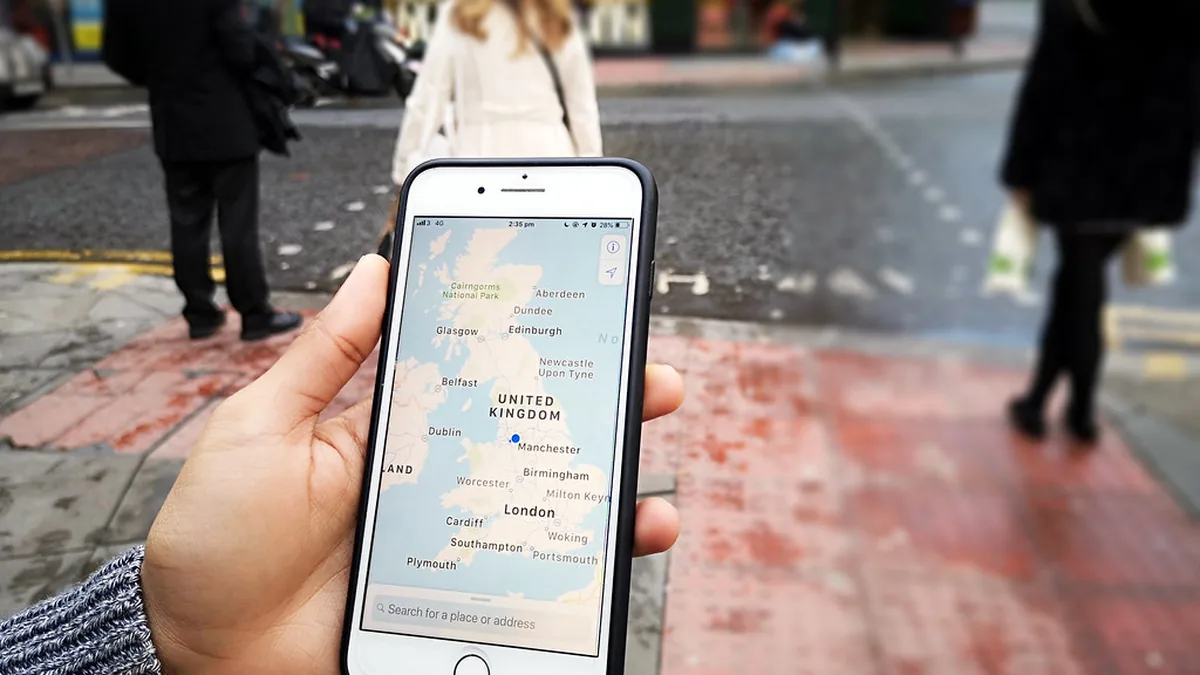
Square sellers can now manage how their shops, cafes and salons appear on Apple Maps without leaving the Square Dashboard. Square announced the integration with Apple Business on 24 September, and it is available to eligible sellers with physical locations in all eight of the regions Square supports: Australia, Canada, France, Ireland, Japan, Spain, the United Kingdom and the United States.
For a small business, the practical change is one fewer place to update when opening hours change, a phone number moves or a new menu goes live. Square says details edited in Square "stay current on connected Apple listings without extra manual work."
What the integration does
According to Square's announcement, a seller who connects a location to Apple Business from the Square Dashboard can:
- Sync core details automatically. Hours, address and phone number flow from Square to the Apple listing, so a change made once in Square is reflected on Apple Maps.
- Manage brand presence. Sellers can add a logo to the place card that appears when someone looks up the business in Apple Maps.
- Add action links. Square lists Menu, Order, Pickup, Delivery, Book and Schedule Appointment as buttons that can appear on the listing, so a customer can act straight from the map.
Square describes the listing as reaching across Apple Maps, Siri, Apple Wallet and other Apple apps. It notes that Siri features are not initially available in the EU on iOS, iPadOS and watchOS, which matters for sellers in France, Ireland and Spain.
Sellers in the United States and Canada who are business verified with Square, and who do not already have an Apple Business account, can enrol from the Square Dashboard. Square's announcement does not describe a separate sign-up route for the other six regions, so sellers there may need an existing Apple Business account to connect.
What Apple Business is
Apple Business is the platform Apple introduced in March, replacing three older services: Apple Business Connect (which handled Maps listings), Apple Business Essentials and Apple Business Manager. Apple's own announcement says it became available as a free service from 14 April in the US and more than 200 countries and regions, and that existing Business Connect users moved across to it.
Apple Business also bundles device management and business email and calendar with custom domains, which is why it is more than a listings tool. Apple said at launch that a further option would let businesses in the US and Canada place local ads in Maps. The Square integration covers the listings side only.
The numbers Square quotes
Square's announcement repeats two figures it attributes to Apple: that claimed locations receive 30% more views on Apple Maps, and that action links can lift click-through by 31% across website, call and action buttons. These are Apple's own figures, not independent measurements, and Square does not say what they are compared against or over what period. Treat them as a vendor claim rather than a forecast for your business.
Square also says more Apple Business features are planned, including engagement metrics and peer benchmarks. PYMNTS notes that the Apple link follows other integrations Square announced earlier this year, with assistants including ChatGPT, Claude and Amazon Alexa.
Why it matters for small businesses
Local listings are easy to neglect. A business owner typically keeps details current on its own website, on Google and on social profiles, and Apple Maps is often the one that drifts out of date. A wrong closing time or old phone number on a map listing costs walk-in trade and generates complaints that are hard to trace.
For sellers already running their business on Square, this removes one manual job. It also makes Square's dashboard more of a central control panel for a shop's presence, which is a point in its favour when comparing point-of-sale systems. Other POS providers may offer their own listing tools or third-party integrations; whether they connect to Apple Business is something to check with each vendor.
There are limits worth understanding:
- It is for physical locations. Square says the integration is for eligible sellers with physical locations. An online-only seller has no Maps place card to manage.
- Only some fields sync. The announcement names hours, address and phone number for automatic syncing. Photos, descriptions and anything else on an Apple listing may still need managing in Apple Business itself.
- Square becomes the source of truth. Once connected, the details in Square are the ones that flow out. If several people edit your Square settings, that is now also who controls your Apple Maps listing.
What to do
- Check your current Apple Maps listing. Look your business up in Apple Maps on an iPhone or Mac and note what is wrong or missing: hours, phone, logo, menu or booking link.
- Clean up the details in Square first. Because Square will push its own data out, make sure the location hours (including any special hours), address and phone number in your Square Dashboard are correct before you connect.
- Connect from the Square Dashboard. If you are in the US or Canada and business verified, you can enrol in Apple Business from there. Elsewhere, check whether you already have an Apple Business account (former Apple Business Connect users were moved across automatically, according to Apple).
- Add the action links you actually support. Only add Order, Delivery or Book if customers can genuinely complete that action; a broken link on a map listing is worse than none.
- Review who has access. Check which staff accounts can edit location settings in Square, since those edits will now reach Apple Maps.
If you are choosing a point-of-sale system now, listing management is a reasonable thing to weigh, alongside payment fees, hardware costs and contract terms, which affect day-to-day costs far more.