

This Notion review asks a specific question: how well does Notion work as a project management tool for a team, rather than as a personal notebook? Notion is a connected workspace that combines documents, wikis and databases in one place, and its project features are built on those databases. That design is both its biggest strength and the reason it divides opinion. Teams that want their plans, specs, meeting notes and task lists to live side by side tend to love it. Teams that want a ready-made project tool with sprints, workload charts and strict process controls often find it asks too much of them.
NerdBible has not run a hands-on trial for this piece. It is an editorial assessment drawn from Notion's pricing, product and help pages, its security page, and the published findings of independent reviewers, each linked where it is used.
Notion review: our verdict
Notion is the best choice on our list for teams whose projects are mostly made of knowledge: research, documentation, content, product specs and decisions that need to be written down and found again later. Its databases give you tasks, statuses, assignees, dependencies, timelines and dashboards, and its AI can draft, summarise and search across everything you store. The cost is effort. Notion gives you building blocks rather than a finished system, the learning curve is real, and the best AI and admin features sit on the Business plan and above. If you are willing to invest a few days in setup, it can replace a wiki and a task tool at once.
What Notion is and who it is for
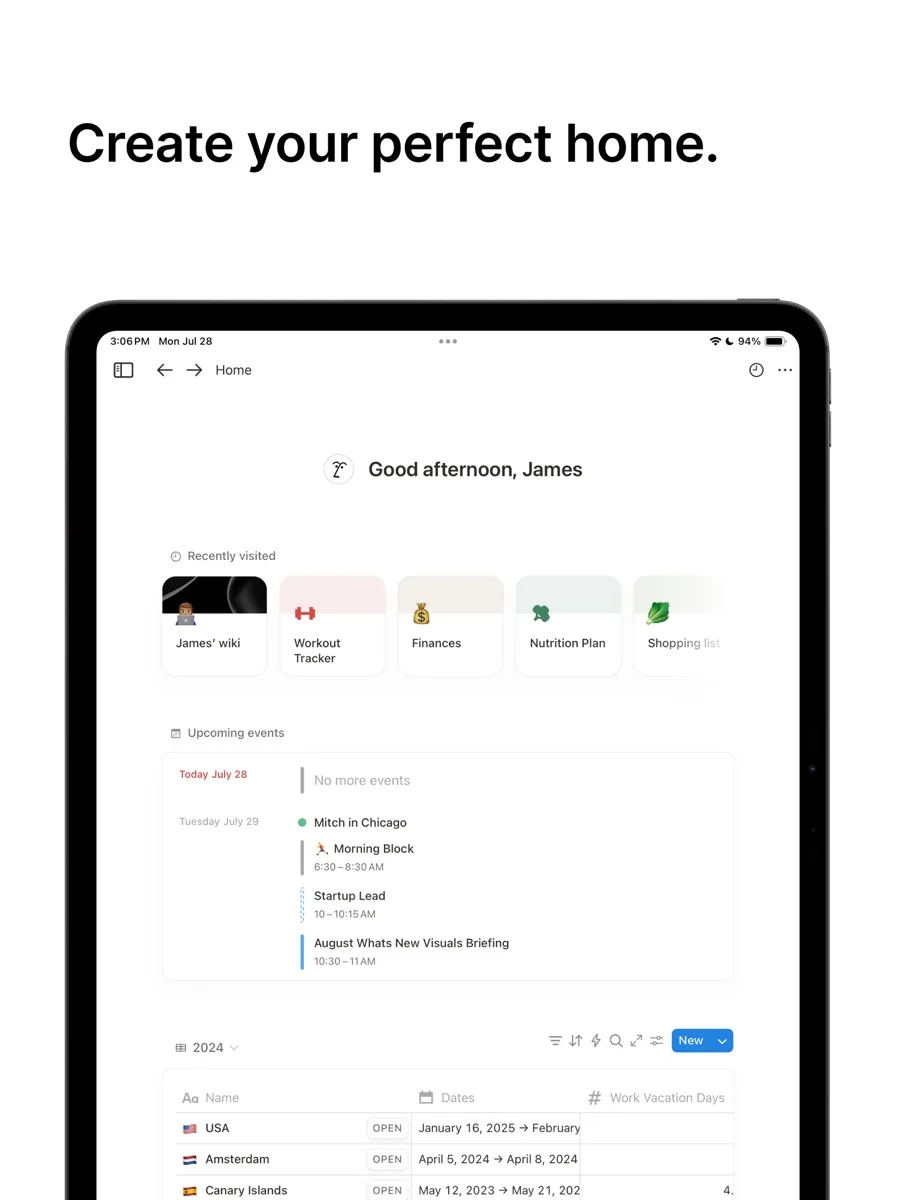
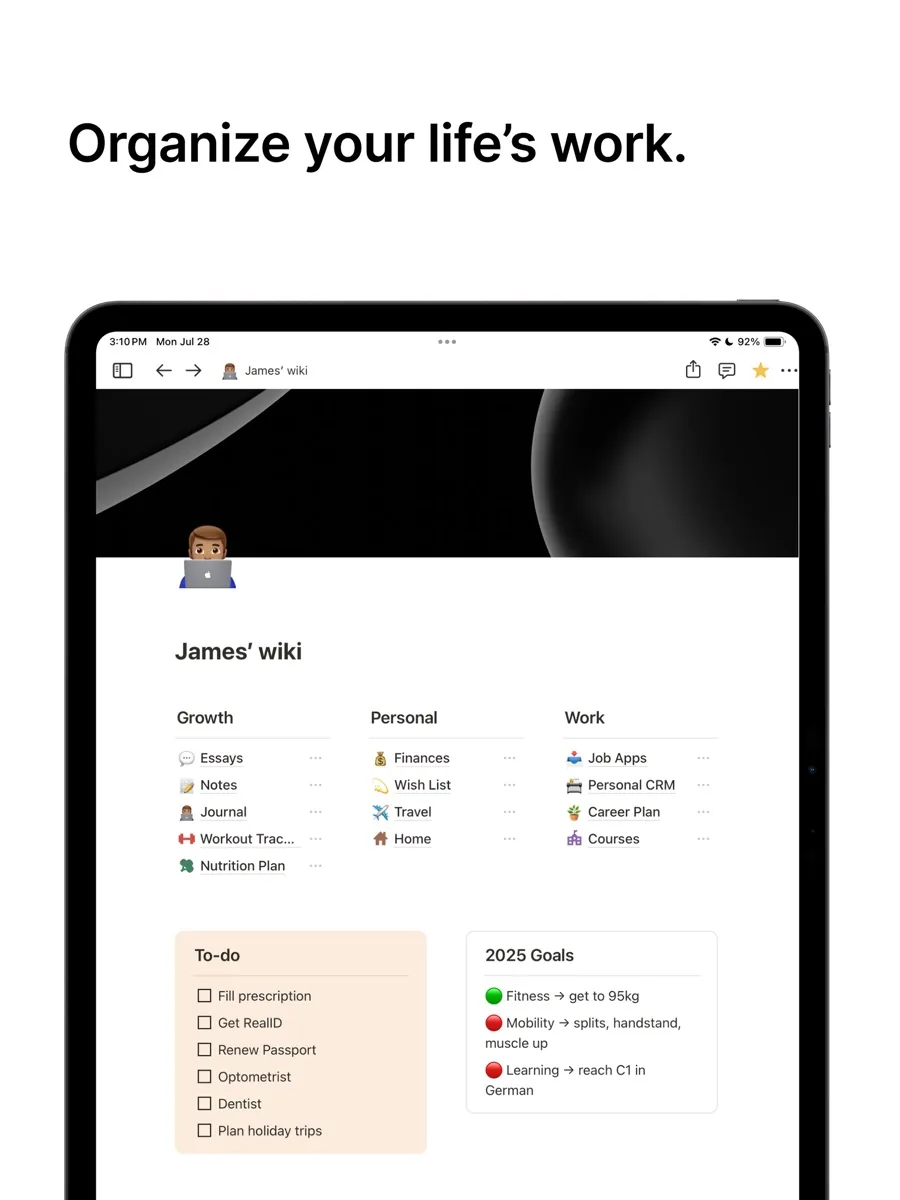
Notion pages are made of blocks: text, checklists, images, embeds and, most importantly, databases. A database is a collection of pages with properties such as status, owner, due date or priority, and it can be shown as a table, a board, a calendar, a timeline, a gallery or a chart. A project in Notion is usually one database of projects linked to another database of tasks, with each project page holding the brief, the notes and the related tasks.
That makes Notion a good fit for:
- Small and mid-sized teams that want one workspace for docs, wikis and tasks instead of three separate tools.
- Content, marketing, product and research teams, whose deliverables are largely written.
- Founders and freelancers who want to start free and grow into a shared workspace later.
It is a weaker fit for engineering teams running formal sprints. Notion's own product page lists tasks, sub-tasks, dependencies and progress bars, but it does not list the sprint backlog, velocity or burndown reporting that dedicated agile tools are built around.
Key features
Databases, views and timelines
Notion's projects page highlights databases that combine multiple data sources, timeline views for a bird's eye view of how projects fit together, dependencies that show when one task blocks another, a personal My tasks view, and charts for building dashboards. The help centre's timeline guide shows how to add a timeline view to any existing database, so the same task list can be a board for the team and a timeline for the manager.
Automations
Database automations run actions when something changes, for example assigning a task when its status moves, or posting to a Slack channel when a page is added. Notion's help centre says database automations are available on paid plans. Buttons can also trigger automations, which is a simple way to standardise repetitive steps without code.
Notion AI and agents
Notion AI can generate and edit documents, autofill database properties, answer questions using the content of your workspace and, on higher tiers, search connected tools such as Slack and GitHub. The pricing page lists the full Notion Agent, AI meeting notes and enterprise search on Business and Enterprise, while Free and Plus get a limited trial of the AI features. That matters if AI is part of the reason you are choosing Notion.
Forms, sites and calendar
Every plan includes basic forms for capturing requests, the ability to publish pages as simple websites, and Notion Calendar for combining calendars with database dates. Paid plans add custom forms and custom sites, which is handy for intake forms and public roadmaps.
Offline access
Older reviews criticised Notion for not working offline. That has changed: Notion's offline guide says all users can view, edit and create pages offline in the desktop and mobile apps once a page is marked as available offline, and Business and Enterprise automatically download recent and favourite pages.
How much does Notion cost?
Our page shows current prices from our own data. The structure is four tiers, charged per member:
- Free: aimed at individuals. Pages and blocks are unlimited for a single person but limited once two or more members share a workspace, uploads are capped per file, page history is short and guests are limited.
- Plus: for small teams, with unlimited collaborative blocks, unlimited file uploads, unlimited charts, custom forms and sites, and longer page history.
- Business: adds the full AI features, SAML single sign-on, private teamspaces, granular database permissions, premium connections and longer history.
- Enterprise: custom pricing, adding user provisioning, audit logs, advanced security controls, a customer success manager and zero data retention with Notion's AI model providers.
Custom agents and some automation features use a separate credit system on top of the plan. If you are budgeting for a team, check which features you will actually use, because the jump from Plus to Business is mostly about AI and administration.
Is Notion secure?
Notion's security page describes encryption, least-privilege access, secure development practices, a public bug bounty and continuous monitoring, and states that it is SOC 2 certified. Enterprise admins get SAML single sign-on, SCIM provisioning and audit logs, and Notion says its terms are reviewed against GDPR, CCPA and other privacy rules, with a data processing addendum available.
Two practical points stand out. First, single sign-on starts on Business, so smaller teams on Plus rely on members' own login security. Second, if you plan to put confidential material into Notion AI, note that zero data retention with AI model providers is listed only for Enterprise workspaces; other paid plans show a 30-day retention period on the pricing page.
What could be better
- Setup takes work. Templates help, but someone has to design the databases, properties and views. Without that, a Notion workspace can sprawl quickly.
- Agile reporting is missing. There are no native sprint, velocity or burndown reports, and workload views are not as polished as in dedicated tools.
- Best AI is gated. Free and Plus users only get a trial of the AI features that many people now buy Notion for.
- Performance and complexity. PCMag described the app as sluggish and overly complex for many people, and other reviewers mention navigation that takes getting used to.
- Sharing can confuse. ZDNET found the sharing model convoluted, which matters when you mix internal pages and guests.
Who should choose something else
If you run software sprints, a dedicated agile tool will fit better out of the box. If you manage client work with strict budgets, resourcing and approvals, a traditional project management platform with workload and portfolio views will save you building them yourself. If your team only needs a shared task list, a simpler tool or the task features already in your email and office suite may be enough. And if nobody on the team enjoys designing systems, Notion's flexibility will feel like homework.
Is Notion worth it for project management?
Yes, when the work is document-heavy and the team values having everything in one place. Notion's projects, timelines, dependencies, automations and AI cover the needs of most small and mid-sized teams, and the Free plan lets you prove the setup before paying. It is less worthwhile for teams that need ready-made agile reporting or heavy resource planning.
Bottom line
Notion earns its place on our list as the strongest option for teams that want their wiki and their projects in the same workspace. Start on Free or Plus with a template, decide whether the AI features justify Business, and give one person ownership of the structure. Do that, and Notion becomes the place your team actually looks for answers.
What other reviewers found
- PCMag praised how customisable and collaborative Notion is and rated its AI integration highly, but found it overly complex, sluggish at times and short on some features.
- ZDNET called it very powerful and easy to customise, with a generous free version, while noting that sharing is convoluted and pure writing feels clunky.
- Cloudwards found it great for notes and to-do lists and decent at project management, but not advanced enough to rank among the top dedicated project tools.
- TechRadar was impressed by the range of organising features and especially the AI tools, describing it as a strong single place for notes, docs, tasks and projects.
Where they agree: Notion is flexible, collaborative and good value, and it shines for documents and knowledge. Where they differ: some reviewers treat it as a capable project tool, others as a note app with project features bolted on, and some older criticisms, such as no offline mode or no timeline charts, are out of date given Notion's current help pages. For a buyer, the takeaway is that Notion's limits are mostly about structure and agile reporting, not missing basics, so judge it against how your team actually plans work.
Frequently asked questions
Does Notion have a free plan?
Yes. Notion's Free plan is aimed at individuals and includes pages, databases, basic forms, basic sites and Notion Calendar, plus a trial of Notion AI. Blocks are unlimited for one person but limited once two or more members share a workspace, file uploads are capped per file and page history is short. Teams usually move to Plus once they start collaborating seriously.
Can Notion replace a dedicated project management tool?
For many small and mid-sized teams, yes. Notion offers task databases, boards, timelines, dependencies, sub-tasks, charts and automations. It does not include native sprint backlogs, velocity tracking or burndown reports, and workload planning is basic. Teams running formal agile processes or managing many people across many projects will usually be better served by a dedicated tool.
Is Notion AI included in every plan?
Not fully. According to Notion's pricing page, the Free and Plus plans include only a limited trial of Notion AI. The full Notion Agent, AI meeting notes and enterprise search across connected apps are part of the Business and Enterprise plans. If AI drafting and question answering are central to your plans, budget for Business rather than Plus.
Does Notion work offline?
Yes, with some preparation. Notion's help centre says all users can view, edit and create pages offline in the desktop and mobile apps, once a page has been marked as available offline. On Business and Enterprise, recent and favourite pages download automatically. Changes sync back when you reconnect, so it is worth marking key project pages before you travel.
Is Notion secure enough for business use?
Notion says it is SOC 2 certified and describes encryption, least-privilege access and a public bug bounty on its security page. Business adds SAML single sign-on and private teamspaces, while Enterprise adds SCIM provisioning, audit logs, advanced controls and zero data retention with AI providers. Regulated organisations should review its data processing addendum and confirm requirements with their own compliance team.
Sources
- Notion Pricing Plans: Free, Plus, Business & Enterprise, Notion
- Your connected workspace for wiki, docs & projects, Notion
- Database automations in Notion, Notion Help Center
- Timeline view databases in Notion, Notion Help Center
- Everything you need to know about working offline in Notion, Notion Help Center
- Notion Security & Compliance, Notion
- Notion Review, PCMag
- Notion app review, ZDNET
- Notion Review, Cloudwards
- I think I found that ultimate simplification app (Notion), TechRadar