
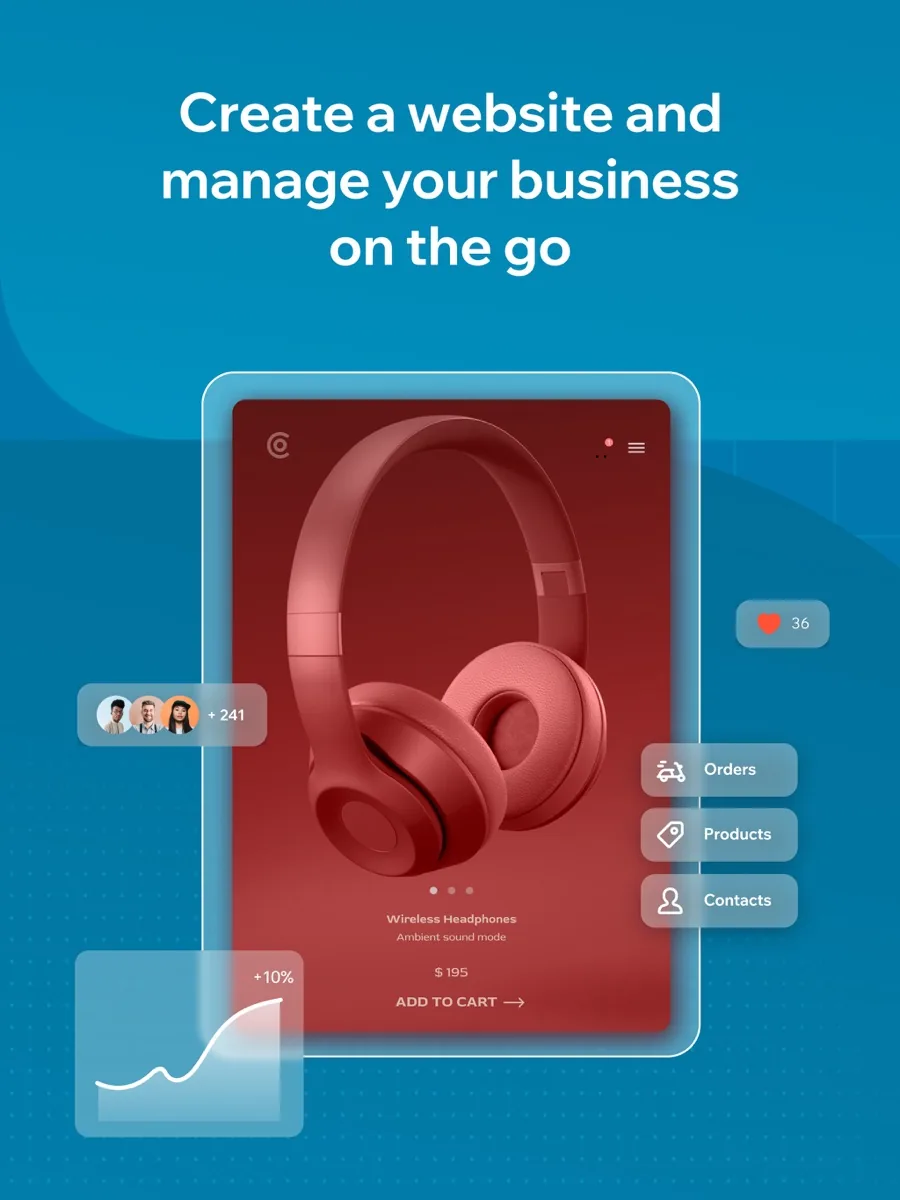
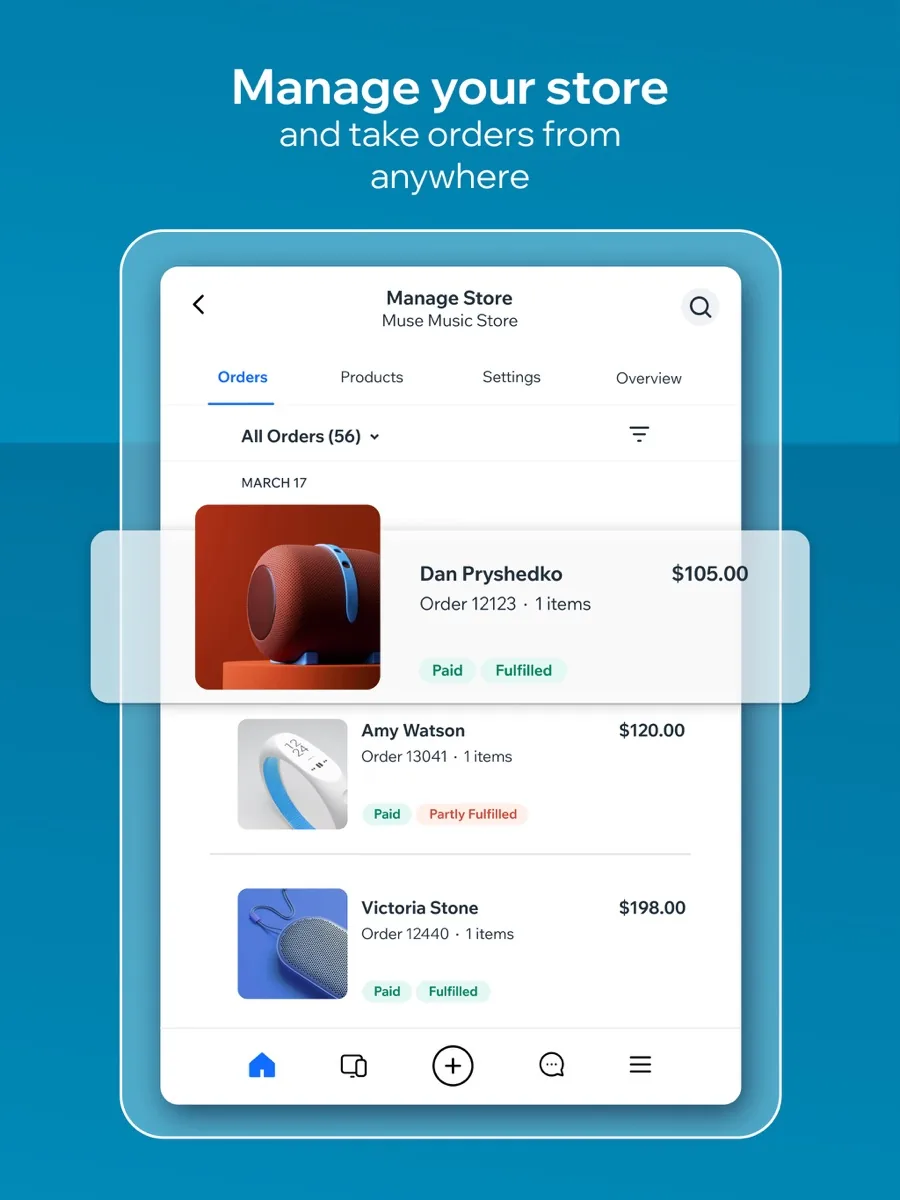
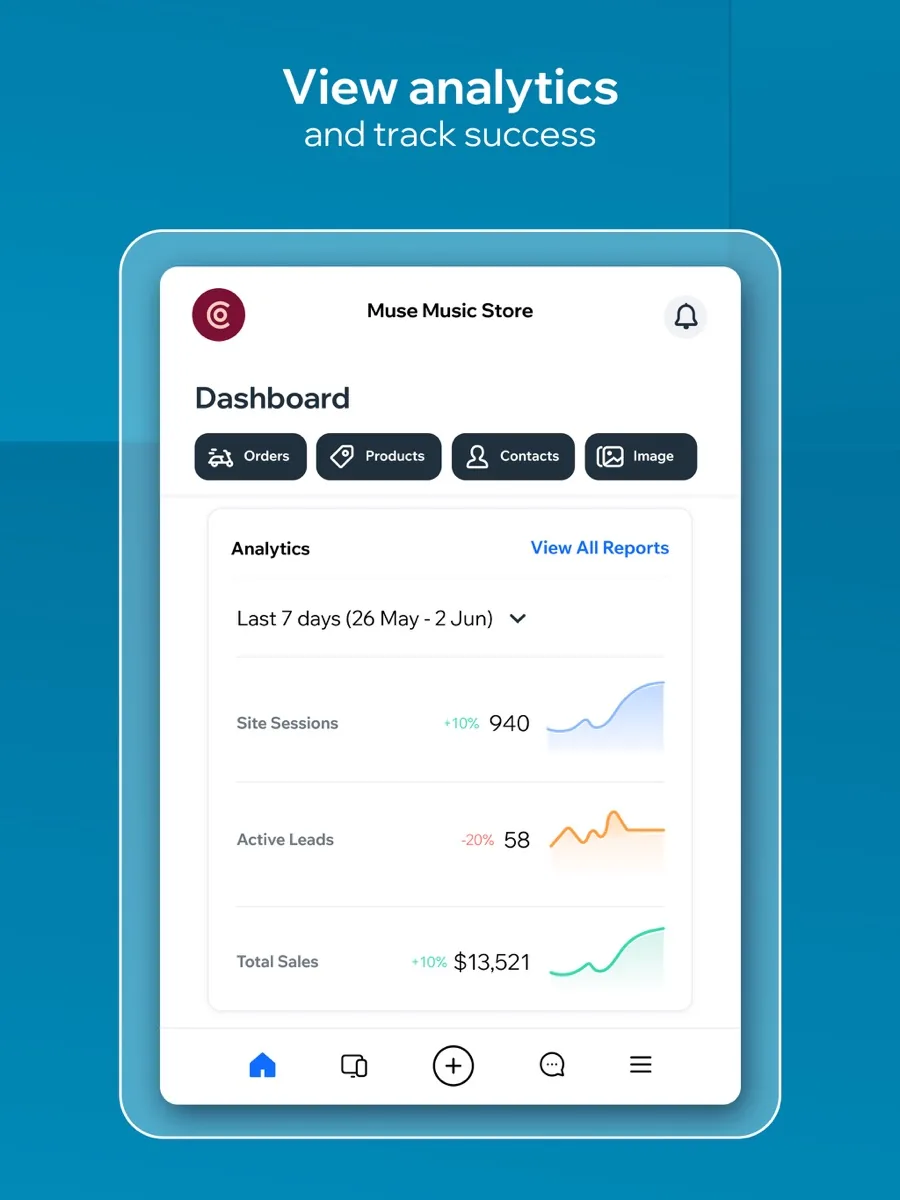
This Wix review looks at the website builder that has turned AI into the front door of its product. You describe the site you want in a chat, Wix builds a complete first draft with pages, copy and images, and you refine it with an AI agent or by dragging elements around yourself. Hosting, security and business tools come included. We rank Wix first among AI website builders. This is an editorial assessment based on Wix's own pages and on independent reviews; NerdBible did not run its own hands-on build for this article.
Our verdict
Wix is the best all-round AI website builder for small businesses, freelancers and creators who want a professional site quickly and do not want to manage hosting. The AI builder gives a strong starting point, the drag-and-drop editor offers more design freedom than most rivals, and the range of built-in tools for bookings, online stores, blogs, email marketing and SEO is among the widest in the category. Independent reviewers at TechRadar, Tom's Guide and Website Builder Expert all place it at or near the top of their rankings.
It is not flawless. You cannot swap templates once a site is live without rebuilding, a Wix site cannot be exported to another platform, and the editor's sheer number of options can feel crowded. Storage is capped on most plans. If you can live with being committed to Wix's platform, it is the most capable builder of its type.
What it is and who it is for
Wix is a hosted website builder and domain registrar. Everything runs on Wix's infrastructure: you do not buy hosting, install software or apply updates. The product spans personal sites, portfolios, blogs, online stores, booking businesses and restaurants, with Wix Studio offered separately for agencies and professional designers.
The AI website builder is aimed at people who would rather describe their business than pick through hundreds of templates. Wix's AI website builder page says you can create a site by describing what you want, and that the AI produces a complete site with industry-specific tools, tailored copy and visuals. After that, you move between prompting Wix's AI agent, Aria, and precise drag-and-drop editing.
Wix suits beginners and small businesses who want to launch quickly and keep everything in one account. It suits less well developers who want full code control, and very large catalogues or content sites where a more specialised platform may scale more comfortably.
Key features
AI site generation
The chat-based builder asks about your business and goals, then produces pages, layouts and content with relevant business features already connected. TechRadar's reviewer asked it to build an online shoe store and received a site with a shop, filters, a cart and product pages, with placeholder text that pointed to the points the business should make. Their conclusion, shared by other reviewers, is that the draft is a fast start that will almost certainly need editing before it represents a real business.
AI tools across the editor
Beyond site generation, Wix lists an AI Text Creator, AI Image Creator, AI Section Creator, AI Meta Tags Creator, AI Email Generator and an AI Marketing Agent. TechRadar's list of the best AI website builders named Wix its top pick largely because these tools sit across the whole product rather than only at the start.
Drag-and-drop editor and templates
The editor lets you place elements freely on the page. Wix offers a very large template library; Website Builder Expert counted over two thousand templates and called it the largest among the builders it tested. Tom's Guide noted that free placement means you should check the mobile layout after big changes.
Business tools
Wix includes online store features, bookings, events, forums, memberships, blogging and email marketing, plus an app market for extras. TechRadar's review found the app market wide but uneven, with many store apps carrying few ratings, so check reviews of any app before you rely on it.
SEO
Wix handles the technical basics automatically, including sitemaps, robots files, canonical tags and image compression to modern formats, and lets experts edit titles, meta tags and structured data. TechRadar ran third-party SEO checkers on Wix templates and reported decent baseline results without fundamental problems.
Hosting and performance
Every site gets hosting, an SSL certificate and a content delivery network. TechRadar's speed tests found Wix reasonable and broadly in line with Squarespace, though not as fast as a hand-tuned self-hosted site because of the number of scripts a builder loads.
How much does Wix cost? Plans and pricing structure
Our page shows current prices from our data. The structure on the Wix plans page is:
- Free: hosting, the editor and templates, with Wix branding on the site and no custom domain. Good for trying the builder, not for a business presence.
- Light: the entry paid plan, with a custom domain and modest storage.
- Core: more storage and the ability to sell and accept payments.
- Business: Wix's recommended plan, with more storage and fuller ecommerce features.
- Business Elite: the top plan and the only one with unlimited storage.
Paid plans include a domain voucher for the first year, valid only for a new domain bought through Wix. Prices are shown on yearly terms, other subscription periods are available, and Wix offers a 14-day money-back guarantee. Tom's Guide pointed out that Wix pricing varies noticeably by country, so check the plan page in your own region. Some apps and premium email marketing are billed on top.
Is Wix safe? Security and reliability
Wix's website security page lists free SSL on every site, AES-256 encryption at application level, PCI DSS Level 1 certification for payments, 24/7 monitoring by a dedicated security operations team and automatic failover across AWS, Google Cloud and Equinix. It also cites ISO 27001, 27017 and 27018 and SOC 2 Type 2, and offers two-step verification by email, SMS or authenticator app. As with any hosted builder, the security of the platform is Wix's job, while strong passwords and two-step verification on your own account are yours.
What other reviewers found
- TechRadar's full review praised the template range, image and video handling, ecommerce and app market, and still found it easy to use. Its reservations covered the uneven quality of the app market, an unreliable blog import tool and limited ways to buy more performance short of a bigger plan.
- Tom's Guide called Wix the most versatile builder it had reviewed, liking the photo editor and ecommerce features. It criticised how hard it is to change templates, an editor that is busier than rivals' and thin built-in visitor analytics.
- Website Builder Expert placed Wix first in its research, citing the editor, the size of the template library and the AI tools, while listing the learning curve, storage limits, fixed templates, higher prices than some rivals and slow loading in its own tests.
- Trustpilot users give Wix a mixed TrustScore across tens of thousands of reviews. Most praise ease of use; the negative reviews cluster around auto-renewals, refunds outside the guarantee window and support.
Where they agree: Wix is the most feature-rich mainstream builder, its AI makes the first draft quick, and you cannot easily change template after launch. Where they disagree: speed, where TechRadar found results acceptable and Website Builder Expert found them slow, and price, which some call fair and others call high. For a buyer, the consistent advice is to try the free plan first, pick a template you are happy to keep, and track the renewal date.
Getting started with Wix
Begin on the free plan and let the AI builder draft a site from a clear description of your business, your audience and the action you want visitors to take. Then replace the placeholder copy and stock images with your own, check every page on the mobile view, and work through Wix's SEO setup checklist. Only upgrade when you are ready to connect a domain and publish.
What could be better
- Template lock-in. Once a site is live you cannot switch to a different template without rebuilding.
- No export. You cannot move a Wix site to another platform; you would rebuild and transfer only the domain.
- Busy editor. The volume of options takes time to learn.
- Storage caps. Only the top plan has unlimited storage.
- AI drafts need work. The generated copy and layout are a start, not a finished site.
- Renewals. User complaints about auto-renewals mean you should note the renewal date.
Who should choose something else
If you want a beautifully designed portfolio with fewer decisions, a builder with a smaller set of curated templates may feel calmer. If you want full control of code, hosting and plugins, a self-hosted content management system gives more freedom at the cost of more maintenance. If you are building a large online store as your main business, a dedicated ecommerce platform is often the better long-term home. And if you only need a simple page with contact details, the free tier of almost any builder, or a free business profile on a search engine, may be enough.
Is Wix worth it? Bottom line
For most small businesses and creators who want a professional website with AI help and no technical upkeep, Wix is worth it. Its AI builder makes starting easy, the editor gives room to make the site your own, and the business tools mean you rarely need another platform. That combination is why we rank it first. Choose your template carefully, accept that you are committing to the Wix platform, and pick the plan that matches your storage and selling needs.
Frequently asked questions
Can Wix build a website with AI?
Yes. Wix's AI website builder asks you to describe your business and goals in a chat, then generates a complete site with pages, layouts, copy, images and relevant business tools. You refine it by prompting Wix's AI agent or by editing with drag and drop. Independent reviewers found the draft a fast start that still needs editing to reflect a real business.
Is there a free Wix plan?
Yes. The free plan includes hosting, the editor and the template library, and you can stay on it as long as you like. Your site will carry Wix branding and a Wix web address rather than your own domain, and storage is limited. To use a custom domain, remove the branding and accept payments, you need one of the paid plans.
Can I change my Wix template later?
Not easily. Tom's Guide and Website Builder Expert both point out that once a Wix site is live you cannot simply switch to a different template. You would need to build a new site and move your content across. It is worth previewing templates on desktop and mobile and choosing one you are happy to keep before you invest time in editing.
Is Wix good for SEO?
Wix handles the technical basics automatically, including sitemaps, canonical tags, SSL and image compression, and lets you edit titles, meta descriptions and structured data. TechRadar's checks on Wix templates found a sound baseline. Like every builder, Wix pages load a fair number of scripts, so keep images light and avoid adding apps you do not need.
Can I move my Wix site to another platform?
No. Wix does not let you export a site to another host or content management system. If you leave, you rebuild the site elsewhere and transfer your domain, which you can do if you registered it through Wix. This lock-in is the main structural trade-off of choosing an all-in-one hosted builder like Wix.