
Our verdict
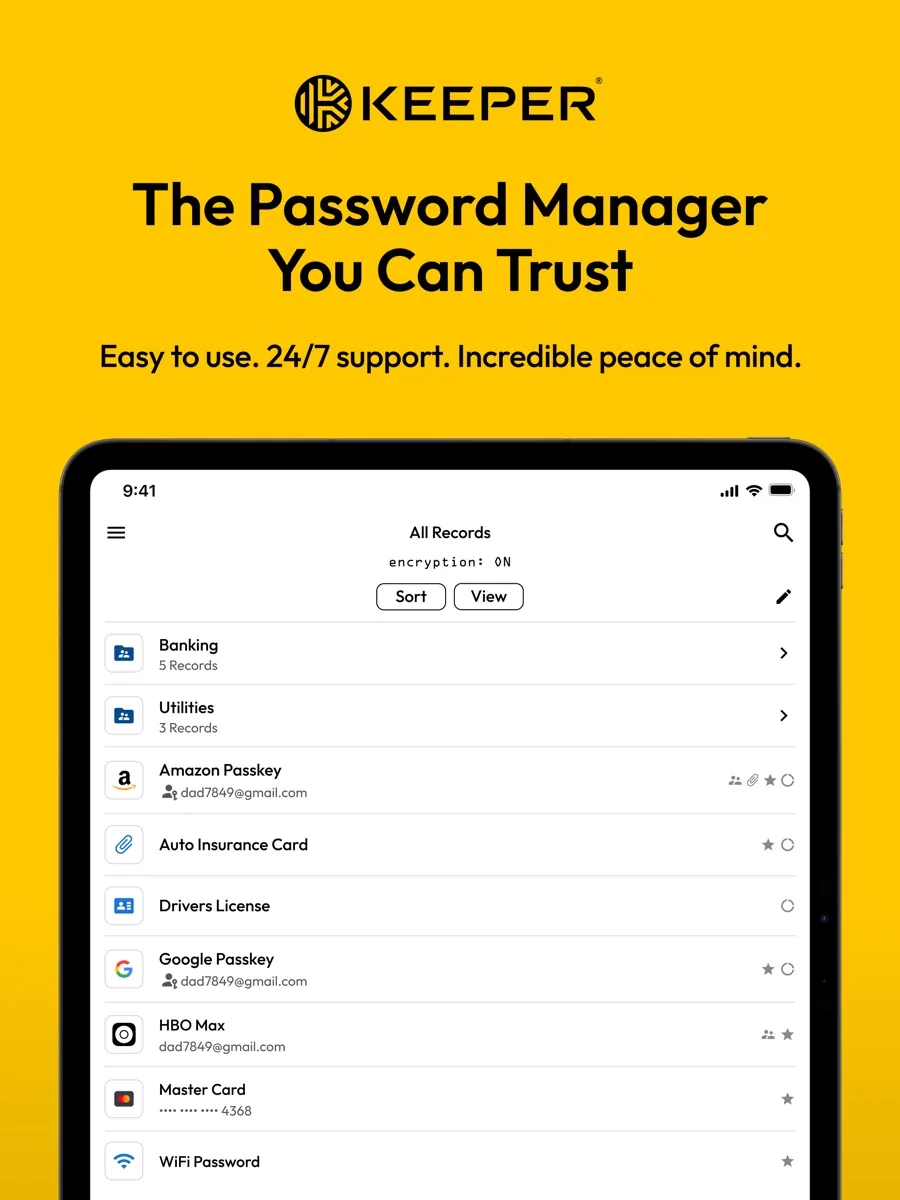
This Keeper review covers Keeper Password Manager for individuals, families and businesses, with most attention on the business side, where it is strongest. Keeper is a zero-knowledge password manager: your vault is encrypted and decrypted on your own devices, so the company cannot read what you store. On top of that core it offers polished apps on every major platform, flexible sharing, emergency access, and an unusually long list of security certifications for a consumer-facing product. For teams, its admin console, role-based policies and enterprise sign-in options make it one of the most complete choices available.
The catch is cost and add-ons. Keeper has no permanent free plan, and features that some rivals include as standard, such as dark web breach monitoring, are sold separately. Reviewers also report that its browser autofill is not always reliable on web forms. If you want a free or very low-cost manager for personal use, there are better fits. If you want strong, well-audited security with real administrative control, Keeper is one of the safest bets in the category.
NerdBible did not run its own hands-on tests for this review. It is an editorial assessment based on Keeper's own pricing, security and documentation pages, its public security history, and reviews from PCMag, TechRadar and Tom's Guide, each credited where used.
What is Keeper and who is it for?
Keeper Security is a US cybersecurity company headquartered in Chicago, according to Wikipedia's company profile, with offices in Europe and Asia. Its products now extend beyond passwords to secrets management for developers, privileged access management and secure remote access, but the password manager remains the centre of the platform.
Keeper suits:
- Small and large businesses. The business plans add an admin console, delegated administration, enforcement policies, compliance reporting and, on Enterprise, single sign-on and automated user provisioning.
- Families who want separate vaults. The Family plan gives five private vaults plus shared folders, so each person keeps their own logins private while sharing the household Wi-Fi or utility accounts.
- Security-conscious individuals. People who value certifications, independent penetration testing and a detailed published encryption model.
It suits less well anyone looking for a free password manager, or a single user who wants breach monitoring included in the base price.
Key features
Keeper's personal and family pricing page lists the core features of its consumer plans:
- Unlimited storage and sync. Unlimited passwords, identities and payment cards, synced across unlimited devices.
- Secure sharing. Unlimited password sharing, with shared folders and per-person permissions to view, edit or re-share.
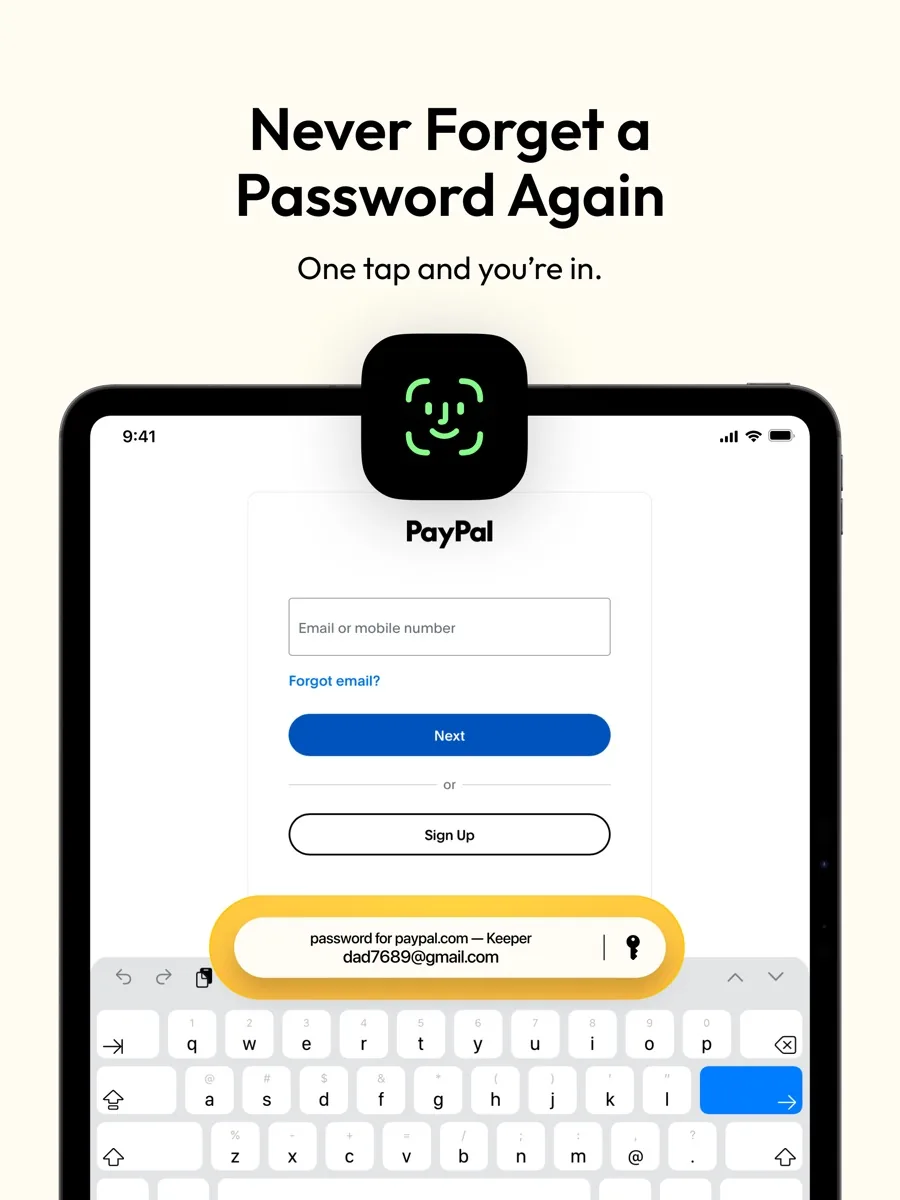
- KeeperFill. The browser extension that fills logins and payment details and saves new accounts as you create them.
- Emergency access. Nominate trusted contacts who can reach your vault if something happens to you, which the Family plan describes as useful for estate planning.
- Secure file storage. Included on the Family plan and available as an add-on for individuals.
- BreachWatch. Dark web monitoring that alerts you when stored credentials appear in a breach, sold as an add-on.
- Passkeys and two-factor authentication. PCMag describes signing in to the vault with a passkey on devices that support biometric unlock, and a range of two-factor options.
For organisations, the business and enterprise pricing page describes three main tiers. Business Starter is aimed at small teams. Business adds encrypted vaults per user, shared team folders, role-based policies and basic two-factor authentication. Enterprise adds SAML 2.0 single sign-on, SCIM provisioning and advanced multi-factor options. Optional modules include Advanced Reporting and Alerts, Secrets Manager for developers, and KeeperPAM for privileged access, sold on custom pricing.
How much does Keeper cost? Plans and structure
Current prices appear on this page from NerdBible's own data, so this section explains the structure. For individuals and households there are two main plans: Keeper Unlimited for one person, and Keeper Family for five users, which adds file storage and shared folders. Both are billed annually, and both can be extended with add-ons such as BreachWatch and extra storage, or bought as a bundle that includes them. Business plans are priced per user per month and billed annually, and the higher business tiers require a minimum number of seats.
Keeper does not offer a permanent free version on its current pricing pages. Instead, it offers a free trial so you can test the premium features first. PCMag describes the trial as lasting 30 days.
Is Keeper safe? Security and privacy
Keeper's security design is the strongest part of the product, and it is unusually well documented. The Keeper encryption model documentation describes a zero-knowledge architecture in which encryption and decryption always happen on your device. Each vault record has its own randomly generated 256-bit AES key in GCM mode, and those keys are in turn wrapped by higher-level keys.
The Keeper security page adds further detail:
- For master-password users, the decryption key is derived on the device using PBKDF2 with one million iterations, and the master password is never sent over the network.
- For single sign-on and passwordless users, elliptic curve keys stored on the device handle decryption.
- Encrypted payloads are wrapped in an additional transmission key on top of TLS to resist interception.
- Keeper lists SOC 2, ISO 27001, 27017 and 27018, FedRAMP High and GovRAMP authorisation, PCI DSS Level 1 and FIPS 140-3 validation, and says it has held SOC 2 Type 2 certification for more than ten years.
- Penetration testing is carried out by outside firms including NCC Group with full source code access, and Keeper runs a public vulnerability disclosure programme through Bugcrowd.
Keeper's record is not spotless, and buyers should know the history. Wikipedia records that a Google security researcher once found a serious flaw in a Keeper browser extension that Microsoft had bundled with Windows, which Keeper patched within a day; that Keeper then sued a journalist who reported on it, a move security experts widely criticised and which ended in dismissal; and that Keeper launched its Bugcrowd programme afterwards. More recent academic and conference research has found issues affecting several password managers including Keeper, and the same source reports that Keeper fixed the extension clickjacking issue in an update. The pattern since then has been prompt fixes and open disclosure, which is what you want to see.
What could be better?
- Add-on pricing. Dark web monitoring and extra storage cost more on personal plans, where several rivals include breach alerts as standard.
- No free plan. Only a trial, which rules Keeper out for anyone who wants a no-cost manager.
- Autofill consistency. PCMag found the browser extension did not always fill identity details into web forms.
- Account deletion. PCMag also noted you cannot delete your account from the web vault.
- Setup effort for businesses. The depth of the admin console means more configuration than simpler team tools, especially for companies that connect single sign-on and directory sync.
Who should choose something else?
If you want a free password manager with sync across devices, open-source or freemium alternatives will save you money, and the password managers built into Apple, Google and Microsoft platforms are a reasonable starting point for many people. If you want breach monitoring included in a single personal subscription, compare rivals that bundle it before adding Keeper's extras. And if you are a very small team that needs only shared passwords with no policies or reporting, a simpler and cheaper business tier elsewhere may be all you need.
Keeper review bottom line: is Keeper worth it?
For businesses, and for families and individuals who put security first, yes. Keeper combines a clearly documented zero-knowledge design, a long list of certifications, independent penetration testing and an open bug bounty with clean apps and excellent sharing. Its admin controls are among the most complete in the category, which is why it stands out for business users. Budget for the add-ons you need, use the free trial to check that autofill works on the sites you use most, and Keeper is a strong long-term home for your passwords.
What other reviewers found
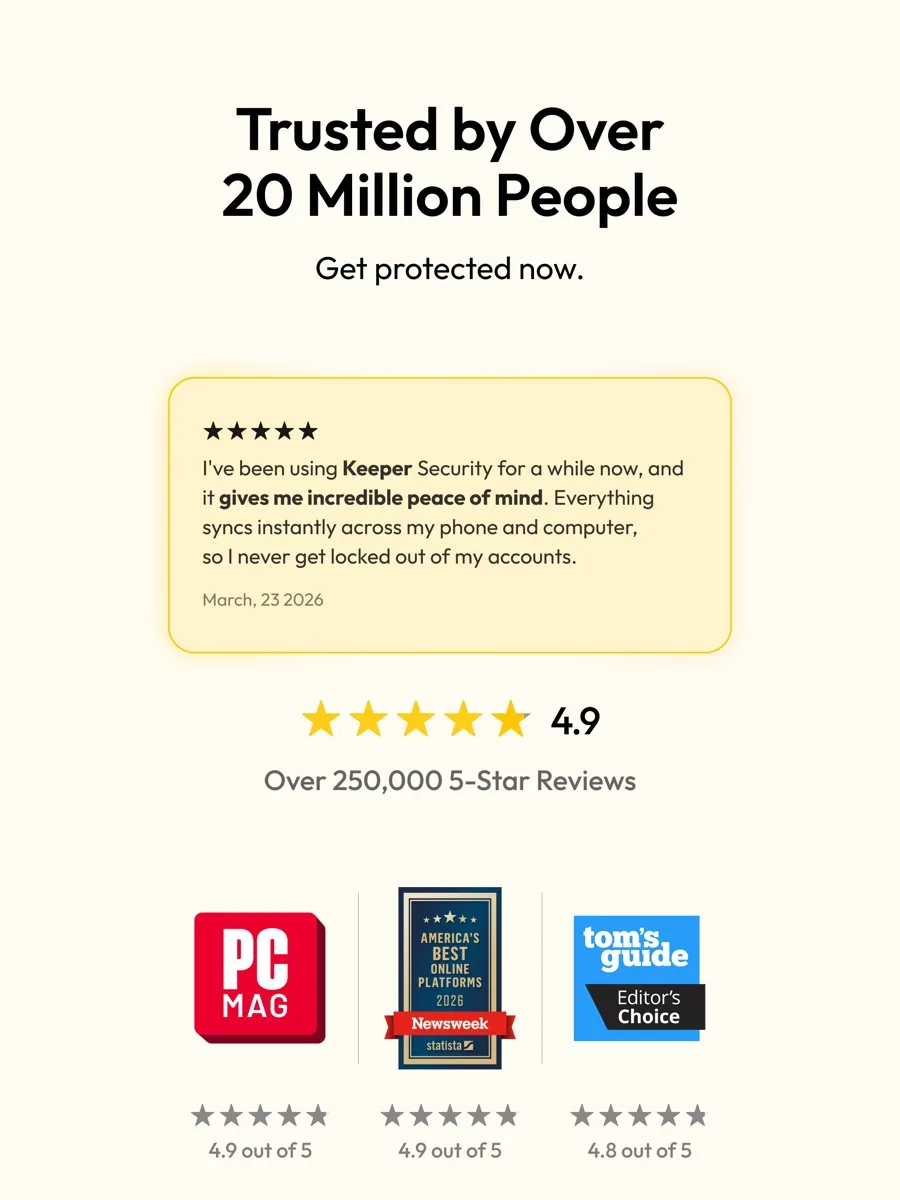
- PCMag described Keeper as good-looking with helpful sharing, praising its emergency access and wearable support, but found that you pay extra for features other apps include and that its autofill results were inconsistent.
- TechRadar called Keeper one of the most respected names in security, singling out its zero-knowledge design, auditing, admin tools and sharing as a strong fit for businesses, while marking it down as relatively expensive with no free option.
- Tom's Guide praised a clean, consistent experience across every platform and fair pricing, but noted that several premium features cost extra.
- Tom's Guide also described a very limited free tier for a single mobile device, while PCMag and Keeper's current pricing pages show only a free trial.
Where they agree: Keeper's security is excellent, its apps are easy to use on every platform, its sharing system is one of the best, and add-ons push the real cost above the headline price.
Where they disagree: value and the free option. Tom's Guide sees the pricing as competitive, TechRadar as relatively expensive, and the outlets do not agree on whether any free version still exists. The disagreement mostly reflects who each review is written for: TechRadar assessed the business product, where Keeper's admin depth justifies the cost, while consumer reviews compare it with cheaper personal managers. For a buyer, the answer depends on use: for a team, Keeper's controls are worth paying for; for one person, compare the total with add-ons against rivals that bundle them.
Frequently asked questions
Is Keeper Password Manager safe?
Yes. Keeper uses a zero-knowledge design in which your vault is encrypted and decrypted on your own device with AES-256 keys, so Keeper cannot read your data. It holds SOC 2, ISO 27001 and FedRAMP High credentials, commissions outside penetration tests and runs a public bug bounty. Past vulnerabilities were patched promptly, and it is still wise to protect your account with a strong master password or passkey.
Is there a free version of Keeper?
Keeper's current pricing pages offer a free trial rather than a permanent free plan, and PCMag describes the trial as 30 days long. Some older reviews mention a very limited free tier on one mobile device, but it is not part of the current personal lineup. If you need a free password manager long term, consider a freemium or open-source alternative.
What does the Keeper Family plan include?
The Family plan covers five users, each with a private vault that other family members cannot open. It includes unlimited password, identity and payment storage, unlimited devices and sync, unlimited shared folders with permissions, 10GB of secure file storage and emergency access. Dark web monitoring through BreachWatch is available as an add-on rather than included as standard.
Is Keeper good for businesses?
It is one of the strongest options. Keeper's business tiers add an admin console, role-based enforcement policies, shared team folders, delegated administration and compliance reporting, and Enterprise adds single sign-on and SCIM provisioning. Reviewers including TechRadar single out these admin tools. The trade-off is that setup takes more effort than with simpler team password tools.
What is BreachWatch?
BreachWatch is Keeper's dark web monitoring service. It checks the credentials stored in your vault against data from known breaches and alerts you when one appears, so you can change that password. On personal plans it is a paid add-on or part of a bundle, and it is also available to business customers, where administrators can see compromised passwords across the organisation.
Sources
- Personal and Family plans, Keeper Security
- Business and Enterprise plans, Keeper Security
- Security and compliance, Keeper Security
- Keeper encryption and security model, Keeper Documentation
- Keeper (password manager), Wikipedia
- Keeper Password Manager and Digital Vault review, PCMag
- Keeper review, TechRadar
- Keeper password manager review, Tom's Guide