
This Square review looks at the point of sale system that many small shops, cafes, salons and market stalls start with, and asks whether it is still the right default. Square combines free POS software, card processing and its own hardware in one account, so a business can be taking payments the same day it signs up. That simplicity is the main reason we rank it first among POS systems. It is not the cheapest way to process large volumes, though, and the trade-offs are worth understanding before you commit your checkout to it.
Square review verdict: is it worth it?
For a new or small business that wants to start selling quickly without a contract, Square is the strongest all-round choice we have assessed. The free plan covers the essentials, the paid tiers add staff, loyalty and reporting tools when you need them, and the same account runs in-person sales, invoices and a basic online store. Independent reviewers broadly agree on that picture.
The caveats are just as consistent. Square charges a percentage plus a fixed amount on every card payment, so costs scale directly with revenue, and Square's own help centre confirms that it can pause transfers to your bank while it reviews unusual activity. Businesses with high monthly volume, thin margins or complex operations should compare quotes before choosing it.
What Square is and who it is for
Square is a payments company that sells a complete selling system: point of sale apps for phones, tablets and its own terminals, payment processing, hardware, and add-on software for payroll, invoicing, appointments, loyalty and online ordering. Its point of sale pages describe tailored versions for food and beverage businesses (coffee shops, quick service, full service, bars, food trucks), retail (clothing, grocery, wine and liquor, garden), beauty (salons, barbershops, spas) and a long list of service trades, from contractors to pet services.
The people Square suits best are owners who want to do everything themselves. There is no sales call, no installer and no long-term processing agreement. You create an account, add your items, connect a bank account and start taking payments. That makes it a natural fit for:
- new businesses testing demand before investing in hardware
- mobile sellers such as food trucks, market traders and pop-ups
- small cafes, counter-service restaurants and boutiques
- appointment-based businesses that also sell products
- service businesses that mostly send invoices but occasionally take a card in person
Key features
Ways to take payment
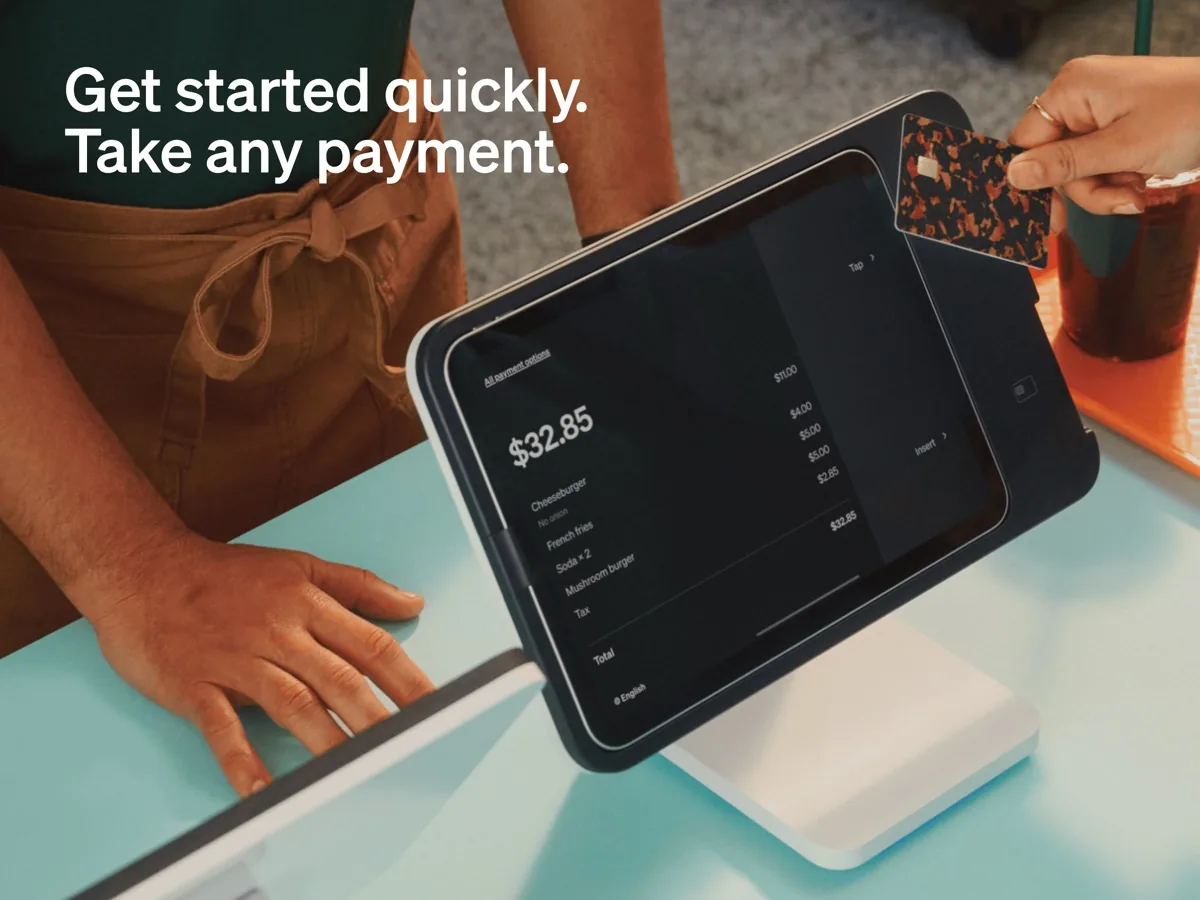
Square's pricing page lists tap, chip and swipe acceptance, including cards and digital wallets, and it supports Tap to Pay on iPhone and Tap to Pay on Android, which means a compatible phone can accept contactless payments with no extra hardware at all. When you want dedicated equipment, the hardware range includes card readers, Square Stand for an iPad, Square Terminal, Square Handheld, Square Register and self-service kiosks. Payment links, invoices and an online store sit in the same dashboard.
Offline payments
Internet outages are a real risk at a market stall or busy counter, and Square's support centre explains how offline mode works. You can keep accepting card payments while disconnected, but the seller carries the risk: you will not see declines until you reconnect, and Square says you are responsible for any expired, declined or disputed payments taken offline. Payments must be uploaded within a set window once you are back online, and Square recommends doing so within 24 hours. It is a useful safety net, not a reason to run offline by choice.
Inventory, staff and customers
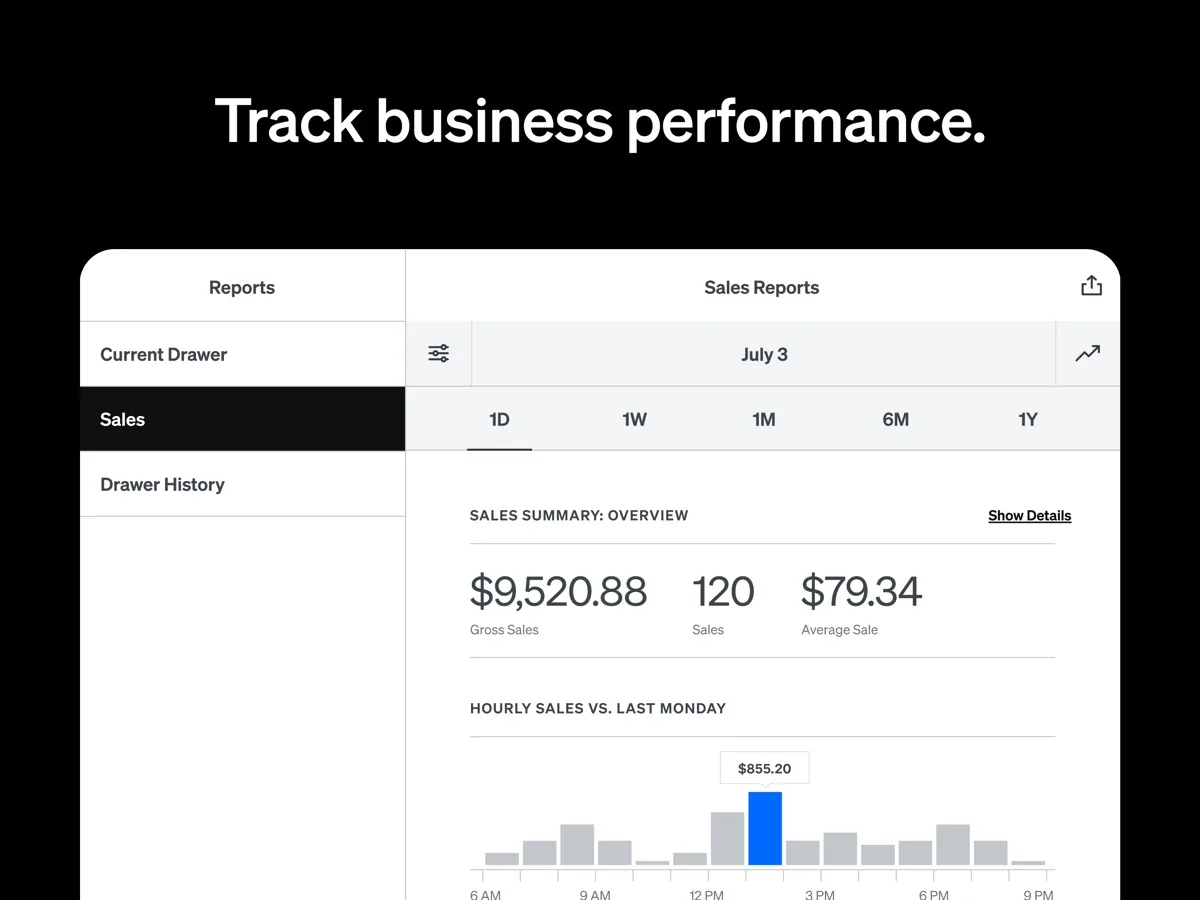
The free plan includes an item library and the POS app. Square Plus adds staff management, expanded website customization and a loyalty rewards program. Square Premium adds advanced reporting, removes gift card load fees and includes round-the-clock phone support. Industry versions add features such as kitchen display and table management for restaurants or deeper inventory tools for retail.
Online selling
Every plan includes a website builder with search optimization tools, so a small business can publish a simple store or ordering page from the same item catalogue it uses at the counter. It will not replace a dedicated ecommerce platform for a large catalogue, but it removes the need to keep two inventories in sync for a modest one.
How much does Square cost? Plans and pricing structure
Square's structure has two parts: an optional monthly software subscription, and processing fees on each card payment. Our product card above shows current figures; here is how the structure works.
- Square Free has no monthly subscription. You pay only processing fees when you take a card payment.
- Square Plus and Square Premium are monthly subscriptions that unlock more tools and, according to Square's fee guide, lower processing rates. Square says both come with a free 30-day trial and can be cancelled or switched at any time.
- Square Pro is custom pricing for businesses processing a high annual volume, with Square inviting those sellers to talk to its team about rates, hardware discounts and account management.
Square's fee guide stresses that rates differ by how the card is taken: in-person tap or dip payments cost less than online or invoice payments, and keyed-in card numbers cost more because of higher fraud risk. International cards carry an extra percentage. Cash and checks recorded in the POS cost nothing. Square also says it charges no fees for chargebacks and dispute management, which is unusual and genuinely valuable for a small seller. Hardware is a one-off purchase rather than a lease.
Is Square safe? Security and account holds
Square's security page says it handles PCI compliance on behalf of sellers, so a business using Square does not have to run its own annual card-industry compliance process. It describes fraud prevention, dispute assistance and encryption as part of the processing fee rather than paid extras. For a small business without an IT department, that bundled approach is one of the strongest arguments for an all-in-one processor.
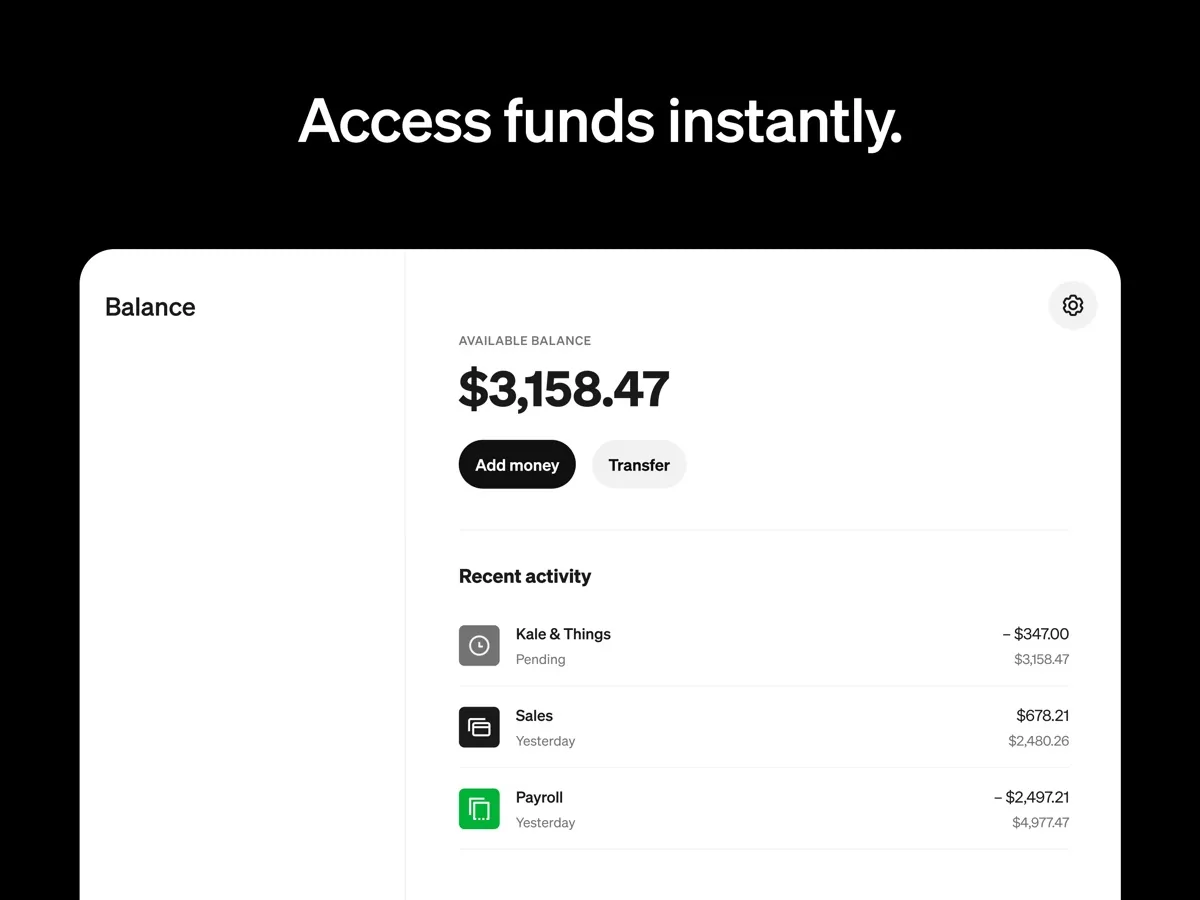
The other side of that protection is account review. Square's help centre states plainly that if its systems notice something out of the ordinary, it suspends transfers to your bank, including instant transfers, until it is satisfied everything is in order. It says most reviews finish within one business day, and that you cannot move funds out of Square until you supply any information it requests. Reviewers and Square's own community forums describe holds being triggered by sudden spikes in sales, large one-off payments, missing account details or a jump in chargebacks. If your cash flow depends on next-day deposits, plan for that possibility: keep your account details complete, warn Square before an unusually large sale where you can, and keep a cash buffer.
What other reviewers found
- NerdWallet gives Square POS its top rating and highlights the low barrier to entry, the free software plan and the absence of chargeback fees, but notes that Square raised its standard processing rates and that support experiences reported by users are mixed.
- PCMag gives Square an Editors' Choice award for its flat, predictable pricing, hardware range and offline mode, while warning that fast-growing businesses can see account freezes that look like fraud checks.
- TechRadar found setup quick and the interface intuitive, and judged it a strong fit for small and mobile sellers but a weaker one for businesses with large transaction volumes, citing limited customization and high fees.
- A separate NerdWallet column by a writer who uses Square for her own business singles out merchant account holds as her biggest worry, describing the cash-flow risk they pose to a small business.
Where they agree: every outlet praises ease of setup, the free entry point and the breadth of hardware, and every outlet flags processing cost at scale. PCMag and NerdWallet both independently raise account holds, which matches what Square's own help centre describes.
Where they disagree: PCMag lists many support channels as a strength, while NerdWallet reports uneven support quality. The difference is partly about plan: round-the-clock phone support is a Premium feature on Square's pricing page. TechRadar is also more critical of customization than the others. For a buyer, the practical reading is that Square is easiest at the start and most expensive relative to rivals once volume grows, so revisit the decision as your sales rise.
What could be better
- Processing costs grow with you. A flat percentage is predictable but not cheap at volume. Interchange-plus pricing from a traditional merchant account can work out lower for larger businesses.
- Holds and reviews. Square documents that it can pause transfers during a review. That protects the system but can hurt a small business's cash flow.
- Phone support depends on plan. Square lists 24/7 phone support as a Premium feature.
- Device support. NerdWallet notes the POS apps run on iOS and Android rather than Windows, so a business standardized on Windows PCs will need different hardware.
- Depth for complex operations. Large full-service restaurants and multi-location retailers with heavy inventory needs may outgrow the standard tools, as NerdWallet and TechRadar both note.
Who should choose something else
If you process a large volume every month, ask for quotes from processors that offer interchange-plus pricing or negotiated rates; Square itself directs high-volume sellers to its custom-pricing team, which tells you the standard rates are not aimed at them. If your business runs on Windows terminals, or needs specialist features such as complex table service across many locations, an industry-specific system may fit better. And if you only take a handful of card payments a month, a payment link or the payment tools in your invoicing software may be all you need.
Bottom line
Square earns its first place because it removes almost every barrier to starting: free software, no contract, a phone that can take contactless cards, and one dashboard for in-person, online and invoiced sales. Its documented weaknesses, cost at scale and the possibility of held transfers, are real but manageable for most small businesses that understand them in advance. Start on the free plan, use the 30-day trial before paying for Plus or Premium, and compare your effective rate against alternatives once your monthly sales are substantial.
Frequently asked questions
Is Square POS really free?
The Square Free plan has no monthly subscription, and Square says there are no fees for account activation, reporting or support. You pay processing fees each time you accept a card payment, and hardware beyond your own phone is a one-off purchase. Paid plans add features and lower rates, so the cheapest option depends on how much you sell each month.
Why would Square hold my money?
Square's help centre says it suspends transfers when its systems spot activity that looks out of the ordinary, and keeps them paused until a review is complete. Common triggers reported by sellers include sudden sales spikes, unusually large payments, incomplete account details and rising chargebacks. Square says most reviews finish within one business day and that it will email you if it needs documents.
Can Square take payments without internet?
Yes, Square offers an offline mode on supported devices. The catch is that you will not know about declined cards until you reconnect, and Square says the seller is responsible for any declined, expired or disputed offline payments. Payments must be uploaded within a set time limit once you are back online, so offline mode is best kept for genuine outages.
Does Square charge for chargebacks?
According to Square's own fee guide, it does not charge fees for chargebacks or dispute management, and its security page says dispute assistance is included in the processing fee. You can still lose the disputed amount if the customer's claim succeeds, so keeping receipts, signatures and delivery records remains important for any business that takes cards.
Is there a free trial of Square's paid plans?
Square says both Square Plus and Square Premium include a free 30-day trial, and that you can cancel or switch plans at any time. That makes it reasonable to start on the free plan, trial a paid tier when you need staff management, loyalty or advanced reporting, and drop back if the extra tools do not earn their monthly cost.
Sources
- Point of Sale Pricing and Plans, Square
- What are Square's fees, Square Support Center
- Process offline payments, Square Support Center
- Troubleshoot missing transfers, Square Support Center
- Payment security, Square
- Square Point of Sale, Square
- Square POS Review, NerdWallet
- Square Point of Sale Review, PCMag
- Square POS system review, TechRadar
- I Chose Square To Process Payments: Here's My Biggest Concern, NerdWallet