
CyberGhost review: our verdict
This CyberGhost review looks at the service from the angle of our ad blocker ranking: what you get if you want one app that encrypts your connection and also filters out ads, trackers and known malicious domains. CyberGhost is first and foremost a VPN, and a very approachable one. Its Content Blocker is an optional extra built into the apps, working at the DNS level across your whole device rather than inside a single browser.
That combination is the appeal. With one subscription you get an encrypted connection on public Wi-Fi, a strict no-logs policy that Deloitte has audited, RAM-only servers, an automatic kill switch, and a switch that cuts down ad and tracker requests in every app on the device. The honest caveat is that independent testers have found the Content Blocker itself to be the weakest part of the package. If blocking every last ad matters most to you, pair CyberGhost with a dedicated browser blocker or choose a specialist tool. If you want privacy first and lighter ad filtering as a bonus, CyberGhost is one of the easiest ways to get both.
NerdBible did not run its own hands-on trial for this review. It is an editorial assessment built from CyberGhost's own feature, pricing, privacy and transparency pages and from the published findings of independent outlets, credited and linked below.
What is CyberGhost and who is it for?
CyberGhost is a VPN service headquartered in Bucharest, Romania, according to its transparency report page. PCMag notes that it belongs to Kape Technologies, the group that also owns ExpressVPN and Private Internet Access. The features page lists apps for Windows, macOS, Android, iOS and some Linux distributions, plus Android TV, Google TV and Fire TV devices, and router setup for hardware that cannot run an app.
It suits:
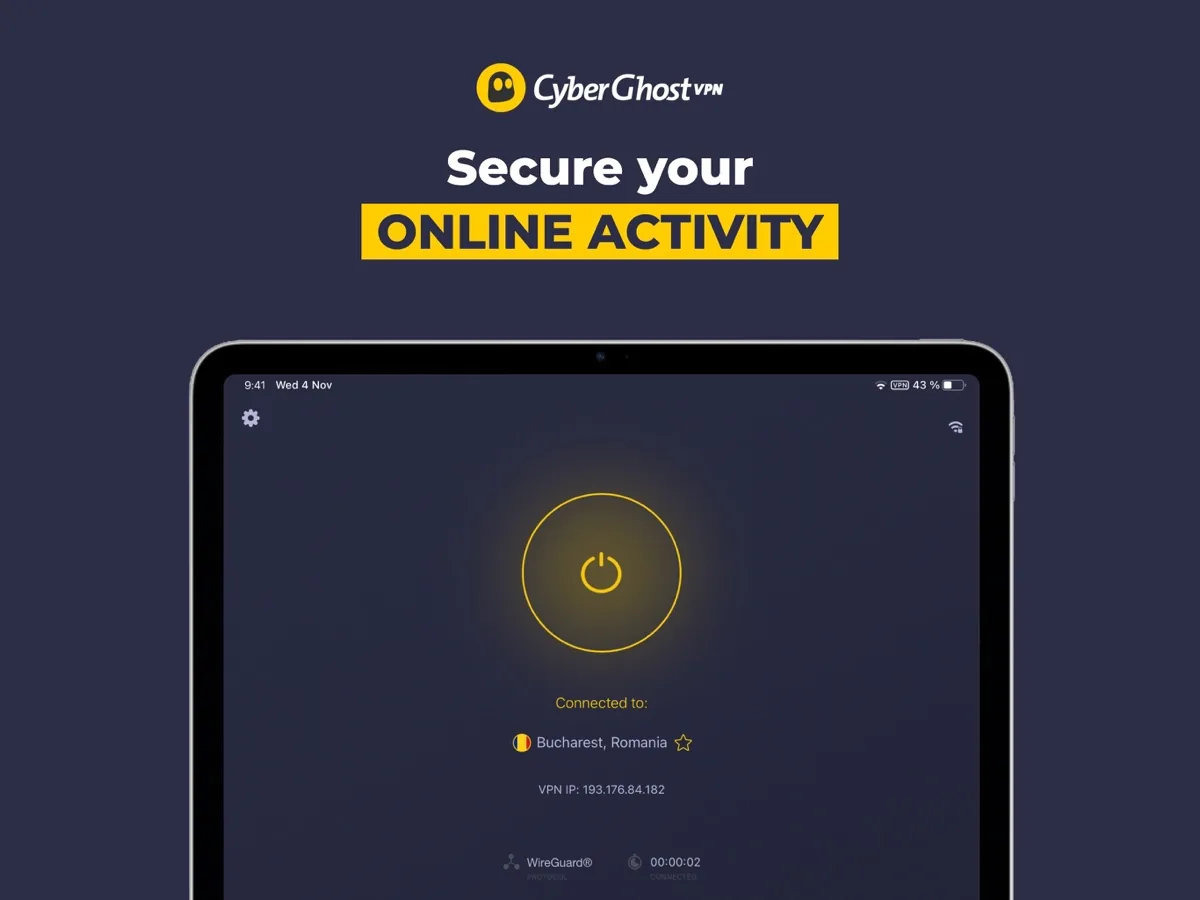
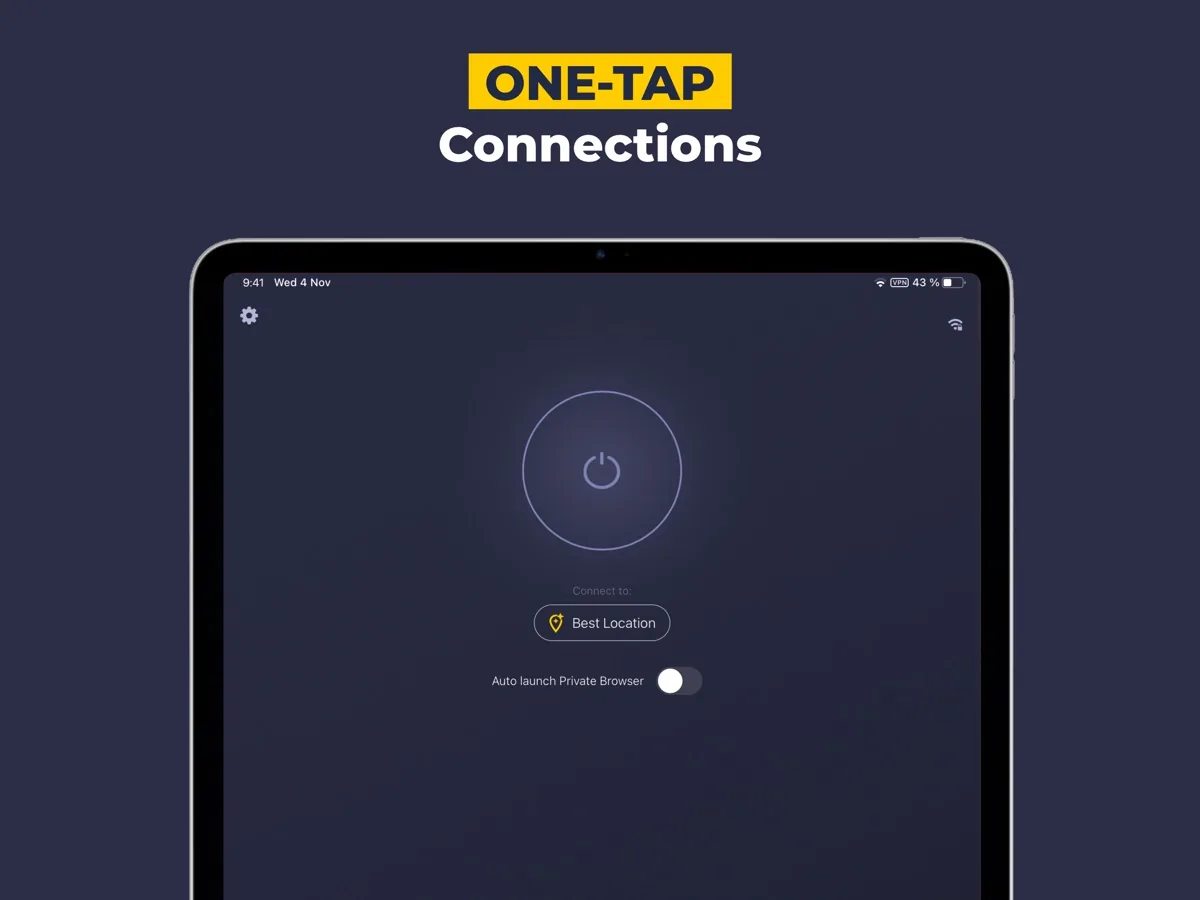
- Beginners. The apps open on a large one-click connect button and need no configuration to be useful.
- People who want ad and tracker filtering outside the browser. Because the Content Blocker works through DNS, it also applies to apps, not just web pages.
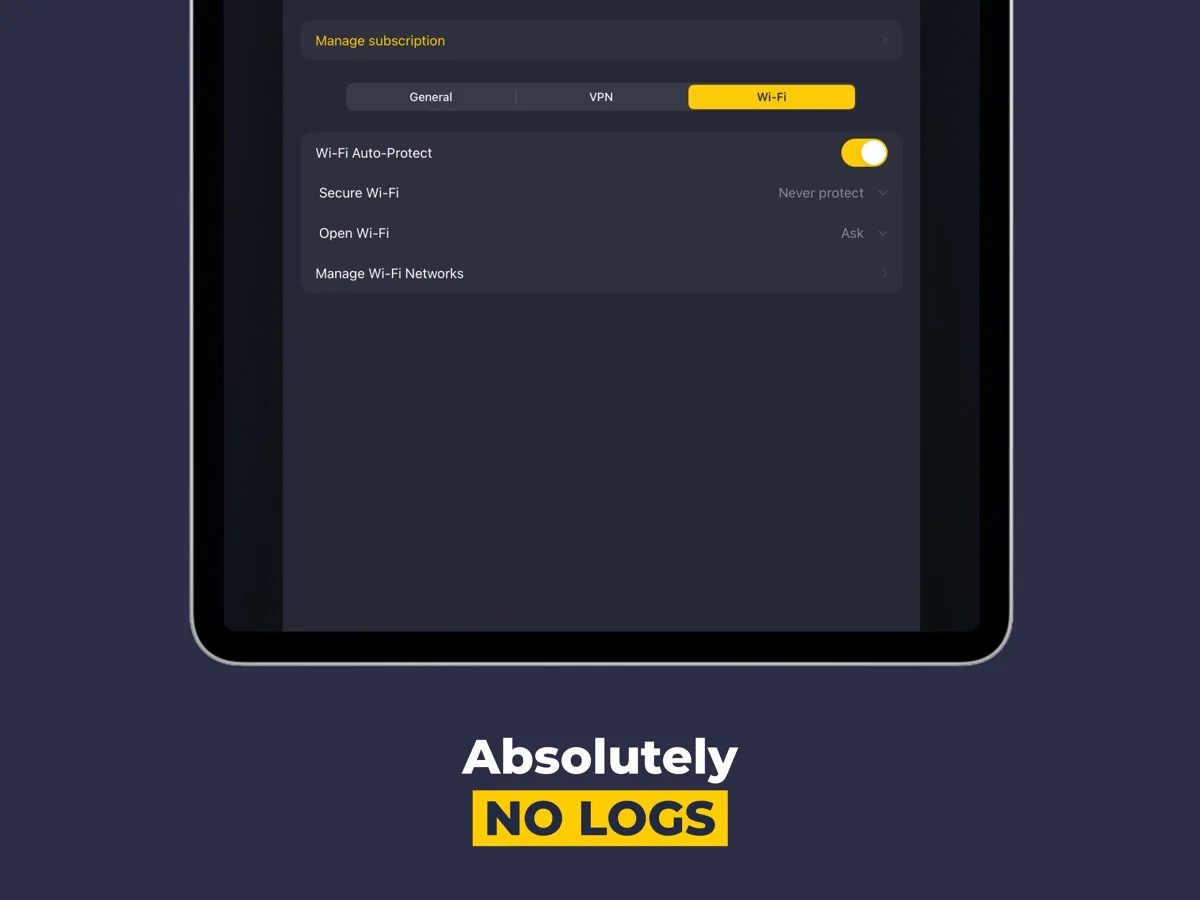
- Frequent public Wi-Fi users. Automatic Wi-Fi protection can start the VPN whenever you join an untrusted network.
- Households with several devices. One subscription covers up to seven devices.
Key features
Content Blocker
The features page describes the Content Blocker as a tool that blocks connections to domains associated with ads, trackers and malware. In practice it works as a DNS filter: when an app or page asks for a domain on CyberGhost's block list, the request goes nowhere. That makes pages lighter and cuts down on cross-site tracking. It also has a structural limit shared by every DNS-level blocker: ads served from the same domain as the content you want, as many video and social platforms do, cannot be separated out this way.
Automatic kill switch and leak protection
The CyberGhost homepage lists AES 256-bit encryption, DNS leak protection and an automatic kill switch that stops traffic if the VPN connection drops, so your real IP address is not exposed during a reconnect.
Smart Rules and Wi-Fi protection
Smart Rules let you tell CyberGhost when to connect: on startup, when a particular app opens, or when you join a network you have not marked as trusted. PCMag notes that on desktop these options sit under Smart Rules rather than in the main settings, which takes a little hunting. The same area handles split tunnelling, which lets chosen websites or apps bypass the VPN, useful for a banking site that rejects VPN traffic.
Protocols and servers
CyberGhost supports WireGuard, OpenVPN and IKEv2, and its features page says it runs servers in 100 countries on RAM-only hardware that wipes data on every reboot. There are also servers optimised for gaming, and NoSpy servers housed in CyberGhost's own facility in Romania.
How much does CyberGhost cost? Plans and pricing structure
Current prices for your region appear in our comparison above. According to the CyberGhost checkout page, the plan structure is simple: every plan includes the same core VPN and the Content Blocker, and the only difference is the billing term.
- Monthly: the most flexible term, with a 14-day money-back guarantee.
- Six months and two years (with bonus months): longer terms cost much less per month and carry a 45-day money-back guarantee.
- Multi-year extras: the checkout page says multi-year plans include CyberGhost ID Guard and Privacy Guard at no extra cost.
- Paid add-ons: a dedicated IP address and a Security Suite for Windows are sold separately.
Two details to know before buying. PCMag reports that NoSpy servers are not available on the one-month plan, something the checkout page does not spell out. And long plans renew at a standard rate after the first term, so note the renewal figure shown at checkout.
Is CyberGhost safe? Privacy and security
CyberGhost's privacy record has improved markedly in recent years, and it now has independent evidence behind its claims.
- Audited no-logs policy. CyberGhost's audit announcement says Deloitte Audit Romania examined its server network and management systems under the ISAE 3000 (Revised) assurance standard. The company says the full report is shared on request rather than excerpted, so read it if you want the detail.
- Quarterly transparency reports. The transparency report lists the legal requests CyberGhost receives each quarter and states that it has no browsing history, traffic logs, IP assignments or connection timestamps to hand over.
- RAM-only servers. Servers keep nothing on disk, so a reboot clears them.
- Jurisdiction. Romania has no mandatory data retention law for VPN activity, which TechRadar counts in CyberGhost's favour.
The privacy policy says the apps send anonymous, aggregated performance events such as connection attempts with the country of origin but not your IP address, and that the website uses third-party analytics and chat tools. The ownership question is the one recurring concern: CNET, in an earlier version of its review, advised readers to look into the parent company's history before subscribing, and PCMag notes that Kape began life as an adware business. Both points concern the owner rather than any finding against CyberGhost's current logging practices, which the audits support.
What could be better
- The ad blocker is basic. Tom's Guide, PCMag and CNET all found the Content Blocker missed a lot of ads, and Tom's Guide reports it did not stop the phishing and malware links it threw at it. Treat it as a light filter, not as malware protection.
- Device limit counts installs. Tom's Guide and TechRadar explain that the seven-device allowance applies to devices you install on, not to simultaneous connections, which feels tighter than rivals' limits.
- Some virtual locations. TechRadar found a few country locations are hosted elsewhere and are not clearly flagged in the apps.
- Fewer advanced tools. PCMag points to the lack of multi-hop connections, and TechRadar describes the feature set as solid but not innovative.
- iOS app. Tom's Guide found the iPhone app slower to connect and less capable than the desktop versions.
Who should choose something else?
If your main goal is blocking ads as thoroughly as possible, a dedicated content blocker in your browser will do far better than any DNS filter bundled with a VPN. If you need antivirus-grade protection against phishing and malicious downloads, use a proper security suite; independent testing does not support relying on CyberGhost's blocker for that. And if you are a power user who wants multi-hop routing or detailed protocol control, more technical VPNs offer more to configure.
Is CyberGhost worth it? Bottom line
CyberGhost is an easy, well-audited VPN that adds network-wide ad and tracker filtering at no extra cost. Its strengths are simplicity, a clear and repeatedly audited no-logs policy, RAM-only servers and a generous refund window on longer plans. Its Content Blocker is a convenience rather than a best-in-class ad blocker, and reviewers agree on that. Buy it if you want a privacy tool first with lighter ad filtering built in, and add a browser blocker if a clean page matters to you.
What other reviewers found
- PCMag liked its large server network, in-app privacy tools and quarterly transparency reports, but found the content blocker hit and miss, catching ads on text-based sites and social networks while missing others.
- TechRadar was impressed by its speeds and its Romanian jurisdiction, while criticising the device limit and a feature set it considers short on innovation.
- Tom's Guide rated it good value with a generous refund window, but called the ad blocker poor and found its DNS filter did not stop test phishing and malware links.
- CNET, in an earlier version of its review that it keeps online for transparency, listed split tunnelling and clean leak tests as strengths and an ineffective ad blocker and the parent company's history as weaknesses.
- ZDNET described it as a solid VPN for beginners with user-friendly apps, noting fast speeds on nearby servers and larger slowdowns on distant ones.
Where the outlets agree and disagree
The agreement is striking on two points. Every outlet finds CyberGhost easy to use, and every outlet that tested the Content Blocker found it weak. Where they differ is on speed and trust. TechRadar and PCMag measured strong speeds, while ZDNET and the older CNET test saw bigger slowdowns on distant servers, which is normal for any VPN and depends heavily on where you are. On trust, TechRadar leans on the Deloitte audits and the Romanian jurisdiction, while CNET's earlier review focused on the parent company. For a buyer, the sensible reading is that CyberGhost is a trustworthy, beginner-friendly VPN whose ad blocking is a modest extra. Use the 45-day guarantee on a longer plan to check it works well on your own connection.
Frequently asked questions
Does CyberGhost have an ad blocker?
Yes. CyberGhost includes a Content Blocker that filters connections to domains associated with ads, trackers and malware. It works at the DNS level for the whole device while the VPN is connected, so it covers apps as well as web pages. Independent reviewers found it noticeably weaker than dedicated browser blockers, so it works best as a light first layer.
Is CyberGhost safe to use?
CyberGhost has a no-logs policy that Deloitte Audit Romania has examined, runs RAM-only servers, uses AES 256-bit encryption and offers an automatic kill switch and DNS leak protection. It publishes quarterly transparency reports on legal requests. Some reviewers raise questions about its parent company, Kape Technologies, but that concerns ownership rather than any finding against its logging.
How many devices can I use with CyberGhost?
One subscription covers up to seven devices. Reviewers at Tom's Guide and TechRadar note that CyberGhost counts devices where the app is installed rather than active connections at a given moment, so if you use more than seven devices you may need to remove one before adding another. Router setup can cover hardware that cannot run the app.
Does CyberGhost offer a money-back guarantee?
Yes. According to CyberGhost's checkout page, the monthly plan carries a 14-day money-back guarantee, while six-month and longer plans carry a 45-day guarantee. That longer window gives you time to check speeds, app behaviour and the Content Blocker on your own devices before you commit, so it is worth keeping a note of your purchase date.
Will CyberGhost's Content Blocker stop malware?
It should not be relied on for that. CyberGhost says the blocker covers domains linked to malware, but Tom's Guide reports that it did not stop any of the fresh phishing and malware links in its test. Keep using your operating system's built-in protection or a reputable antivirus, and treat the Content Blocker as a privacy and tidiness feature rather than security software.
Sources
- Fast, Secure and Private VPN Service, CyberGhost VPN
- VPN Features and Use Cases, CyberGhost VPN
- Buy CyberGhost VPN, CyberGhost VPN
- Privacy Policy, CyberGhost VPN
- Transparency Report, CyberGhost VPN
- CyberGhost VPN Announces Completion of Second Independent Audit Conducted By Big Four Firm, CyberGhost Privacy Hub
- CyberGhost VPN Review, PCMag
- CyberGhost VPN review, TechRadar
- CyberGhost VPN review, Tom's Guide
- CyberGhost VPN Review (earlier version), CNET
- CyberGhost VPN review, ZDNET