
Our verdict
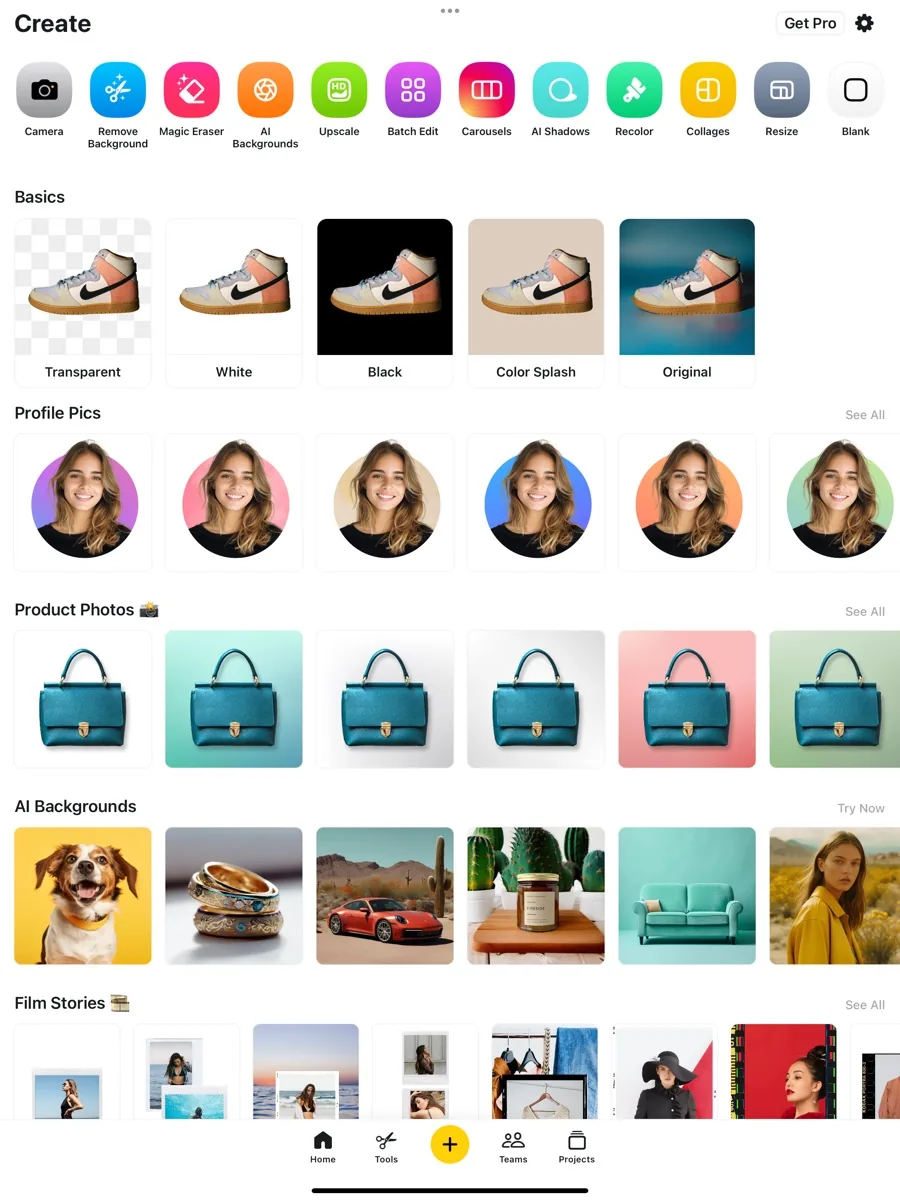
This Pixelcut review covers the AI photo editor that began as a phone app for removing backgrounds and has grown into a full toolkit for product images. Pixelcut removes backgrounds in a tap, generates studio and lifestyle scenes around your product, erases unwanted objects, expands and upscales images, and processes whole folders in batches. It runs in the browser and as apps on iPhone and Android, and its free tier exports without a watermark. For small online sellers who need clean, consistent catalogue photos quickly, it is one of the most practical tools available.
The criticisms are mostly about billing rather than image quality. App Store and Trustpilot reviewers report subscriptions they struggled to cancel and credit charges they did not expect, and the app's privacy label shows tracking for advertising. Reviewers also note that the AI occasionally smooths fine detail or needs a retry on difficult photos.
We rank Pixelcut highly in our AI product photography comparison for its speed, ease of use and ecommerce focus. NerdBible did not edit a catalogue with Pixelcut for this review. It is an editorial assessment built from Pixelcut's own product, pricing, API and privacy pages, its App Store listing, and independent and customer reviews.
What is Pixelcut and who is it for?
Pixelcut is made by Pixelcut Inc. of Oakland, California, according to its privacy policy. Its homepage says more than 70 million creators, brands and businesses have used it, and its App Store listing shows a 4.7 rating from around 220,000 ratings. The homepage now also describes an AI assistant that plans and carries out editing tasks from a plain-language prompt, using a mix of Pixelcut's own models and third-party ones.
It suits:
- Small ecommerce sellers who list on their own store and on marketplaces and need white-background or styled product shots.
- Resellers and social sellers who photograph on a phone and edit on the go.
- Teams with large catalogues that need consistent sizing and backgrounds across hundreds of images.
- Developers who want background removal or upscaling inside their own app, through the API.
It suits less well professional retouchers who need layers and fine manual control, and anyone who wants a direct, in-admin integration with their store platform.
Key features
Background removal, single and in bulk
Background removal is the feature Pixelcut is best known for. Its background remover page says the bulk tool can process up to 10,000 images in one batch, detect each subject automatically, apply consistent sizing, padding and backgrounds, and download the set as a ZIP file ready for Amazon, eBay, Shopify and other marketplaces.
AI product photography
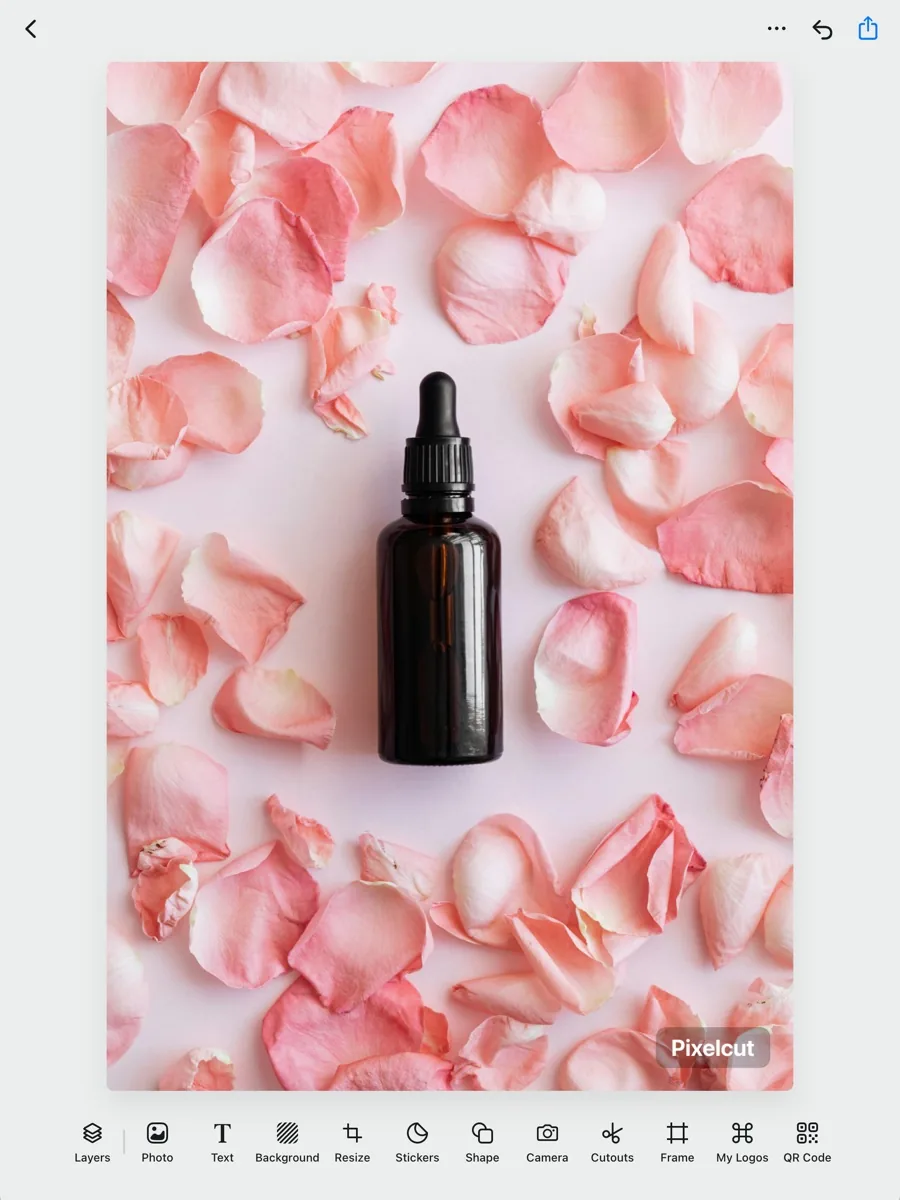
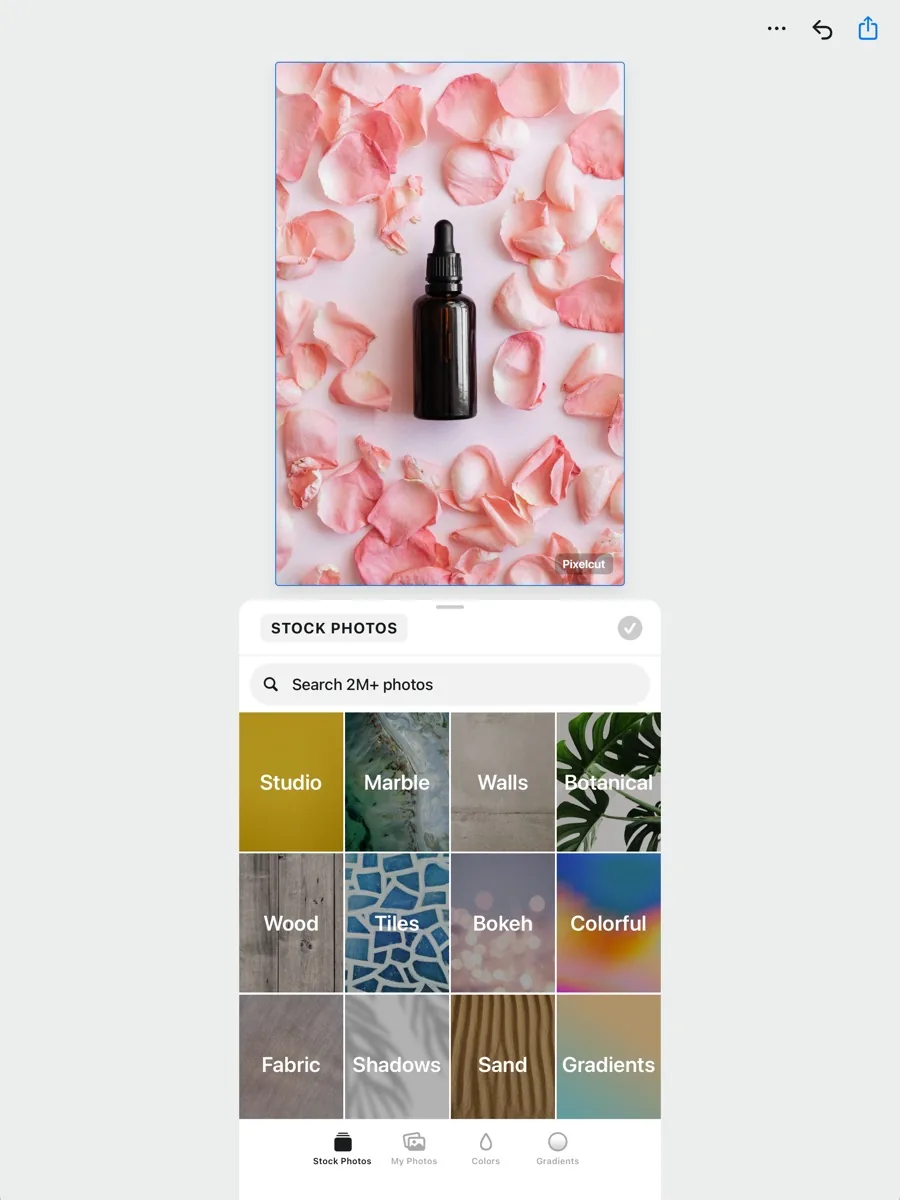
Pixelcut's product photography tool takes an uploaded product photo, lets you pick a studio or lifestyle scene, set the angle and background and add your own prompt, then generates up to four variations at up to 4K resolution. Pixelcut says the tool treats your product as the fixed part of the image so its shape, label text and colours stay true to the original, which is the main thing a seller needs from generated scenes.
Editing tools
The toolkit includes a magic eraser and generative fill for removing objects, an expand tool to extend an image beyond its frame, upscaling up to 16 times original resolution with a choice of models, and background removal for video as well as images. Templates for ads and social posts round it out.
API
Pixelcut's API offers background removal, upscaling, background generation and a virtual clothing try-on, billed by credits. The API FAQ says you keep copyright in the images you process and may not use the API to create training data for your own models.
Shopify and marketplace use
Pixelcut prepares images for Shopify, Amazon, Etsy and other marketplaces, and paid plans include a commercial licence for that use. We found no Pixelcut app on the Shopify App Store or other direct store integration on Pixelcut's own pages, so the workflow is to edit in Pixelcut and then upload the finished images to your store, or to build a connection through the API.
How much does Pixelcut cost?
Our comparison table shows current pricing from our data, so here is the structure. The pricing page lists three plans. Free gives limited background removal and upscaling, with exports free of watermarks. Pro adds unlimited background removal and upscaling, a monthly allowance of AI credits for advanced and third-party models, batch exports, HD output, a commercial licence and three team seats. Business raises the credit allowance and batch limits and includes ten seats. Annual billing saves about a fifth compared with monthly billing, and the page says you can cancel at any time.
Two points deserve attention. First, credits are consumed at different rates depending on the model and task, and video generation uses more. Second, buying through the App Store or Google Play is a separate subscription managed by Apple or Google, with its own prices and cancellation route. Several complaints we read came from people who cancelled in one place and were still billed in another, or who were renewed for a year after a trial.
Is Pixelcut safe and private?
Pixelcut's privacy policy says it uses analytics and advertising services including Meta Pixel, Google Analytics, Mixpanel and AppsFlyer, and that under California law this counts as selling or sharing personal data for targeted advertising; you can opt out with the Global Privacy Control or browser settings. The App Store privacy label likewise shows data used to track you across other apps and websites. The policy does not say clearly whether uploaded images are used to train models, and it does not name the third-party AI providers behind generative features. For ordinary product photos that may not matter; for unreleased products or client work, it is worth asking Pixelcut directly.
What could be better
- Billing and cancellation. The most consistent complaint across Trustpilot and the App Store.
- Variable credit costs. Advanced models use more credits, which makes heavy months hard to predict.
- Privacy transparency. Advertising tracking is disclosed, but model training and AI providers are not spelled out.
- No direct store integration. Images are prepared for Shopify but uploaded by you.
- Limited fine control. No layers or advanced colour correction for professional retouching.
Who should choose something else
If you need professional retouching with layers and masks, a full image editor is the right tool. If you want generated product images pushed straight into your store's product listings, look for a tool with a native integration for your platform. If you edit only a handful of images a month, Pixelcut's free tier or the background removal built into your phone may be enough. And if you need firm guarantees about how uploaded images are handled, choose a vendor that documents its AI data use more explicitly.
Is Pixelcut worth it?
For a seller who lists new products every week, the arithmetic is usually favourable. Removing backgrounds by hand, or paying a retoucher per image, costs far more time or money than a Pixelcut subscription, and the batch tools keep a whole catalogue consistent in sizing and background. The free tier is enough to judge cut-out quality on your own products before you pay anything.
The case is weaker if you rarely add products, if your images need detailed retouching rather than clean cut-outs, or if you rely heavily on generated scenes, where credit use can climb. In those cases, the free tier, a full editor or a pay-per-image service may suit you better. Whatever you choose, take photos in good, even light: every review we read agrees that better source photos give better AI results.
Bottom line
Pixelcut is fast, easy and genuinely useful for sellers who need clean, consistent product images without a studio. Its background removal and batch tools are its strongest features, its generated scenes keep products faithful, and the free tier is generous enough to try properly. Manage the subscription carefully, especially through the mobile app stores, and keep an eye on credit use. For catalogue work at small-business scale, it is one of the best options we have seen.
What other reviewers found
- Users on Techjockey rate Pixelcut 4.5 out of 5 from a small number of reviews, praising background removal and ease of use while noting fewer features than full editors, upload size limits and occasional AI errors that need manual fixes.
- Simplify AI Tools found it well suited to ecommerce sellers and creators who want quick results without complex software, and cautioned that poor source photos still produce imperfect output and that plan limits should be checked before subscribing.
- Futurepedia highlighted its background remover, eraser, upscaler, batch editing and API as strengths, and listed a learning curve and dependence on an internet connection as drawbacks.
- Reviewers on Trustpilot give it a TrustScore of 1.7 from a small sample, dominated by complaints about recurring charges, difficult cancellations and credit use. Pixelcut has not claimed its profile there.
- App users on the App Store rate it 4.7 from around 220,000 ratings, with the critical reviews again focused on subscription renewals.
Where they agree: the background removal is fast and accurate, and the tool is easy enough for anyone. Where they differ: almost entirely on billing. The huge App Store sample is overwhelmingly positive about the editing; the small Trustpilot sample is overwhelmingly negative about charges. That gap tells a buyer the product works and the risk is in the subscription, so start free, upgrade on the web if you can, set a reminder before any renewal, and cancel in the same place you subscribed.
Frequently asked questions
Is Pixelcut free?
Pixelcut has a free plan with limited background removal and upscaling, and exports from it carry no watermark. Paid Pro and Business plans add unlimited background removal and upscaling, monthly AI credits for advanced models, batch exports, HD output, a commercial licence and team seats. Annual billing is cheaper per month than monthly billing, and the pricing page says you can cancel at any time.
Does Pixelcut integrate with Shopify?
Pixelcut prepares images for Shopify and other marketplaces, and paid plans include a commercial licence for store use. We did not find a Pixelcut app on the Shopify App Store or a direct store connection on Pixelcut's own pages, so you edit in Pixelcut and upload the finished images yourself. Developers can automate the process using Pixelcut's API.
How do I cancel a Pixelcut subscription?
Cancel in the same place you subscribed. A web subscription is managed in your Pixelcut account. A subscription bought in the iPhone or Android app is billed and managed by Apple or Google, so you must cancel it in your App Store or Google Play subscription settings. Many complaints come from people who cancelled in the wrong place or after a renewal date.
Is Pixelcut good for product photos?
Independent and app store reviewers broadly say yes for small-business catalogue work. Its background removal is fast and accurate, batch tools keep large sets consistent, and its product photography tool generates studio or lifestyle scenes while keeping the product's shape, label and colours intact. Professional retouchers may want more manual control than it offers.
Does Pixelcut track users or sell data?
Pixelcut's privacy policy says it uses advertising and analytics services such as Meta Pixel, Google Analytics, Mixpanel and AppsFlyer, which California law treats as selling or sharing personal data. Its App Store label shows tracking across apps and websites. You can opt out with the Global Privacy Control or your device's tracking settings.