
PocketGuard review: our verdict
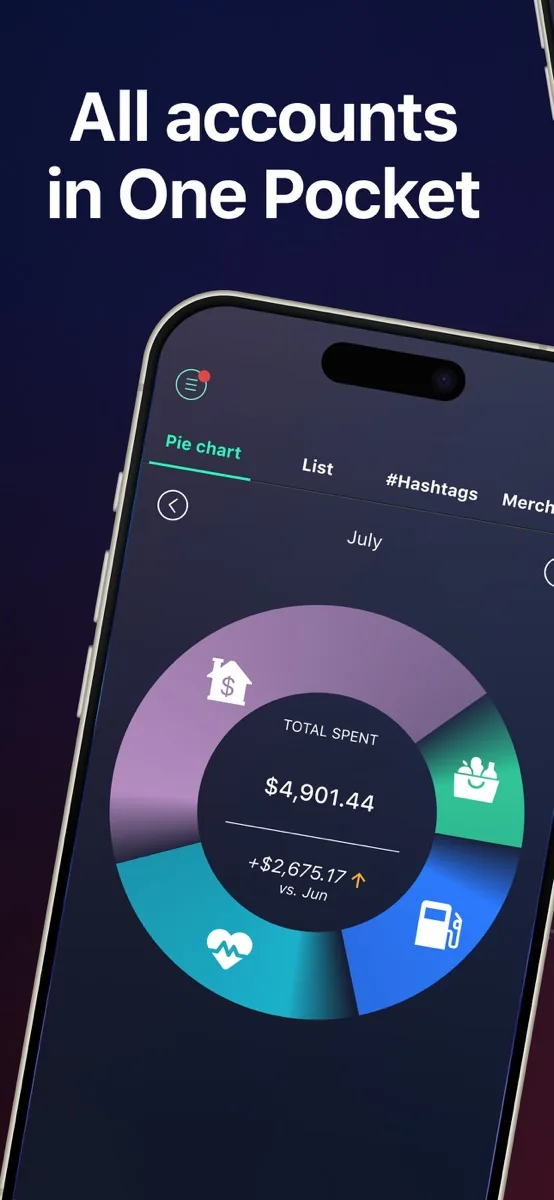
This PocketGuard review looks at a budgeting app built around one simple idea: showing you how much money is genuinely left to spend once bills, savings goals and planned spending are accounted for. PocketGuard calls that number Leftover, and for people who tend to overspend because their bank balance looks healthier than it really is, it is a clear and practical signal. Around it sit the tools most people want from a budgeting app: linked accounts, automatic categorisation, bill and subscription tracking, flexible budget styles, a debt payoff planner and a spending forecast called Pace.
It is not perfect. Independent reviewers find the design a little rough in places, the dashboard less informative than it could be, and the deepest budgeting methods better served by specialist apps. The free option has also narrowed over time, so most people will want the paid Plus plan. But for anyone who wants an easy, cross-platform way to see what is safe to spend, PocketGuard is a strong choice, which is why it sits in the top three of our budgeting app ranking.
NerdBible did not run its own budget in PocketGuard for this review. It is an editorial assessment based on PocketGuard's own product, pricing, security and privacy pages and on the published findings of independent reviewers, which we credit and link below. Nothing here is financial advice.
What is PocketGuard and who is it for?
PocketGuard is a personal finance app from PocketGuard, Inc., based in Menlo Park, California. Its homepage describes it as an all-in-one money management platform available on the web, iPhone, Apple Watch and Android, used by people in the US, Canada and the UK, and says it has helped more than 1.7 million people.
It suits:
- People who overspend without noticing. The Leftover figure turns a cluttered set of accounts into one number to check before buying something.
- Beginners who find spreadsheets tedious. Linked accounts and automatic categorisation do most of the data entry.
- Households juggling bills and subscriptions. Recurring charges are spotted and listed so forgotten subscriptions stand out.
- Anyone working on debt. A payoff planner compares common strategies and shows a projected debt-free date.
It is a weaker fit for people who want investment tracking or credit scores in the same app, and for committed zero-based budgeters who want the most rigorous method, where a specialist app may suit better.
Key features
Leftover: what is safe to spend
PocketGuard says the app shows how much you have left after budgeting for necessities, bills, debt payments, savings and goals. NerdWallet describes Leftover as the app's "claim to fame", the figure that sits at the top of the dashboard.
Flexible budgeting methods
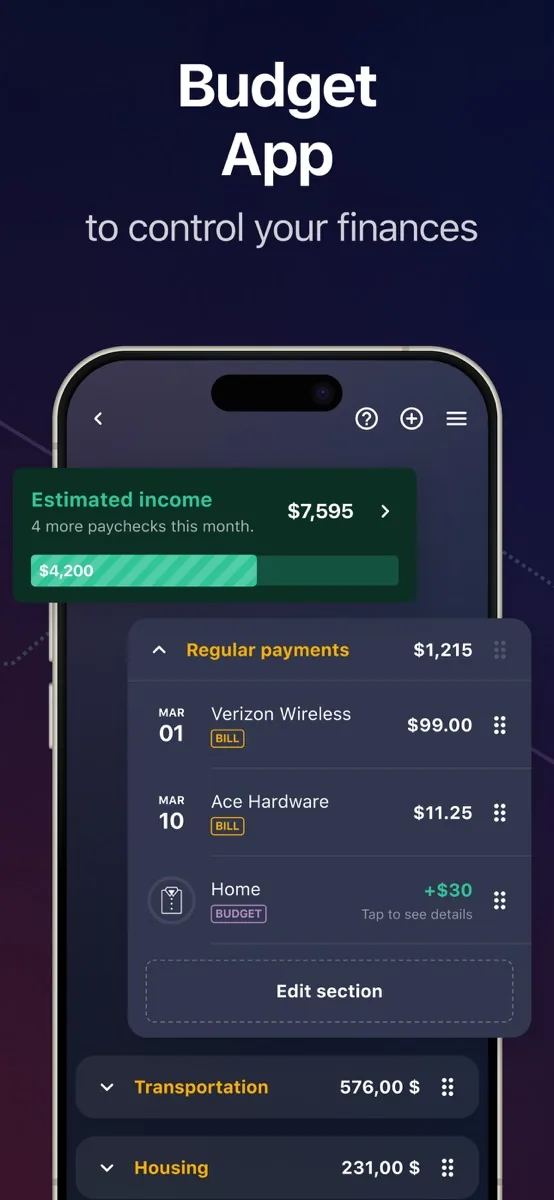
The homepage lists zero-based, category (limits per category), envelope-style and needs-wants-savings splits, or a fully custom system. Unspent money in a category rolls over to the next month and overspending reduces it, so the budget reflects what really happened.
Pace spending forecast
Pace uses your spending history and current habits to forecast how much you will have left at the end of the month, so you can spot overspending early. PCMag notes that it looks ahead roughly four weeks.
Rules, tags and transaction tools
You can set rules to categorise purchases automatically, rename merchants, add tags or exclude transactions from the budget, and edit several transactions at once. PCMag found transaction management above average and praised the ability to split transactions, attach receipt photos and group items with hashtags.
Bills, subscriptions and debt payoff
PocketGuard identifies recurring charges and flags subscriptions before they renew, with instructions for cancelling them. NerdWallet points out that the app shows you how to cancel but does not cancel for you. PCMag reports an optional bill negotiation service run by a partner, Billshark, which takes a share of any savings it achieves and charges nothing if it fails. The debt planner offers the avalanche and snowball approaches.
Insights and goals
Insights lets you filter spending by date, account, category, tag and merchant, and a monthly review summarises the previous month's Leftover, budgets, bills and goal progress. You can set savings goals and track progress automatically.
How much does PocketGuard cost?
Our page above shows prices from our own data. In structure, the PocketGuard pricing page offers PocketGuard Plus as a monthly subscription, an annual subscription, or a one-time lifetime purchase, each with a 7-day free trial. PocketGuard says there are no ads and no hidden fees, that you can cancel at any time, and that subscriptions renew automatically unless cancelled at least 24 hours before the end of the period.
Whether a free tier still exists is not entirely clear. PocketGuard's current pricing page lists only the paid options. NerdWallet describes a free version that covers budgeting basics but limits you to two budget categories and a handful of rules, with Plus needed for multiple linked accounts, goals, debt planning and subscription tracking. If a free tier matters to you, check what the app offers when you sign up.
Is PocketGuard safe?
The PocketGuard security page says the app pulls financial data through established connectors, namely Finicity, Plaid, Salt Edge and Apple Wallet, and does not store your card credentials. Once connected, PocketGuard has read-only access: it can see transaction descriptions and amounts but cannot move money. The app can be locked with a PIN or biometrics, data can be erased remotely if you lose your device, and PocketGuard says it uses 256-bit SSL encryption. You can also use the app without linking any bank account by creating a manual cash account.
On privacy, the pricing page states that PocketGuard does not sell your data. Its privacy policy describes the categories of third parties information may be shared with, including service providers and marketing partners, so it is worth reading if data sharing is a concern. PCMag notes the app supports multi-factor authentication, which we recommend switching on.
Support
PocketGuard offers a help centre and email support, and the pricing page promises priority human support for Plus members. PCMag found the help content genuinely useful and reported that PocketGuard's AI support agent answered accurately and quickly on mobile and web.
What could be better
- Design rough edges. Engadget found the interface lacked polish and the web version felt like a stretched mobile app.
- A thin dashboard. PCMag felt the dashboard made poor use of space and lacked charts.
- Few extras. PCMag would like credit score and investment features; Engadget wanted clearer totals for cash and investments.
- Unclear free option. The vendor's pricing page now shows paid plans only, while some reviews still describe a limited free tier.
- Bill negotiation costs. The optional partner service keeps a sizeable share of any savings, according to PCMag.
Who should choose something else?
If you want to follow a strict zero-based method and are willing to learn it properly, PCMag suggests a specialist app such as YNAB will teach you more. If you want investments, net worth and credit monitoring in one dashboard, a broader personal finance suite may suit better. And if your finances are simple and you prefer not to link accounts, your bank's own spending tools or a basic spreadsheet may be enough at no cost.
What other reviewers found
- PCMag rated PocketGuard a capable all-purpose finance app with an excellent user experience and above-average transaction tools, but felt the dashboard wasted space and the app lacked credit score and investment features.
- NerdWallet sees the free version as a good starting point for new budgeters and the lifetime option as a reason to consider Plus, while noting the tight limits of the free tier.
- Engadget tested PocketGuard for its budgeting app roundup but left it off its main picks, finding the interface understandable yet unpolished and the web version underused.
- PCMag also found the bill negotiation and subscription cancellation tools tucked away in settings when they deserve more prominence.
Where they agree: PocketGuard is easy to understand and does the core job of tracking spending and showing what is left. Where they disagree: the quality of the experience. PCMag praises the user experience and recent improvements, while Engadget finds the app rough around the edges. NerdWallet's view of the free tier also differs from what PocketGuard's own pricing page now shows. For a buyer, the takeaway is to use the 7-day trial to judge the interface for yourself, and to choose PocketGuard if the Leftover approach matches how you think about money.
Is PocketGuard worth it?
For people who mainly need to stop overspending and want a clear, automatic answer to whether they can afford the next purchase, PocketGuard is worth trying, and the lifetime option may appeal to anyone tired of subscriptions. If you want the deepest budgeting method or a full wealth dashboard, look at alternatives. Any decision about debt, saving or investing is yours to make, ideally with a qualified adviser where the stakes are high.
Bottom line
PocketGuard earns its place near the top of our budgeting app ranking for its simple safe-to-spend figure, flexible budgeting styles, solid transaction tools and read-only security model. It has rough edges and a narrowing free option, but as an everyday guard against overspending it does its job well.
Frequently asked questions
Is PocketGuard free?
PocketGuard's pricing page lists PocketGuard Plus as a monthly, annual or one-time lifetime purchase, each with a 7-day free trial. NerdWallet describes a free version with limits such as two budget categories, but the vendor's pricing page does not currently list one. Check the options shown in the app when you sign up.
What does Leftover mean in PocketGuard?
Leftover is PocketGuard's figure for how much money remains after accounting for your expected income, bills, savings goals and planned spending in each budget category. It appears at the top of the dashboard so you can see at a glance what is safe to spend.
Is PocketGuard safe to link to my bank?
PocketGuard says it connects through established data providers such as Plaid and Finicity, does not store your card credentials, and has read-only access, meaning it can view transactions but cannot move money. It uses encryption, supports PIN or biometric locks and remote data erasure, and can be used with manual accounts if you prefer not to link a bank.
Can PocketGuard cancel my subscriptions?
PocketGuard identifies recurring charges and subscriptions from your linked accounts and gives you instructions for cancelling the ones you no longer want, but according to NerdWallet it does not cancel them on your behalf. PCMag reports a separate, optional bill negotiation service run by a partner that takes a share of any savings.
Which devices does PocketGuard work on?
PocketGuard is available on the web, iPhone, Apple Watch and Android, with your budget synced across devices in real time. PCMag found the mobile apps include nearly all of the features of the web version, while Engadget felt the web version did not make good use of a larger screen.
Sources
- PocketGuard: Budgeting App and Tracker for iPhone, Android, Web, PocketGuard
- Pricing Plans, PocketGuard
- Keeping Your Finances Safe and Secure, PocketGuard
- Privacy Policy, PocketGuard
- PocketGuard - Budget App, App Store listing by PocketGuard, Inc.
- PocketGuard Review: A Capable Collection of Personal Finance Tools, PCMag
- PocketGuard App Review, NerdWallet
- The best budgeting apps, Engadget