Our verdict
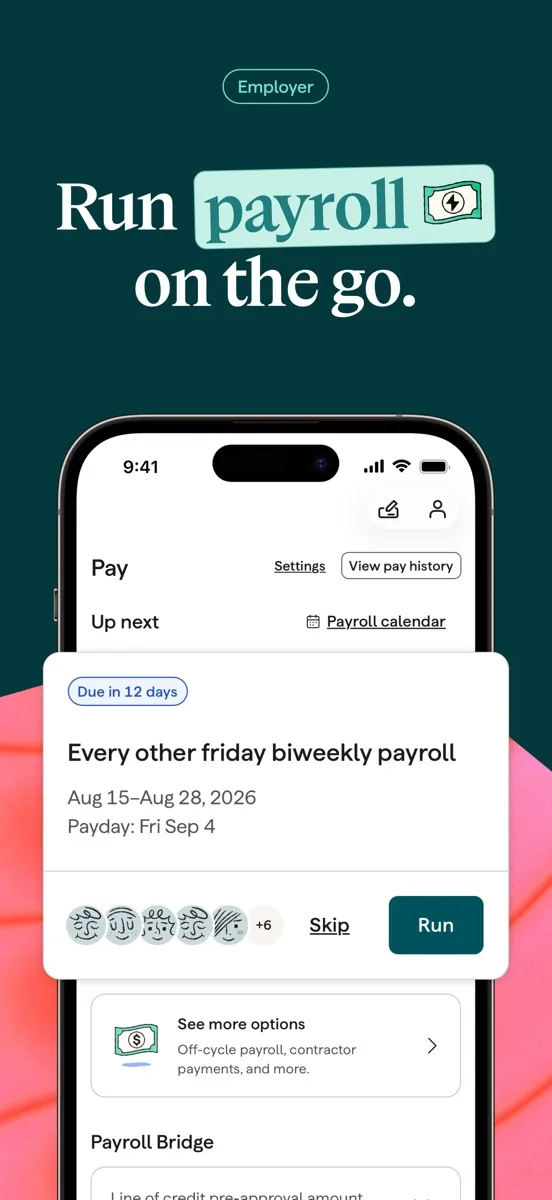
This Gusto review covers the payroll software we rank first for small US businesses. Gusto's appeal is that it makes running payroll feel routine: you enter hours or confirm salaries, approve the run, and Gusto pays your people by direct deposit and, as it describes on its payroll page, calculates and files the related payroll taxes with the relevant government agencies each time you run payroll. Payroll runs are unlimited on every plan, the same platform handles contractors, and benefits, time tracking and HR tools sit alongside payroll rather than in separate systems.
It has limits worth knowing before you sign up. Gusto is built for US employers: paying full-time staff abroad goes through a partner rather than Gusto's own payroll. Phone and chat support keep business hours rather than running around the clock, the most useful HR features and fastest support sit on the higher tiers, and independent reviewers note that prices have risen over time. For a small business that wants payroll its owner can run without training, it is still the first product we would recommend.
NerdBible did not run payroll through Gusto for this review. It is an editorial assessment built from Gusto's product, benefits, integrations and security pages and the published findings of independent review outlets. It describes what the software does. It is not tax advice.
What is Gusto and who is it for?
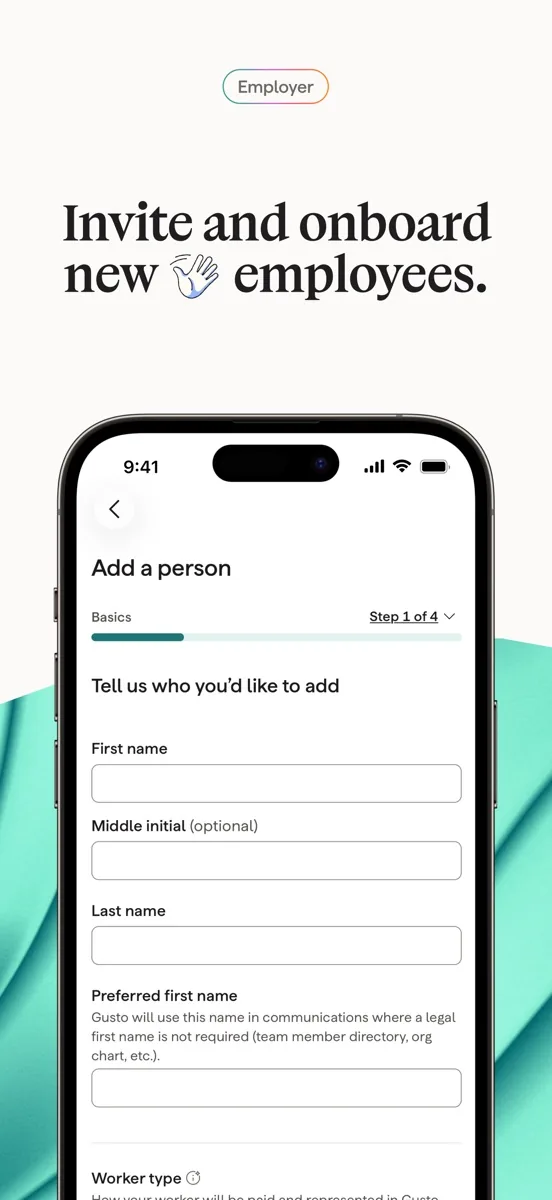
Gusto is an online payroll, benefits and HR platform for small and medium-sized businesses in the United States. It suits:
- First-time employers. Owners hiring their first few staff who want guided setup and a simple monthly routine.
- Small teams that mix employees and contractors. Both are paid from the same account.
- Businesses that want benefits without a broker. Health insurance, retirement plans and workers' compensation are offered inside the same product.
It suits less well companies with many employees overseas, larger firms that need deep HR and workforce analytics, and businesses that need live support outside US business hours.
Key features
Full-service payroll
Gusto's payroll page says you can run unlimited payrolls with no extra fees, and that Gusto adds up payroll taxes and files them with the appropriate agencies each time you run payroll. It also says it prepares and files year-end forms for employees and contractors, offers payroll in all 50 states at the same price whether you employ people in one state or many, and can help with state tax registration.
Benefits administration
According to Gusto's benefits page, small businesses can offer health insurance from a wide range of plans across dozens of carriers without broker fees, alongside a Gusto 401(k) with deductions that sync to payroll, health savings accounts and other supplemental benefits. Workers' compensation can be set up online and paid as you go, which avoids a large upfront premium.
Time tracking, PTO and HR tools
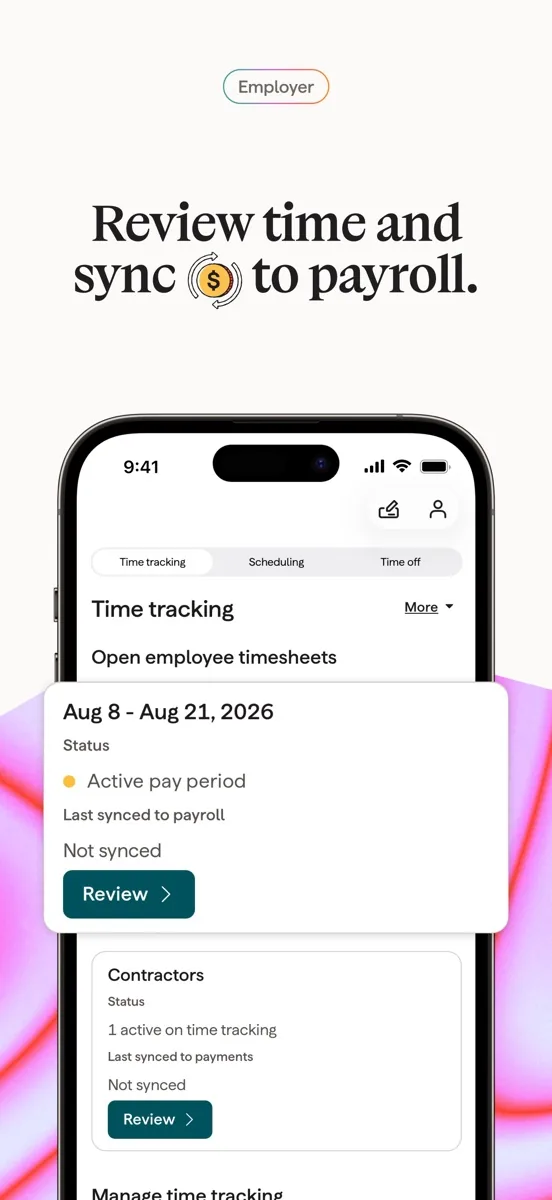
Time tracking and paid time off flow straight into payroll on plans that include them. Higher tiers add HR resources, performance tools and access to HR advisers. Employees get their own login to see payslips and documents, and Gusto offers an employee app called Gusto Wallet.
Contractors and global hiring
Gusto pays US contractors on its standard plans and on a contractor-only plan, and its global page says you can also pay contractors abroad without an extra monthly fee. For full-time employees outside the US, Gusto partners with Remote, an employer of record service, rather than running that payroll itself.
Integrations
Gusto's integrations directory connects payroll to accounting, time tracking, scheduling and background check tools. Its Xero integration is available on all plans, and it connects with QuickBooks for bookkeeping.
How much does Gusto cost? Plans and pricing structure
Our product card above shows current prices. In structure, Gusto charges a monthly base fee per company plus a monthly fee per person paid, across three main tiers and a contractor-only plan:
- Simple: full-service payroll with the core features.
- Plus: adds time tracking, PTO management and more HR tools.
- Premium: adds priority support, HR adviser access and premium features such as instant pay, which Gusto's payroll page says is included with Premium at no extra cost.
- Contractor only: for businesses that pay contractors but no employees.
Benefits premiums are paid to the insurer and are separate from the software fee. Plan details change, so confirm which features sit on which tier on Gusto's pricing page before you choose.
Which Gusto plan fits which business?
Because features are spread across tiers, the right plan depends on how your business is shaped. A few common cases show how the structure plays out.
- An owner making a first hire. One salaried employee in one state is exactly what the entry plan is built for. The main things to add later are benefits, which are offered on every tier, and time off tracking once the team grows.
- A shop or café with hourly staff. Hours drive pay, so time tracking that feeds payroll matters, which points to Plus or above. Gusto's integrations directory also lists scheduling tools such as 7shifts if you already use one.
- An agency built on freelancers. If you have no employees at all, the contractor-only plan avoids paying for payroll features you will not use, and the global page covers freelancers abroad.
- A remote team spread across states. Gusto says payroll costs the same whether you employ people in one state or all 50, and it offers help with state registrations, so a distributed team does not need a special plan, only the features its size calls for.
- A growing company that wants HR help. Premium brings priority support and HR advisers, which can be worth more than the price difference once you are handling hiring, policies and performance regularly.
Choosing the lowest plan that covers what you do today, and upgrading when a specific need appears, usually gives the best value.
Is Gusto safe? Security and support
Gusto's security page covers encryption, account authentication including multi-factor sign-in, fraud monitoring, SOC reporting, HIPAA safeguards for benefits data, and a public bug bounty run through Bugcrowd. Payroll systems hold bank details and Social Security numbers, so turn on multi-factor authentication for every admin account.
Support is split: Gusto's help centre is available around the clock, while human support runs on weekdays during US business hours, according to its payroll page. Premium customers get priority support. Gusto also runs a programme for accountants and other partners, so many bookkeepers already know the platform and can manage it for you.
What could be better
- US-centric. Overseas employees require a partner employer of record service.
- Business-hours support. Live help is limited to weekdays, which matters if payroll goes wrong on a weekend.
- Key features on higher tiers. Time tracking and HR advisers are not in the entry plan.
- Rising prices. Reviewers note that Gusto has raised prices over time.
- Per-person fees add up. Costs grow with every employee and contractor paid.
Who should choose something else?
If most of your team is outside the US, a global payroll or employer of record provider will serve you better than Gusto plus a partner. If you have more than a few hundred employees and need advanced workforce analytics, an enterprise HR suite is more appropriate. If you only pay one or two contractors a year, your accounting software or bank may handle those payments without a separate subscription. And if you want someone else to take full responsibility for payroll compliance, a professional employer organisation or an accountant who runs payroll for you may be a better fit than software you operate yourself.
What other reviewers found
- Fit Small Business gives Gusto a high overall score for value and very easy setup, and notes that time tracking and performance reviews are missing from the entry plan and priority support is reserved for the top tier.
- TechRadar finds it easy to use with unlimited payroll runs and good account security options, but points to substantial price rises over recent years and support that keeps business hours.
- Business News Daily rates it highly for an intuitive interface and automated filing, and says the higher tiers are costly and support quality can be uneven.
All three outlets agree that Gusto is one of the easiest payroll products to set up and run, and that its automation removes most of the routine work. They also agree that the best features cost more. They differ on support: Fit Small Business is more positive overall, while TechRadar and Business News Daily put more weight on limited hours and inconsistent quality. For a buyer, the takeaway is that Gusto is an excellent choice when you value ease of use, provided you pick the tier that includes the features you need and can live with business-hours support.
Is Gusto worth it? Bottom line
Gusto earns its top place by making payroll something a small business owner can run confidently: unlimited runs, filings handled as Gusto describes, benefits and contractors in one place, and integrations with the accounting tools most small firms already use. Its weaknesses are reach and support hours rather than the core product. If you employ people in the US and want payroll that just works, it is the first platform we would try.
Frequently asked questions
Does Gusto file payroll taxes for me?
Gusto says it calculates payroll taxes and files them with the appropriate government agencies each time you run payroll, and prepares year-end forms for employees and contractors. That describes what the software does, not your legal obligations. Speak to a qualified accountant or tax professional about anything specific to your business.
Can Gusto pay contractors?
Yes. Gusto pays US contractors on its standard plans and on a dedicated contractor-only plan, and its global page says you can also pay contractors in other countries without an extra monthly fee. Contractors receive payments and documents through their own Gusto login, which keeps records in one place for both sides.
Does Gusto work for employees outside the US?
Not directly. Gusto's own payroll is for US employees in all 50 states. For full-time staff in other countries, Gusto partners with Remote, an employer of record service that legally employs the worker on your behalf. If most of your team is abroad, a dedicated global payroll provider may suit you better.
What support does Gusto offer?
Gusto's help centre is available around the clock, and human support is available on weekdays during US business hours, according to its payroll page. Premium customers get priority support and access to HR advisers. Many accountants also use Gusto through its partner programme and can help you run it.
Does Gusto integrate with QuickBooks and Xero?
Yes. Gusto lists integrations with both QuickBooks and Xero, and says its Xero integration is available on all plans. Payroll entries sync into your books so you do not have to enter them by hand. Its directory also includes time tracking, scheduling, retirement and background check tools.