
SurveySparrow review: our verdict
This SurveySparrow review covers the online survey and experience management platform best known for conversational surveys, which present one question at a time in a chat-like layout instead of a long form. SurveySparrow has grown well beyond that idea into a broader feedback suite with NPS and customer satisfaction tools, offline and kiosk surveys, 360 assessments and a set of AI features for follow-up questions and analysis. We rank it highly for teams that want surveys people actually finish, with a genuine free plan to start on.
Its limits are mostly about scale and price structure. Response caps on the lower tiers are tight for busy teams, there is no monthly billing option, custom branding requires a higher plan, and some users report that data management and contact handling feel clunky at volume. Teams running large, specialist research programmes may outgrow it. For small and mid-sized teams running recurring customer or employee feedback, it is one of the most engaging tools available.
NerdBible did not build or send surveys for this review. It is an editorial assessment based on SurveySparrow's pricing, feature and security pages and on independent assessments from Zapier, TechRadar, Capterra and Work Management.
What is SurveySparrow and who is it for?
SurveySparrow Inc. lists a San Francisco address on its website, which describes the product as a platform for collecting feedback and turning it into action. Beyond classic surveys, its pricing page sells separate product lines for customer experience metrics (NPS, CSAT and CES), brand reputation, research, documents and 360-degree employee assessments.
SurveySparrow suits:
- Customer experience and support teams running NPS or satisfaction surveys after purchases or support tickets.
- Product and marketing teams who want in-product or on-site micro-surveys and email-embedded questions.
- HR teams running pulse surveys and 360 reviews.
- Field teams that need to collect responses on tablets without a reliable internet connection.
It suits less well academic or market researchers who need advanced statistical tools as standard, and anyone who only needs a quick one-off form, for whom a free general-purpose form builder may be enough.
Key features
Conversational surveys
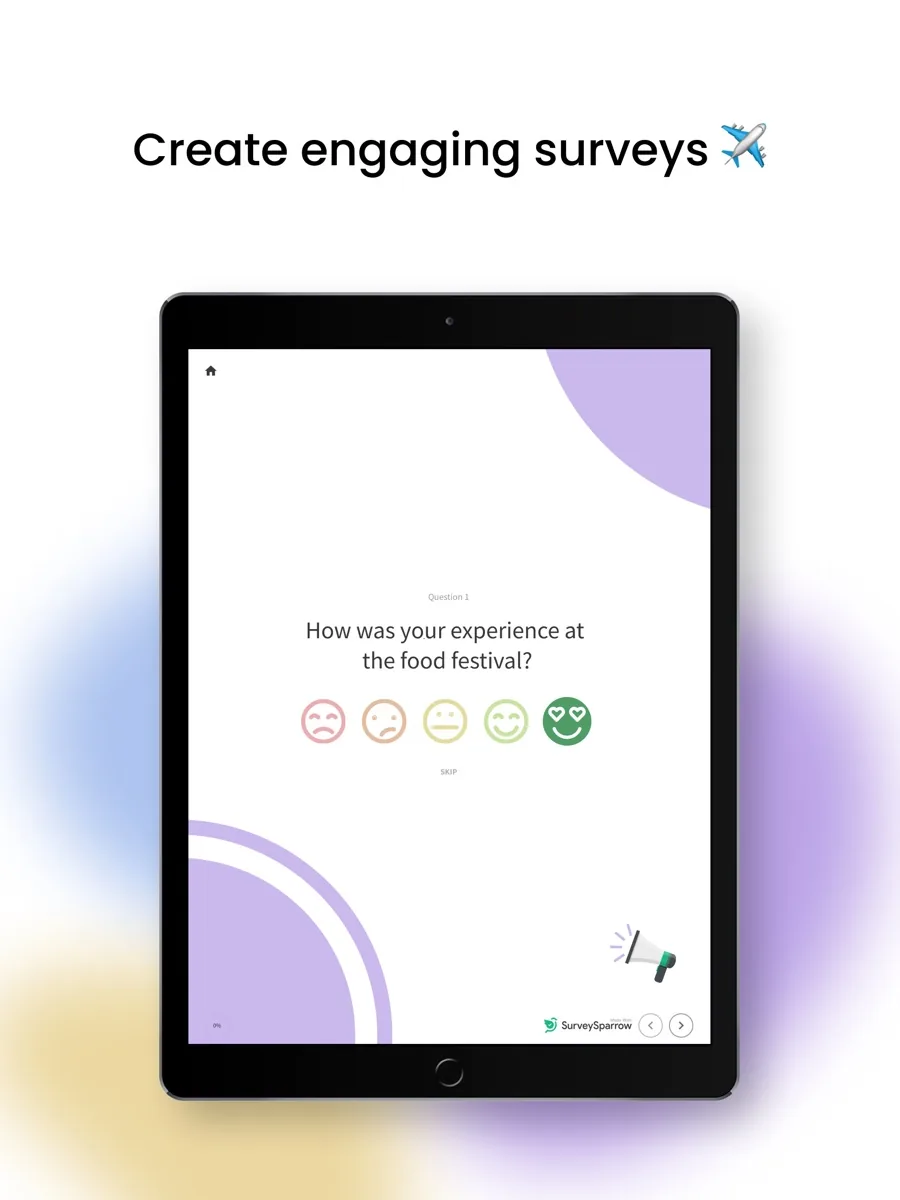
SurveySparrow's conversational forms page describes two formats: question-by-question surveys that show one question at a time, and chat surveys delivered in a familiar messaging-style interface. The company says this reduces drop-offs and increases completion. It also offers more than 600 templates built for this style and lets respondents record or upload audio answers. Zapier highlighted that the chatbot-style surveys are available even on the free plan, which it found unusual among survey tools.
AI follow-up and analysis
The homepage now leads with AI features. Echo is an AI agent that asks contextual follow-up questions to clarify an answer. SmartReach chooses which channel and time to use for each contact, and SurveySparrow claims up to 40% higher response rates from it. CogniVue surfaces themes, sentiment and key drivers in responses, Co-Pilot answers natural-language questions about your data, and Enrich turns open-ended comments into tags and categories. Work Management's review advises checking AI credits and plan availability before relying on these, which is sensible advice for any AI add-on.
Distribution and in-product surveys
Surveys can be shared by link or email, embedded in emails and websites, and triggered inside your website or app with SpotChecks, according to SurveySparrow. Work Management lists further channels including SMS, WhatsApp, Slack, Teams, QR codes and mobile SDKs. Recurring surveys can be scheduled on a regular cadence with automated reminders, which suits ongoing NPS or employee pulse programmes.
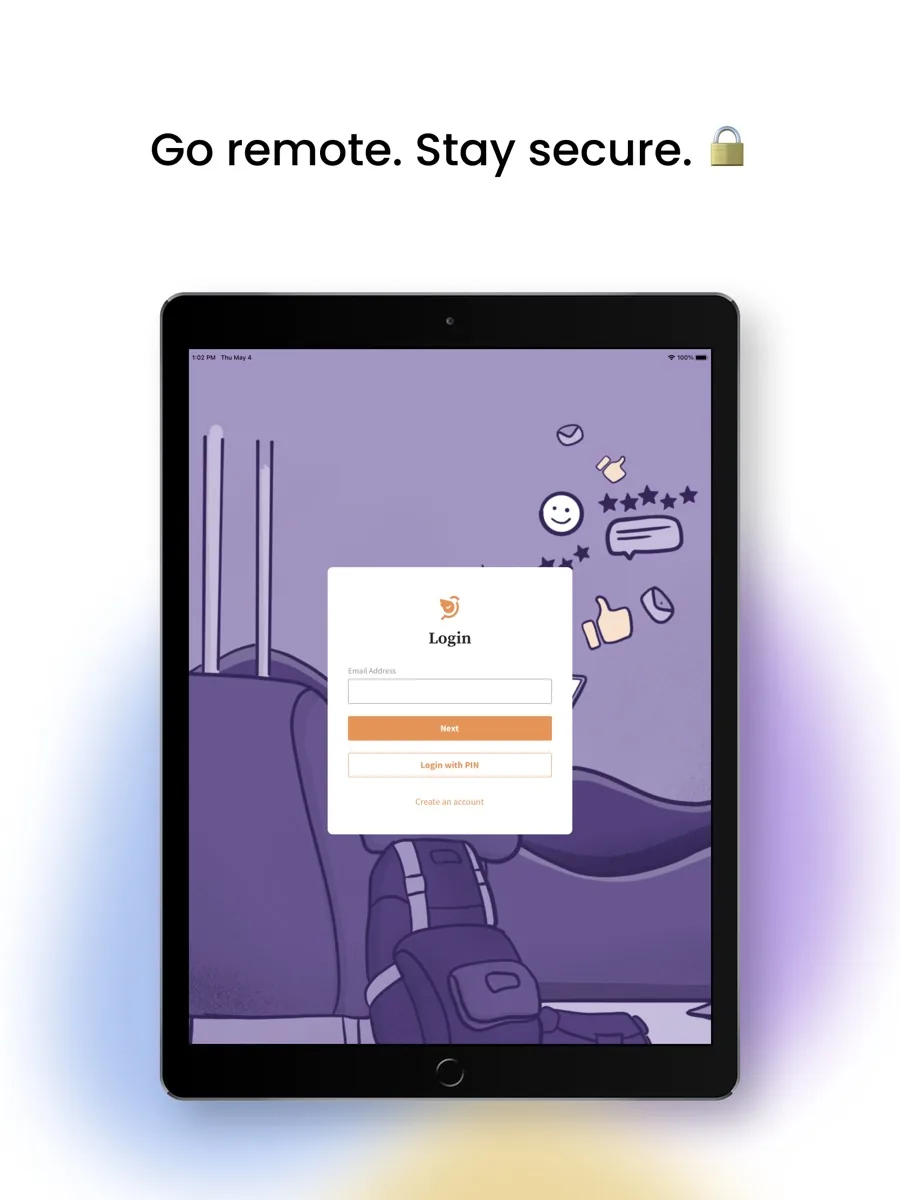
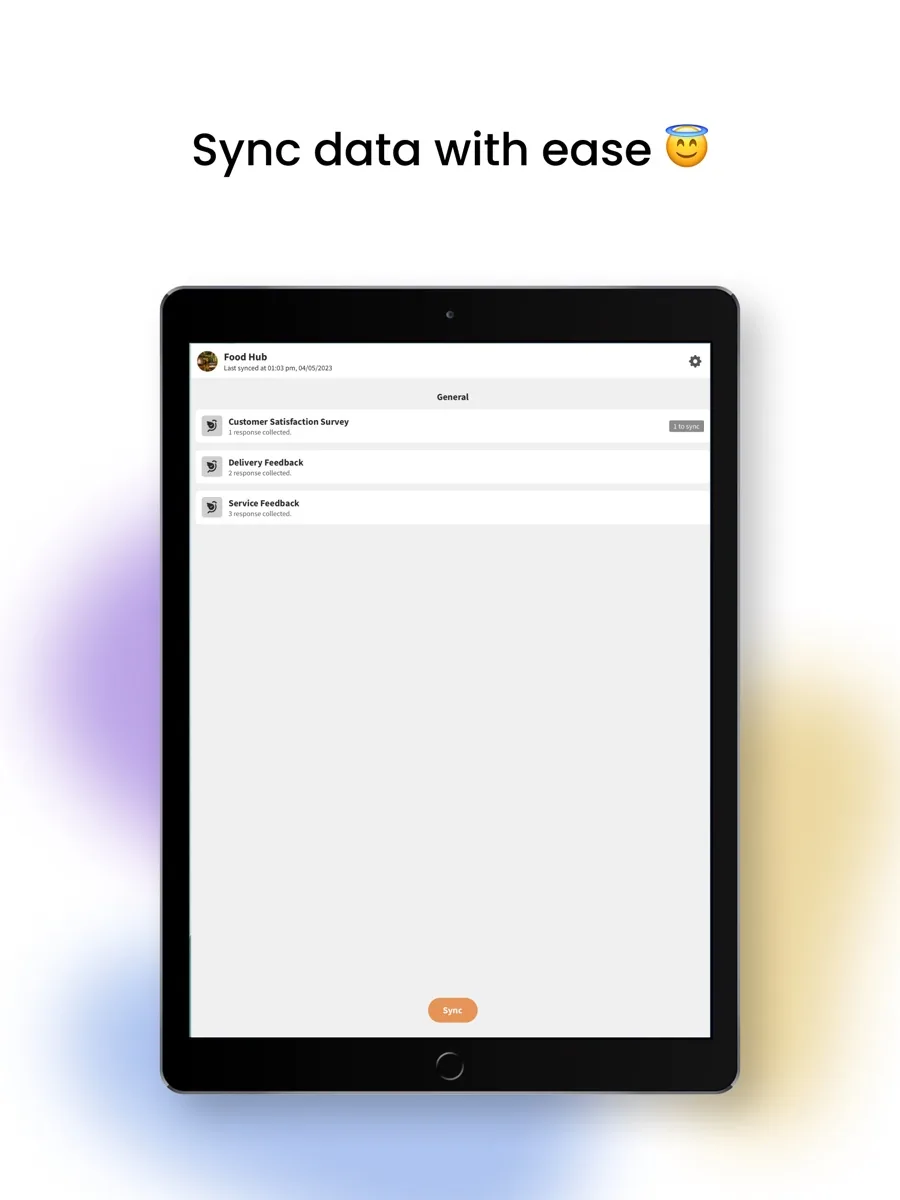
Offline surveys
SurveySparrow's offline surveys page describes collecting responses without an internet connection, for example at events or in the field, with data syncing later. Zapier pointed to kiosk use at a checkout as one practical example.
Integrations
Plan tiers add integrations progressively, from Slack on the entry tier to HubSpot, Zendesk and Power BI on higher plans, and the higher tiers add workflows and webhooks. API access is included on paid plans, with daily call limits that rise by tier.
How much does SurveySparrow cost?
We do not quote prices here; our product card shows current figures. The plan structure, from SurveySparrow's pricing page, is:
- Forever free plan: one user, three active surveys and ten questions per survey, with a small response allowance.
- 14-day free trial: no credit card needed, with Business plan features and up to 50 responses during the trial, after which the account drops to the free plan.
- Basic, Starter and Business: paid tiers that raise response limits and add features. Basic covers email distribution, partial responses and skip logic for one user; Starter adds email-embedded surveys and translation; Business adds three users, custom branding, advanced question types, workflows and chat support.
- Enterprise: custom limits, CSS customisation, automatic translation into more than 130 languages, key driver analysis, HIPAA compliance options and a dedicated customer success manager.
Billing is quarterly or yearly; there is no monthly option. SurveySparrow says there are no cancellation fees on yearly plans and that cancellation takes effect at the end of the current billing cycle. Additional users and responses can be bought as add-ons. One inconsistency is worth noting: the free plan summary on the pricing page lists 75 responses per quarter, while the FAQ on the same page says 50 responses per month. Confirm the current limit when you sign up.
Is SurveySparrow secure?
SurveySparrow's security page says it holds SOC 2 Type II and ISO/IEC 27001 certifications and supports HIPAA compliance. It states that data at rest is encrypted with AES-256, with keys managed through AWS Key Management Service, and data in transit is protected with TLS. The service is hosted on AWS, production access requires multi-factor authentication, and the company says it runs penetration tests. Payments are handled by Stripe, so card details never reach SurveySparrow's servers, according to the pricing FAQ. GDPR, CCPA and a data processing agreement are published in its legal section. Organisations collecting health information should confirm HIPAA terms in writing, because the pricing page lists HIPAA compliance under the Enterprise tier.
What could be better
- Tight response limits on lower tiers. The entry paid plan includes 2,500 responses, and extra responses are sold on request, so active teams should estimate volume carefully.
- No monthly billing. Quarterly is the shortest commitment, which is awkward for one-off or seasonal projects.
- Branding behind a paywall. Removing SurveySparrow branding and using your own requires the Business tier or above.
- Data handling at scale. Capterra reviewers reported difficulty managing large volumes of data and uploading contacts, and some mentioned bugs in the drag-and-drop builder.
- You handle distribution. Zapier noted that you need to distribute surveys yourself through links, QR codes or embeds, as with most survey tools that do not sell respondent panels.
Who should choose something else?
If you need to buy survey responses from a panel, a tool with a built-in respondent marketplace will save time. If you run complex academic or market research with heavy statistical analysis, an enterprise research platform will serve you better. If you only need occasional simple forms, a free form builder covers that without a subscription. And if you need monthly billing for a short project, SurveySparrow's quarterly minimum is a poor fit.
Is SurveySparrow worth it?
For teams that run recurring feedback and care about completion rates, yes. The conversational formats are the real differentiator, the free plan lets you test them properly, and the security credentials are strong for a tool at this level. The AI features add useful follow-up and analysis if your plan includes enough credits. Start on the free plan or the trial, estimate your annual response volume honestly, and choose a tier that will not force an upgrade halfway through your billing period.
What other reviewers found
- Zapier named SurveySparrow its pick for chatbot-style surveys, praising simulated chat on the free plan, offline surveys and attractive traditional survey designs, with self-distribution as the main drawback.
- TechRadar included SurveySparrow as an honourable mention in its best survey tools guide, noting that the free version allows three active surveys and sharing by web link, email, Slack and Microsoft Teams.
- Users on Capterra rate it well for ease of use and conditional logic, but report weaknesses in managing large data volumes, contact uploads and inconsistent support.
- Work Management concluded that SurveySparrow is a strong choice for engaging, recurring feedback with operational follow-up, but less suited to high-volume free forms or specialist enterprise research.
Where they agree and disagree
The outlets agree that SurveySparrow's conversational, chat-like format is its defining strength and that it is easy to use. They also agree that it is aimed at ongoing feedback programmes rather than heavy-duty research.
They differ on depth. Zapier and Work Management focus on the engagement features and the breadth of distribution options, while Capterra users who work at higher volume point to friction with data and contacts. TechRadar treats it as a credible alternative rather than a category leader. For a buyer, the takeaway is to judge SurveySparrow on the workload you actually have: it shines when the goal is getting more people to complete a survey, and it is worth testing data exports and contact imports during the trial if you expect large volumes.
Frequently asked questions
Is SurveySparrow free?
Yes, there is a forever free plan with one user, three active surveys and ten questions per survey, plus a small monthly or quarterly response allowance that the pricing page states inconsistently. There is also a 14-day trial of Business features, with up to 50 responses and no credit card required, after which accounts move to the free plan unless upgraded.
What is a conversational survey?
A conversational survey shows one question at a time, often in a chat-style layout, so it feels more like a conversation than a form. SurveySparrow says this reduces drop-offs and improves completion. It offers both a question-by-question format and a chat survey format, plus templates designed for each, and Zapier noted that the chat style is available on the free plan.
Is SurveySparrow secure and GDPR compliant?
SurveySparrow says it holds SOC 2 Type II and ISO/IEC 27001 certifications, encrypts data at rest with AES-256 and in transit with TLS, and hosts on AWS. It publishes GDPR, CCPA and data processing agreement pages. HIPAA compliance is listed as available on the Enterprise tier. Confirm the specific terms your organisation needs before collecting sensitive data.
Can I pay for SurveySparrow monthly?
No. According to its pricing page, SurveySparrow bills quarterly or yearly, and plans renew automatically at the end of each term. You can cancel at any time, with cancellation taking effect at the end of the current billing cycle, and SurveySparrow says there are no cancellation fees on yearly plans. Additional users and responses can be added during the term.
Does SurveySparrow work offline?
Yes. SurveySparrow offers offline surveys for collecting responses without an internet connection, for example at events, retail counters or in remote fieldwork, with the data syncing once a connection returns. Work Management also describes a kiosk mode for this kind of use. Check which plan includes offline and kiosk features for your use case before you commit.