
This QuickBooks review covers QuickBooks Online, Intuit's cloud accounting software for small and growing businesses in the US, the UK and other markets. It is the product most accountants already know, which is a large part of its appeal. We have not kept a set of books in it ourselves. This is an editorial assessment based on Intuit's own plan, feature, payroll and privacy pages and on independent reviews, written to describe what the software does and help you decide whether it fits your business. It is not tax or accounting advice.
QuickBooks review: our verdict
QuickBooks Online ranks near the top of our accounting software list because of depth. Independent reviewers repeatedly describe it as the benchmark for small business accounting: its reporting, inventory, project tracking and invoicing go further than most rivals, it connects to hundreds of other apps, and it is the system many bookkeepers and accountants prefer to work in. Plans scale from a free tier for the smallest businesses to an advanced edition for larger teams, and payroll is available as an add-on in the US and the UK.
The downsides are cost and service. Reviewers note that QuickBooks Online is among the most expensive tools in its category and that its prices have risen repeatedly, and user reviews are consistently critical of customer support. If your business needs real accounting depth or works closely with an accountant, QuickBooks is a strong choice. If you are a sole trader with simple books, cheaper or free tools may do the job.
What is QuickBooks Online and who is it for?
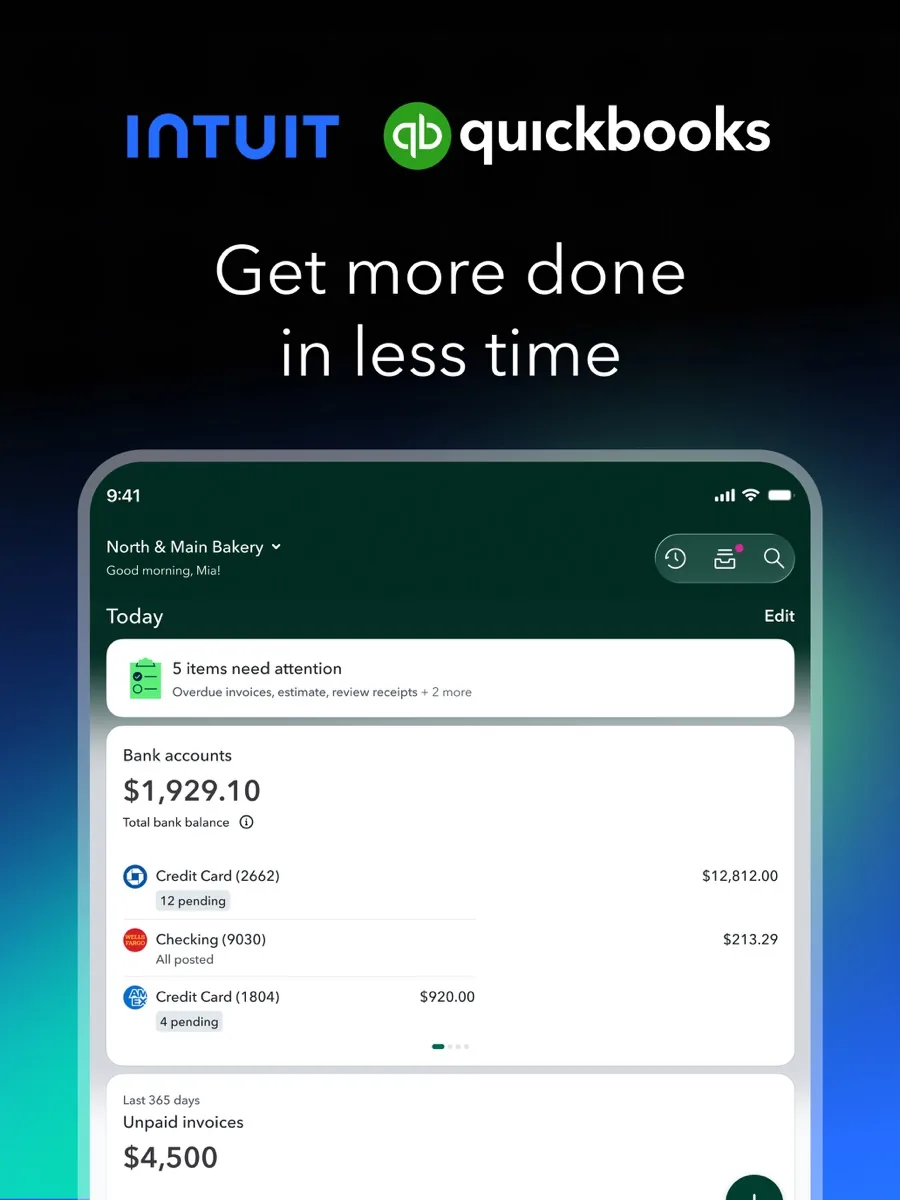
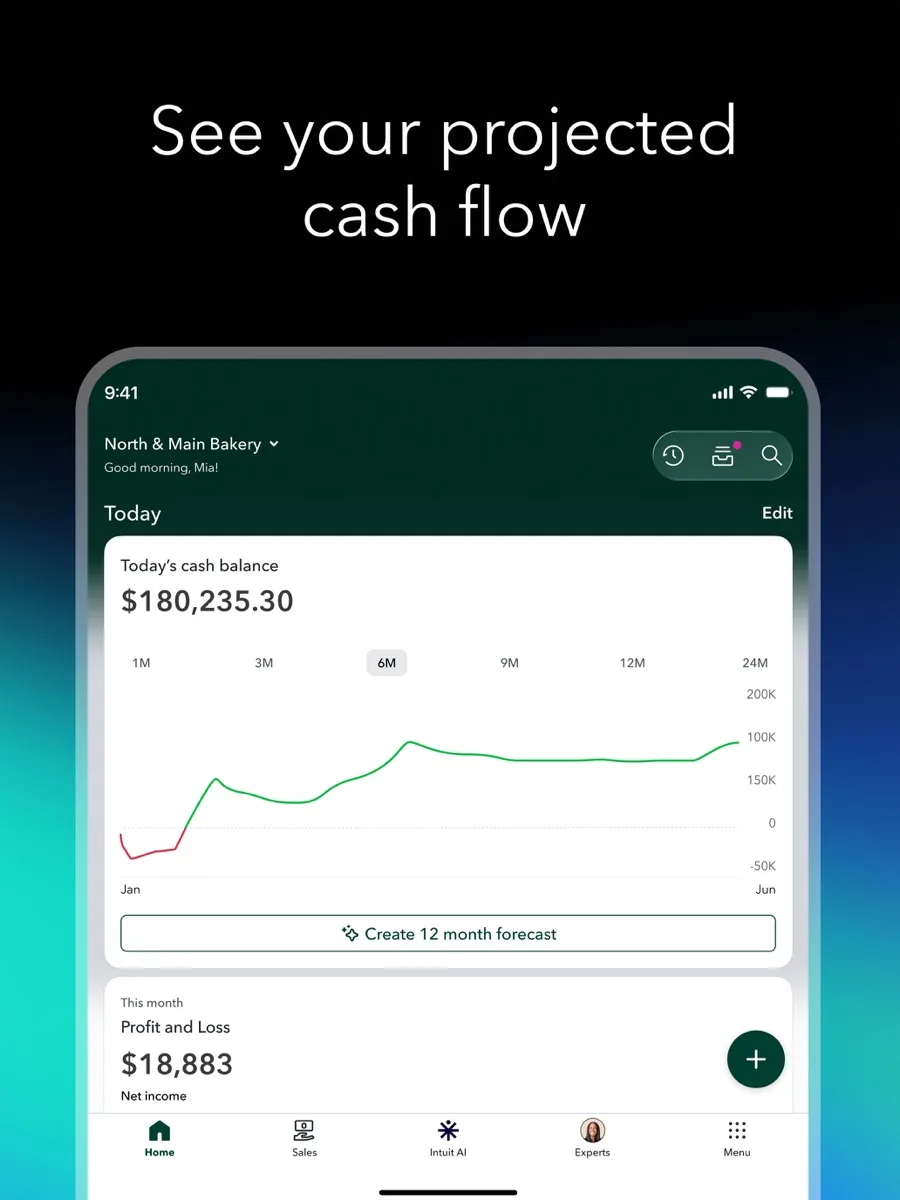
QuickBooks Online is browser-based accounting software with mobile apps for iOS and Android. Its accounting features page describes automatic bank and card feeds, invoicing with online payments and reminders, receipt capture and mileage tracking from the mobile app, cash flow dashboards, customisable reports, and AI agents, branded Intuit Intelligence, that learn your categorisation preferences and suggest actions. Accountants and bookkeepers can be invited at no extra cost with controlled permissions.
It suits small businesses that sell products or services, want proper double-entry books, and expect to share them with an accountant: retailers with inventory, service firms that track projects, contractors, agencies and growing companies with several staff. In the UK, it targets sole traders and landlords as well as limited companies.
Key features
Bank feeds, categorisation and AI agents
Bank and card transactions flow in automatically and are categorised, with AI suggesting matches and categories that improve as you correct them. PCMag describes AI agents working across the product, drafting payment reminders, flagging bookkeeping problems and helping with reconciliation, and notes that they ask for approval before acting. It also found that AI did not make categorisation suggestions dramatically smarter at first.
Invoicing, bills and expenses
QuickBooks supports estimates, invoices, sales receipts, credit notes and statements, with customisable templates and custom fields. Customers can pay invoices online by card or bank transfer for a fee. On the cost side, you can upload or email bills for automatic reading, snap receipts on your phone, raise purchase orders and, in the US, pay bills electronically.
Inventory and projects
From the Plus plan upward, QuickBooks adds inventory management and project profitability tracking. PCMag rated its inventory tools as exceptional among the products it reviewed, with stock warnings, assemblies and inventory reports, and found project tracking comprehensive, showing income, costs and profit per job.
Reporting
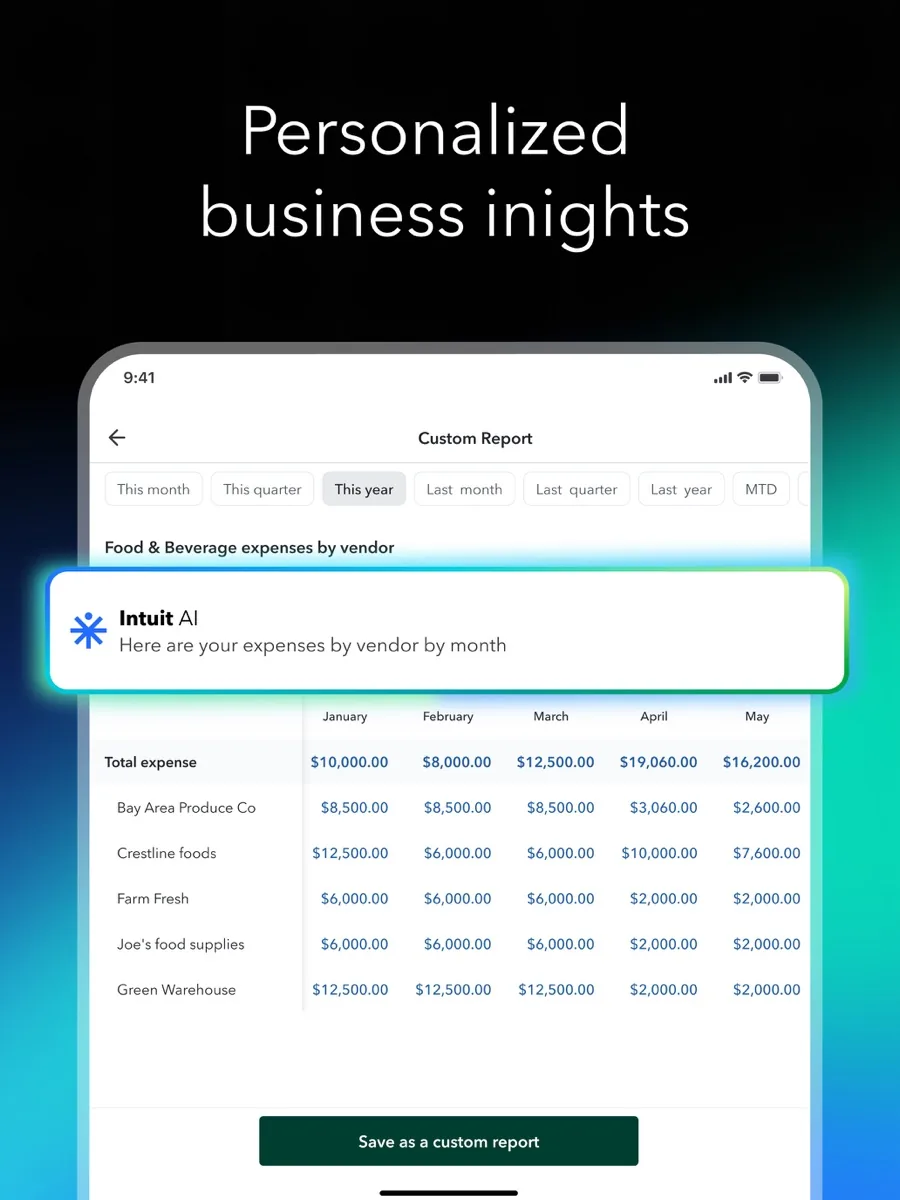
Reports are where QuickBooks most clearly leads. PCMag said no rival matched them for content, customisation and design, from profit and loss and balance sheet to detailed receivables, payables and sales reports. Higher plans add budgeting, classes and locations for tracking performance by department or site.
Integrations
NerdWallet counts more than 750 third-party integrations on paid plans, including e-commerce platforms such as Shopify, Squarespace and Wix and point-of-sale systems such as Square and Clover. PCMag notes sales channel connections with Amazon, eBay, Etsy and Shopify.
Payroll add-on
Intuit's US payroll page now presents its payroll as QuickBooks Workforce, with three tiers covering automated pay runs, payroll tax filing, same-day direct deposit options, time tracking, an employee app, and access to HR advisers and benefits on higher tiers. Intuit also advertises tax penalty protection on payroll, with conditions set out in its terms. In the UK, payroll add-ons handle HMRC submissions, employee self-service and pension submissions.
How much does QuickBooks cost?
Our listing shows current prices. In structure, the US pricing page lists a free plan for one user with basic income and expense tracking, a small monthly invoice allowance and one bank connection, followed by Simple Start, Essentials, Plus and Advanced. The paid tiers step up from one user to three, five and 25 users, and add accountant access, enhanced reporting, time tracking, budgeting, inventory, project profitability, classes and locations, batch processing and automated workflows. New customers typically choose between a 30-day free trial and an introductory discount. There is no annual contract, and payroll is an optional extra.
The UK pricing page adds a Sole Trader Plus plan to the same ladder, says every plan is recognised by HMRC for Making Tax Digital for Income Tax, includes accountant access and phone support on paid plans, and offers a 30-day free trial and free onboarding consultations. Reviewers point out that QuickBooks costs more than most competitors and has raised prices several times, so check renewal costs once any introductory offer ends.
Is QuickBooks Online safe?
PCMag reports that Intuit encrypts data with AES-256, offers multi-factor authentication and runs fraud detection that scans for suspicious activity. Turn on multi-factor authentication for every user, and give your accountant their own login rather than sharing yours.
On privacy, Intuit's privacy statement says it does not sell personal information under California's privacy law, but it does share some data with partners for targeted advertising, which you can opt out of, and it states that it uses personal information to train its AI and machine learning models. Users in the UK, EU and some US states have rights to access, correct and delete their data. Read the statement if your business handles sensitive client information.
What could be better
- Price. PCMag found it the most expensive of the small business accounting services it reviewed, and NerdWallet notes frequent price increases and upselling.
- Customer support. NerdWallet reports that an overwhelming share of online user reviews criticise support quality, including long phone waits and more reliance on chatbots.
- A crowded interface. PCMag describes the redesigned dashboard as busy, with a learning curve after the change.
- Mobile apps. PCMag found the apps less complete than the browser version, and NerdWallet notes recent user complaints about lag.
- Too many editions. TechRadar observes that the wide range of QuickBooks versions can make choosing the right one confusing.
Who should choose something else?
Freelancers and very small businesses with simple income and expenses may not need QuickBooks' depth, and free or lower-cost tools cover basic invoicing and expense tracking. If responsive human support is a priority, NerdWallet notes that some rivals receive better support ratings. Businesses that rely on a point-of-sale or industry system with a better native accounting partner should check integrations first. If you are unsure which records your business needs to keep, ask an accountant before choosing software.
What other reviewers found
- PCMag called QuickBooks Online the small business accounting service to beat, praising its depth, AI agents, inventory and reports, while noting the high price, crowded interface and weaker mobile apps.
- NerdWallet rated it 5 out of 5 as the industry standard, especially for businesses working with accountants, while warning that user reviews point to price rises and poor customer support.
- TechRadar was positive about the breadth of the QuickBooks range and its support resources, but found the choice of editions potentially confusing.
- NerdWallet also compared alternatives, noting that one rival's free plan includes accountant access and more invoices, and that another rival receives notably better support ratings.
The reviewers agree on the core point: QuickBooks Online has the deepest feature set for small business accounting and its reports, inventory and integrations lead the field. They disagree on how much the cost and support problems should weigh: PCMag and NerdWallet still rate it at or near the top, while user review platforms are far less kind. For a buyer, that means QuickBooks is the safe choice when you need the features and your accountant uses it, and a choice to question if your needs are basic or you expect to lean heavily on vendor support.
Is QuickBooks worth it?
For businesses with inventory, projects, several users or an accountant who works in QuickBooks, yes. The depth of reporting and integrations saves real time, accountant access is free, and the UK version's Making Tax Digital recognition and US and UK payroll options keep everything in one system.
For sole traders with simple books, the free plan or a cheaper competitor may be enough. Our ranking reflects QuickBooks as the most capable all-round choice for US and UK small businesses, with cost and support as the trade-offs.
Bottom line
QuickBooks Online remains the reference point for small business accounting software. Start with the free plan or a 30-day trial, choose the lowest tier that covers your users and features, watch the price after any introductory period, and involve your accountant in the setup.
Frequently asked questions
Is there a free version of QuickBooks Online?
In the US, Intuit's pricing page lists a free plan for one user with income and expense tracking, a small monthly invoice allowance, a profit and loss report, one bank connection and chat support. It does not include accountant access. Paid plans add users, accountant access, more reports and features, and new customers can usually try them free for 30 days.
Does QuickBooks Online work in the UK?
Yes. QuickBooks has a UK edition with plans from Sole Trader Plus up to Advanced. Intuit's UK pricing page says each plan is recognised by HMRC for Making Tax Digital for Income Tax, includes accountant access, and comes with a 30-day free trial. UK payroll add-ons handle HMRC submissions and pension submissions.
Does QuickBooks include payroll?
Payroll is an optional add-on rather than part of the accounting plans. In the US, Intuit offers three payroll tiers with automated pay runs, payroll tax filing, direct deposit, time tracking and, on higher tiers, HR support and benefits. In the UK, payroll add-ons cover HMRC submissions, employee portals and pension submissions. Pricing is separate from the accounting subscription.
Can my accountant access my QuickBooks account?
Yes. Intuit says you can invite accountants or bookkeepers at no extra cost and control what they can see. Paid US plans include two or three accountant seats depending on the tier, and the free plan does not include accountant access. NerdWallet notes that QuickBooks is an especially easy fit for businesses that work regularly with an accountant.
Is QuickBooks Online hard to learn?
The basics, such as connecting a bank, sending invoices and categorising transactions, are approachable, and Intuit offers onboarding help. The full product is deep, and PCMag found the redesigned dashboard crowded, so expect a learning curve for reports, inventory and projects. Many businesses ask their accountant or a certified bookkeeper to help with the initial setup.
Sources
- QuickBooks Online pricing (US), Intuit QuickBooks
- QuickBooks pricing (UK), Intuit QuickBooks
- Accounting software features, Intuit QuickBooks
- Payroll, Intuit QuickBooks
- Global Privacy Statement, Intuit
- Intuit QuickBooks Online Review, PCMag
- QuickBooks Online Review, NerdWallet
- QuickBooks Online review, TechRadar