This Xero review looks at the cloud accounting software that has become a favourite of small businesses and the accountants who work with them. Xero handles invoicing, bills, bank reconciliation, reporting and, depending on your country and plan, payroll, expenses, projects and multiple currencies, all in a browser and mobile app. We rank it first among accounting software. This is an editorial assessment based on Xero's own pages and on independent reviews; NerdBible did not run its own hands-on trial for this article. It describes the software only and is not tax, accounting or financial advice.
Our verdict
Xero is the best all-round accounting platform for small and growing businesses that want clean bookkeeping, strong bank feeds and easy collaboration with an accountant. Its interface is consistently described as simple and modern, it does not charge per user for core access, and its app store connects it to more than a thousand business tools. Independent reviewers at TechRadar and NerdWallet rate it highly for ease of use and scalability.
It has clear weak points. There is no inbound phone support, the entry plans cap invoices and bills, and several features buyers expect, such as multiple currencies and project tracking, sit on the top plan. Long-time users have complained about a redesigned invoicing screen and price rises. If you can work with online support and choose the right tier, Xero is the strongest choice in its class.
What it is and who it is for
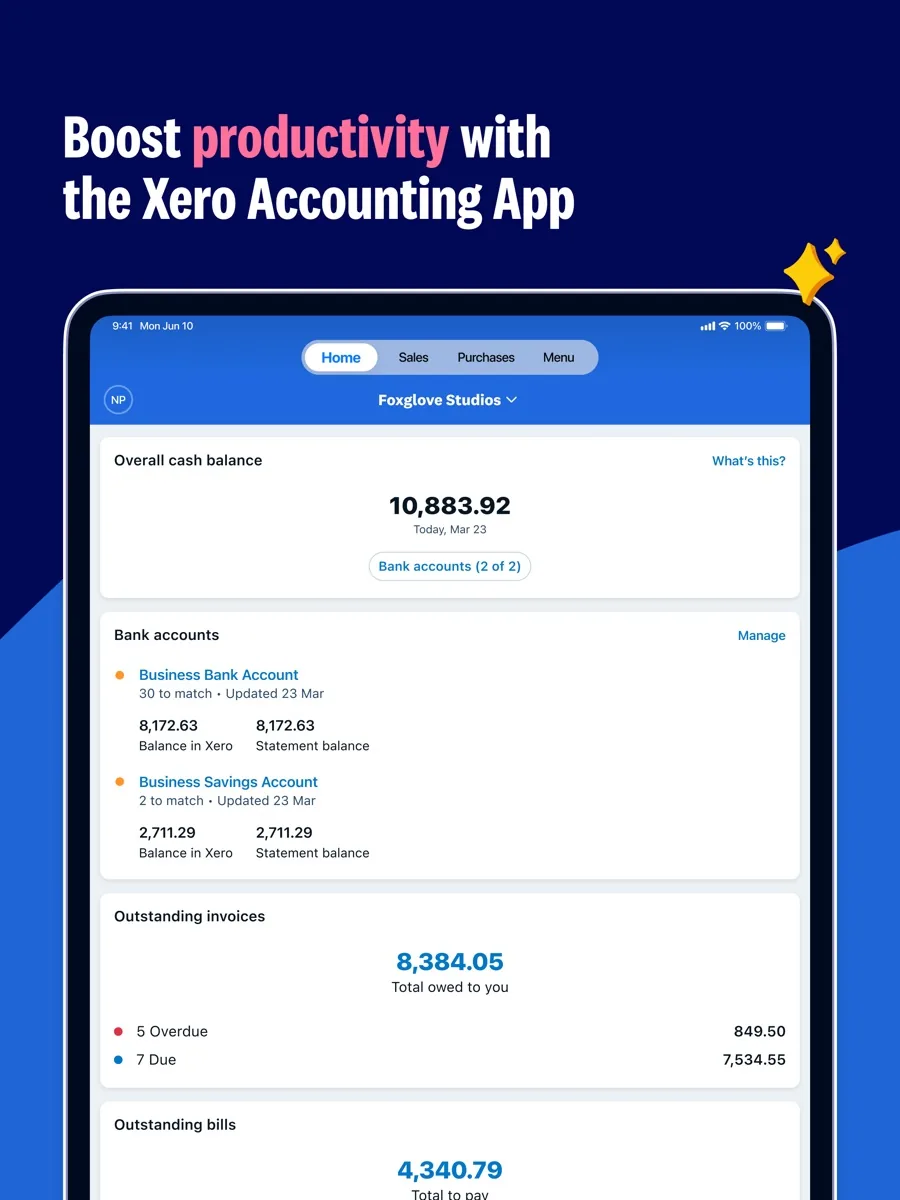
Xero is cloud-based double-entry accounting software from Xero Limited. It connects to your business bank accounts, pulls in transactions and helps you match them to invoices, bills and receipts. From there it produces the reports you and your accountant need. Xero offers different plan line-ups by country, so a business in the US sees different plan names and features from one in the UK.
It suits sole traders who have outgrown a spreadsheet, small businesses with a few staff, and growing companies that work closely with an external accountant or bookkeeper, since many accounting practices already use Xero. It suits less well very large or complex organisations that need enterprise resource planning, or someone who wants to speak to a support agent on the phone the moment something goes wrong.
Key features
Bank feeds and reconciliation
Bank reconciliation is the heart of Xero. Transactions arrive from connected bank accounts and Xero suggests matches, which you confirm. NerdWallet found the process simple and intuitive, though it would like the reconciliation flow to show more detail. Higher plans add bulk and automatic reconciliation.
Invoicing, quotes and payments
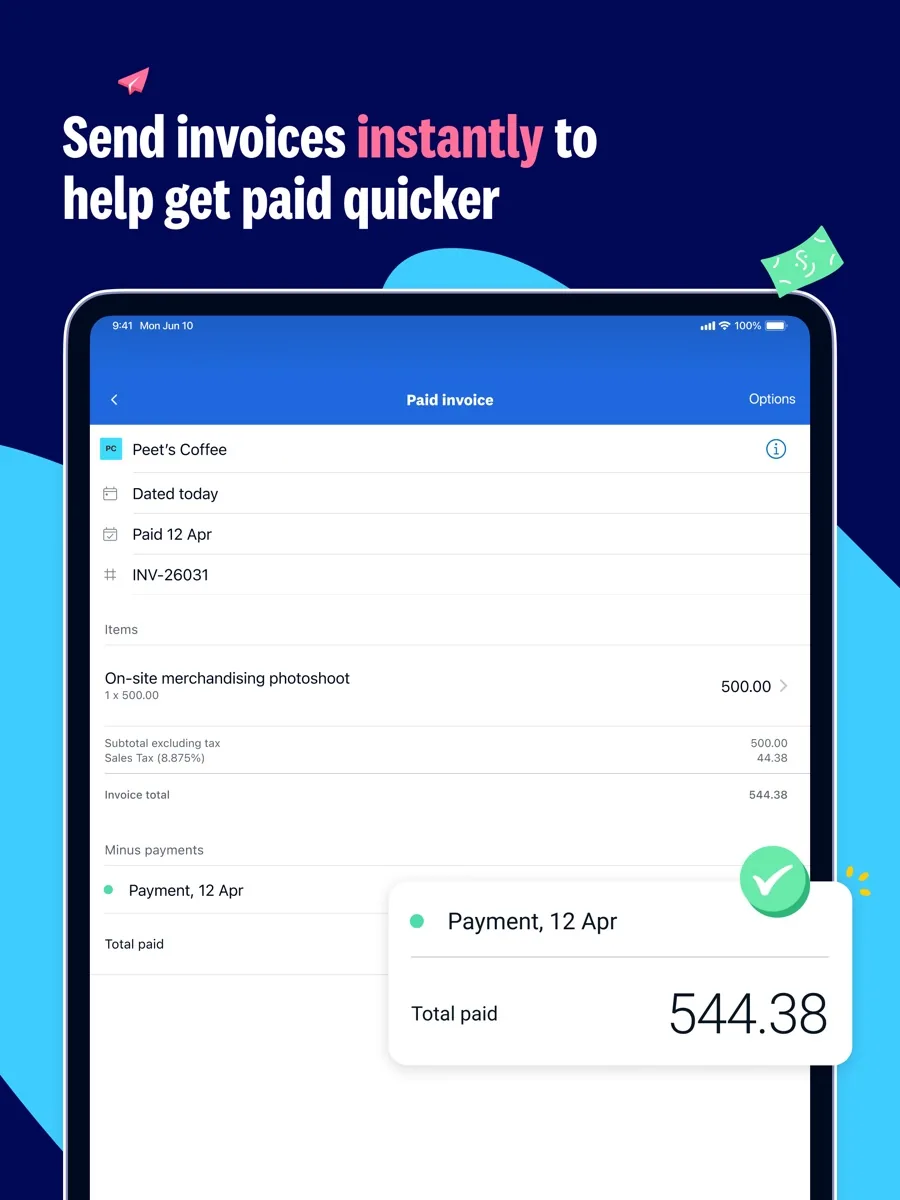
You can send quotes and invoices, accept online payments and chase late payers with reminders. The US pricing page shows the entry plan caps how many invoices you can send and bills you can enter each month, with unlimited invoicing on the higher plans.
Bills and expenses
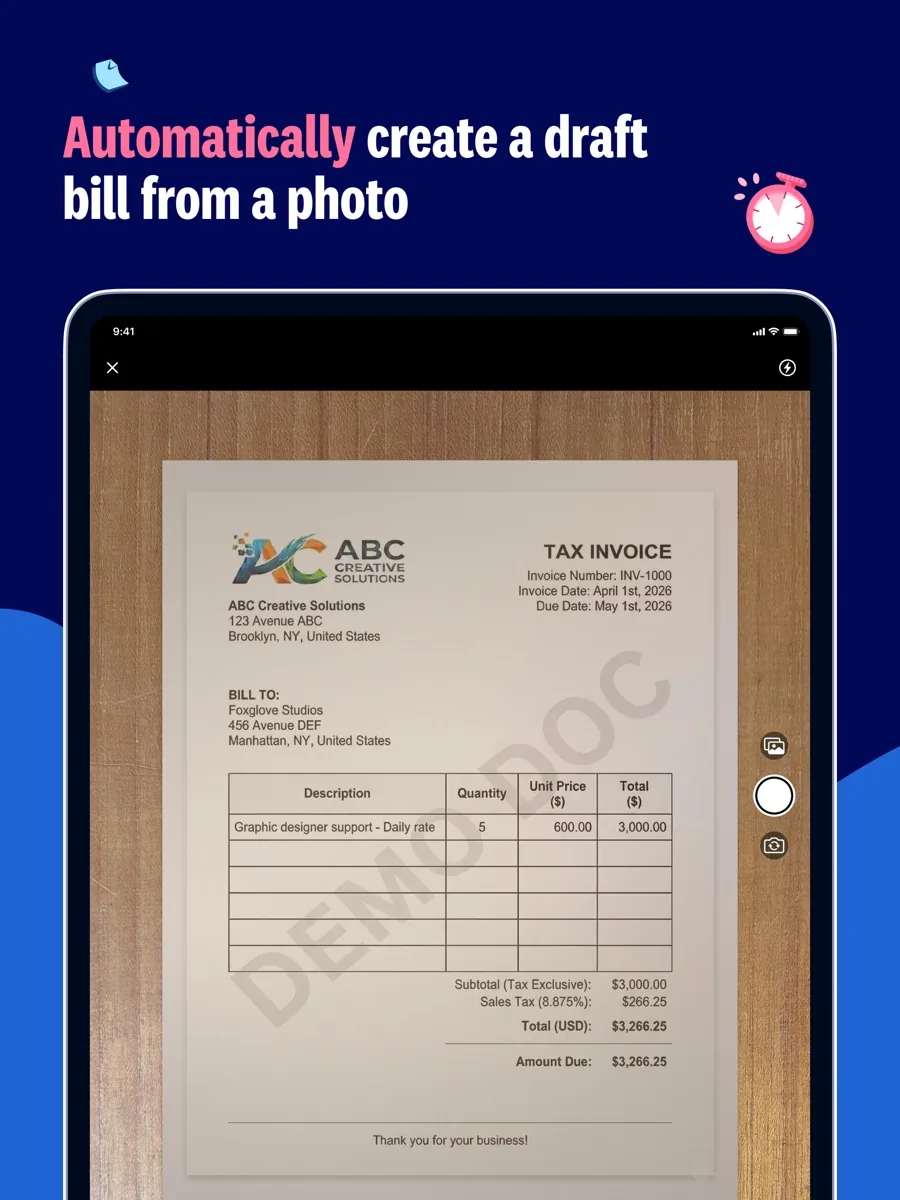
Bills can be captured and entered automatically, and staff can claim expenses and mileage. On the UK pricing page, expense claims and project tracking are counted per active user, with extra users charged above the plan's allowance.
Projects and multiple currencies
Time and cost tracking for projects and the ability to use multiple currencies are both listed on the top plan in the US and UK line-ups. If you invoice overseas clients or bill by the hour, check that the plan you choose includes them.
Payroll
In the US, Xero's pricing page offers Xero Payroll, powered by Gusto, across the plans. In the UK, payroll is included for a set number of people on each plan, with a per-person charge above that.
Reporting and analytics
Xero provides a full suite of standard reports, cash flow forecasting and, on higher plans, analytics dashboards, health scorecards and industry benchmarking through Syft Analytics.
Apps
The Xero App Store lists integrations for point of sale, inventory, ecommerce, payments and AI-driven bill and expense capture. NerdWallet counted more than a thousand apps and advised checking that the tools you already use are there.
Filing features
Xero supports the filing features it lists for each country, such as submitting VAT returns on UK plans; ask your accountant what your business needs to file and how to set it up.
How much does Xero cost? Plans and pricing structure
Our page shows current prices from our data. The structure varies by country:
- United States: three plans named Early, Growing and Established. Early caps invoices and bills; Growing removes those caps; Established adds multiple currencies, project tracking and deeper analytics.
- United Kingdom: plans named Ignite, Grow, Comprehensive and Ultimate, rising in features and in included payroll, expense and project users.
- Users: Xero advertises no per-user licence fees, so you can invite your accountant and team without paying for each login, though some modules count active users.
- Billing: monthly subscriptions. Xero regularly runs introductory offers for new customers, and also offers a free month for those who want to try before buying.
Optional add-ons, such as extra payroll employees or international bill payments, cost more on top. Compare the plan's limits with your monthly invoice and bill volume before choosing.
Is Xero safe? Security and support
Xero's security page states it is certified to ISO/IEC 27001, produces SOC 2 reports based on independent audits, encrypts data in transit and at rest, and offers multi-factor authentication to protect logins. Customers can download the certificate and reports after logging in or request them through a form.
Support is online-first. Xero's support page offers free and unlimited online support through Xero Central and says Xero can call you back, but it does not offer inbound phone support. NerdWallet reports that new US customers now get onboarding calls with a product specialist for their first 90 days.
What other reviewers found
- TechRadar sees Xero as one of the most fully featured cloud accounting options, with a slick interface, plenty of tools and robust apps, and judged it scalable well beyond the smallest firms. It counted extra costs for add-ons, the time needed to learn and populate it, and the lack of live support against it.
- NerdWallet rated Xero highly, praising its simple layout, unlimited users and app range, and found it easier to learn than its best-known rival. It noted user criticism of the new invoicing system, no inbound support number and limits on the entry plan.
- On Trustpilot, Xero holds a good TrustScore across more than ten thousand reviews. Users praise the interface and onboarding staff, while complaints mention login and two-factor friction, slow ticket responses and unwanted product changes.
- Capterra users rate Xero well across several thousand reviews, crediting it with automating reconciliation and invoicing. Their main complaints are the lack of phone support, reporting that feels basic next to larger systems and slowdowns at high transaction volumes.
Where they agree: Xero is easy to use, scales well and works smoothly with accountants and third-party apps. Where they disagree: support, which some users find prompt and others find slow, largely because there is no inbound phone line. For a buyer, the practical point is to decide whether online and callback support is enough for you, and to pick a plan whose invoice limits and features match how your business actually works.
Getting started with Xero
The first weeks decide how useful Xero becomes. Connect every business bank and card account so the feeds start flowing, then invite your accountant or bookkeeper, since Xero does not charge for the extra login. Set up your invoice template with your logo and payment terms, and turn on online payment options so customers can pay from the invoice. Reconcile little and often rather than once a quarter: TechRadar noted that populating Xero takes time at the start, and a few minutes a day keeps that from piling up. Finally, browse the App Store for the tools you already use, such as your point of sale or ecommerce platform, so sales data arrives without manual entry.
What could be better
- No inbound phone support. Help is online, with callbacks on request.
- Entry plan limits. The cheapest plans cap invoices and bills each month.
- Key features on the top plan. Multiple currencies and project tracking need the highest tier.
- Interface changes. Long-time users have criticised the redesigned invoicing screen, though Xero has made adjustments in response.
- Price rises. Reviewers note the entry price has crept up over time.
- Bank feed hiccups. Some users report feeds that stop updating, which may stem from the bank as much as Xero.
Who should choose something else
If you are a freelancer with a handful of invoices a month and no staff, a simpler invoicing app, or the free accounting tools some banks provide, may cover what you need. If your accountant works exclusively in a different system, using the same software as them usually saves fees and friction. If you need phone support on demand, look for a provider that offers it on your plan. And if your business runs complex inventory, manufacturing or multi-entity consolidation, you may need a more specialised or enterprise-grade system. Ask your accountant which option fits before you migrate.
Is Xero worth it? Bottom line
For most small and growing businesses, especially those working with an accountant, Xero is worth it. It offers clean bank reconciliation, a modern interface, no per-user licence fees and a large app ecosystem, which together make it our top pick in accounting software. Choose the plan that covers your invoice volume and the features you need, such as projects or multiple currencies, and be comfortable with online support.
Frequently asked questions
Does Xero charge per user?
Xero advertises no per-user licence fees, so you can give your accountant, bookkeeper and staff their own logins without paying for each one. NerdWallet highlights unlimited users as a standout compared with rivals that cap or charge for users. Some modules, such as expense claims and project tracking on UK plans, count active users and charge above the allowance.
Can I try Xero before paying?
Yes. Xero's pricing pages offer a free month for anyone who wants to try before buying, alongside introductory discounts for new customers that vary by country and change from time to time. During a trial, connect a bank account and enter a few real invoices to judge whether the workflow suits you and your accountant.
Does Xero have phone support?
Xero does not offer inbound phone support. Its support page says help is online and unlimited through Xero Central, and that Xero can call you back if you contact it. NerdWallet reports that new US customers get onboarding calls with a product specialist for their first 90 days. If you need a phone line on demand, factor that into your choice.
Which Xero plan includes multiple currencies?
On both the US and UK pricing pages, multiple currencies are listed on the top plan, Established in the US and Ultimate in the UK, together with project time and cost tracking. Lower plans work in a single currency. If you invoice overseas clients or pay foreign suppliers regularly, budget for the top plan or confirm the details with Xero.
Is my data safe in Xero?
Xero states it is certified to the ISO/IEC 27001 information security standard, produces SOC 2 reports from independent audits, encrypts data in transit and at rest, and offers multi-factor authentication. Turning on multi-factor authentication for every user, and removing access for people who leave, are the most useful steps you can take on your own account.