
Our verdict
This Norton review comes to a simple conclusion: Norton remains one of the strongest consumer security suites you can buy, and the independent lab record backs that up. In the most recent rounds we could read, AV-TEST gave Norton 360 full marks for protection, performance and usability, and AV-Comparatives placed Norton AntiVirus Plus in its top Advanced+ band for real-world protection. Around that engine, Norton bundles a password manager, cloud backup, a VPN, dark web monitoring, parental controls on the larger plans and an AI scam checker. The catch is the way it is sold. Subscriptions renew automatically, the first-year offer is lower than the renewal charge, and the most useful extras sit on the bigger plans. Buy it with the renewal date in your calendar and it is very good value for a family; buy it without reading the terms and it can feel expensive in year two.
This is an editorial assessment built from Norton's own plan, policy and support pages, results published by the independent test labs AV-TEST and AV-Comparatives, and reviews by PCMag, TechRadar and Tom's Guide. NerdBible did not run its own malware tests for this review. Where a claim could not be checked against a page we were able to open, we left it out.
What is Norton and who is it for?
Norton is the consumer security brand of Gen Digital, the company that also owns Avast, AVG and Avira. PCMag notes that Norton, Avast and AVG now share a common detection engine, which is worth knowing if you are comparing those brands: the differences between them lie more in features, pricing and interface than in the core scanner.
The product line runs from a single-device antivirus to all-in-one plans that add identity protection. It suits households that want one subscription covering Windows PCs, Macs, iPhones and Android phones, parents who want content filtering and screen-time controls under the same account, and people who would rather not assemble a separate password manager, VPN and backup service. It is less suited to a single Windows user who is careful online and happy with the protection built into the operating system, or to anyone who dislikes auto-renewing subscriptions.
Key features
Malware, ransomware and web protection
Every Norton plan on the US plans page lists antivirus, malware, ransomware and hacking protection, plus Scam Protection. The scanner runs in real time, and Norton's browser protection flags dangerous and fraudulent sites. PCMag counted protection against dangerous and fraudulent websites among the suite's strengths and described its firewall as powerful and self-sufficient, meaning it handles most decisions without asking the user.
Scam Protection and Genie
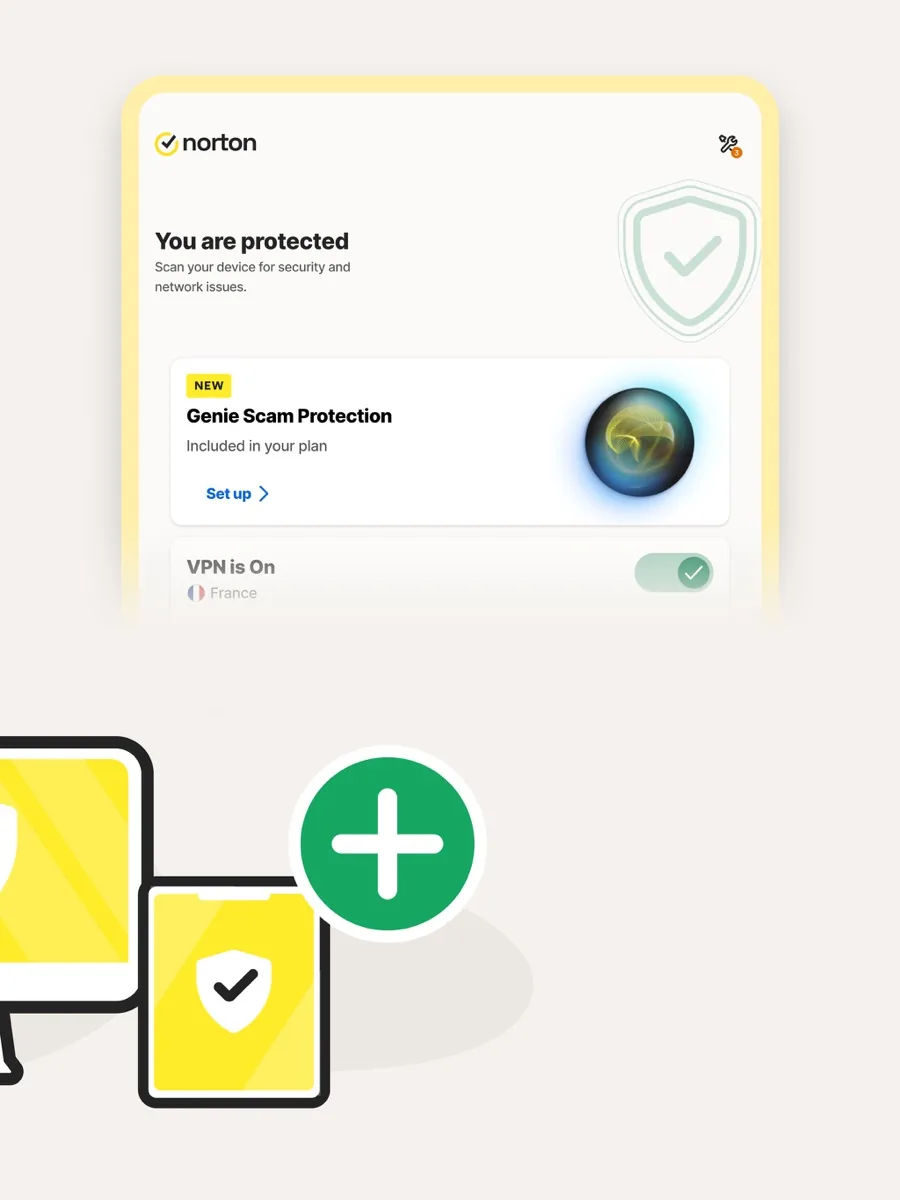
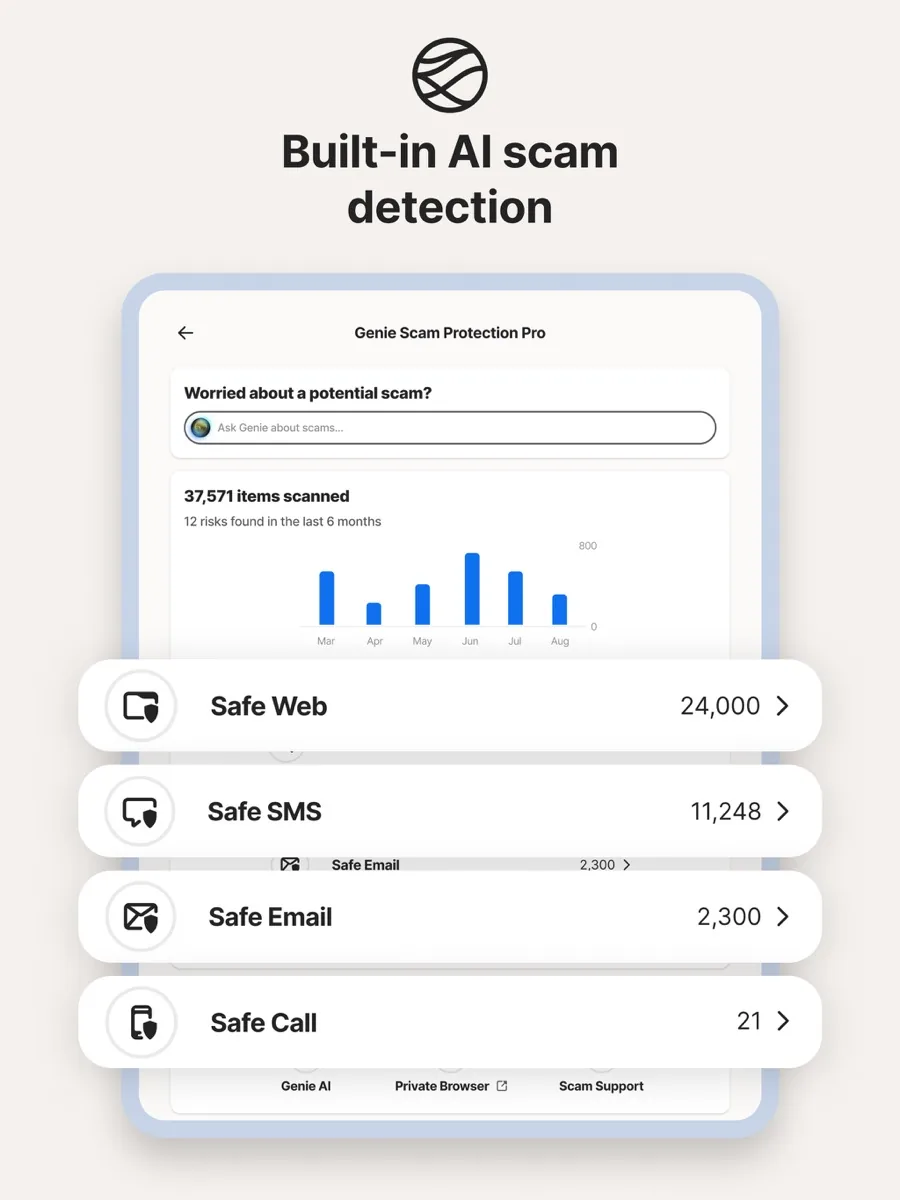
Norton's newest pitch is AI scam detection. PCMag describes the Norton Genie assistant as a tool you can paste a suspicious message or screenshot into for a quick verdict, and Tom's Guide points out that checking text messages on a phone requires installing a separate app. The largest plan on the US page upgrades this to Scam Protection Pro.
Password manager, cloud backup and VPN
Norton Password Manager is included with the suites and, according to PCMag, is also available free on its own. Cloud backup comes with every plan on the US page, with the allowance growing on larger tiers; PCMag notes that the hosted backup works only on Windows. The VPN is included from Norton 360 Standard upward, and both PCMag and TechRadar describe it as having no bandwidth limit.
Parental controls and identity features
Parental Control appears on Norton 360 Deluxe and the plans above it, alongside Dark Web Monitoring and Privacy Monitor. Norton marks monitoring features as varying by region. The top US plan adds LifeLock identity theft protection, which is a US service; buyers elsewhere should check what their local Norton store actually includes.
Deepfake protection
Deepfake Protection appears in Norton's plan list, but TechRadar notes it currently requires a Windows Copilot+ PC with a Qualcomm Snapdragon X processor. For most buyers it is a feature on paper only.
How much does Norton cost? Plans and pricing structure
Our page shows current prices from our own data, so this section describes the structure rather than the figures. On the US store, Norton AntiVirus Plus covers one PC, Mac, tablet or phone. Norton 360 Standard covers three devices and adds the VPN and Dark Web Monitoring. Norton 360 Deluxe covers five devices and adds Parental Control and Privacy Monitor with a larger backup allowance. Norton 360 with LifeLock Select Plus covers ten devices and adds LifeLock identity theft protection and Scam Protection Pro. There are separate mobile-only plans for iPhone and Android.
Plans are sold mainly as annual subscriptions, with a lower price for the first year than for renewals. TechRadar flagged the gap between the introductory and renewal price as the thing to watch, and Tom's Guide listed cost as Norton's main downside. If you plan to keep Norton, compare the renewal figure, not just the first-year offer.
Is Norton safe? Lab results and independent testing
AV-TEST
In AV-TEST's latest Windows 11 home user round we could read, Norton 360 scored 6 out of 6 for protection, performance and usability, for the maximum 18 points and a TOP PRODUCT award. The lab recorded 99.9 percent and 100 percent detection of zero-day attacks across its two test months, 100 percent detection of widespread malware, and no false warnings or false blockages in its usability checks.
AV-Comparatives
In AV-Comparatives' most recent Real-World Protection Test, Norton AntiVirus Plus blocked 99.3 percent of 400 test cases with 5 false positives and earned the top Advanced+ award. That is a strong result, though not the best in the round: the leader scored 99.8 percent, and several rivals, including Microsoft's built-in Defender, also reached Advanced+. In the lab's annual awards, Norton received a Top-Rated Product award, Gold for Real-World Protection, Silver for Advanced Threat Protection and Silver for overall speed, with Advanced+ in all seven tests of the consumer main series. It also holds AV-Comparatives approvals for its Mac, mobile and anti-phishing products.
The Virus Protection Promise
Norton's Virus Protection Promise is often summarised as a money-back guarantee, but the terms are narrower. It is a virus removal service run by Norton's experts. If they cannot remove the infection, you are entitled to a refund based on the price you actually paid for the current term. To qualify you must have an automatically renewing device security subscription with antivirus, and the promise covers Windows PCs, Macs, Android and iOS devices. In other words, it rewards keeping auto-renewal switched on.
Auto-renewal and refunds, as Norton states them
Norton's support centre says subscriptions bought directly from Norton, and prepaid subscriptions bought at retail once activated, renew automatically at the applicable renewal price unless you cancel before the charge date. For annual plans, Norton says it emails you the renewal price and billing date before any charge. You can switch renewal off at any time in your Norton account under My Subscriptions, and your current paid period continues to the end.
Norton's Cancellation and Refund Policy gives annual subscriptions a 60-day money-back guarantee from the date of purchase, and it applies the same 60-day window to each later annual renewal charge. Monthly subscriptions are refundable within 14 days of the first purchase only; later monthly charges are not refundable. Purchases made through an app store, retailer or other third party follow that seller's terms instead. The annual renewal refund window is more generous than many rivals offer, and it is the practical safety net if a renewal catches you out.
What other reviewers found
- PCMag considers Norton 360 Deluxe excellent value for cross-platform protection, praising its award-winning antivirus, a VPN without bandwidth or server limits and its web protection, while noting that parental control is unavailable on macOS and online backup is Windows only.
- TechRadar rates Deluxe as a top option for family protection with very strong antivirus results and little impact on system speed, but finds the interface a little challenging, some features missing on Mac, and warns readers about renewal costs.
- Tom's Guide calls Deluxe mature and intuitive and credits its file backup, rescue disk and scam tools, but lists the price, a privacy assistant that costs extra and some errors in its privacy reports as drawbacks.
- AV-TEST awarded Norton 360 the maximum score in its latest Windows 11 round, with no false positives in the usability checks.
- AV-Comparatives placed Norton in its top Advanced+ band for real-world protection, a little behind the round's leader on protection rate and with more false positives than the cleanest products.
The outlets agree on the core: Norton's protection is excellent and its feature list is among the widest in consumer security. They also agree on the main weakness, which is cost after the first year. Where they differ is on the Mac and the interface. PCMag and TechRadar both point to features that are missing or weaker on macOS, while Tom's Guide found the product intuitive overall. For a buyer, that means Norton is easiest to recommend for a mixed household led by Windows PCs and phones, and worth checking more carefully if most of your devices are Macs. The labs add one nuance the magazine reviews do not: Norton's protection is top tier, but so is the free protection in Windows, which shifts the real question from whether Norton is safe to whether its extras are worth paying for.
What could be better
- Renewal pricing. The first-year offer and the renewal charge are far apart, and several reviewers flag it.
- Mac parity. Parental control and cloud backup are not available on macOS, according to PCMag.
- Feature sprawl. The interface carries many modules and upsells; TechRadar found it a little challenging.
- Extras on bigger plans. Parental Control, Privacy Monitor and identity protection need Deluxe or above, so the entry plans are less complete than the brand's marketing suggests.
- False positives. AV-Comparatives logged more false alarms for Norton than for the cleanest products in its latest real-world round, though AV-TEST recorded none.
Who should choose something else
If you use one Windows PC, keep it updated and are careful with email and downloads, Microsoft Defender is built in, costs nothing extra and also reached AV-Comparatives' Advanced+ level in the same real-world test. If most of your household uses Macs and you want parental controls on them, look at a suite with stronger macOS parity. If you strongly prefer month-to-month billing with no renewal surprises, Norton's annual structure and its renewal pricing may frustrate you. And if you already pay for a separate password manager and VPN that you like, a lighter antivirus will cost less than a full suite whose extras you will not use.
Is Norton worth it? The bottom line of our Norton review
Yes, for the right buyer. Norton offers protection that the independent labs rank at or near the top, a long list of genuinely useful extras, and refund terms on annual renewals that are fairer than most. It is the best fit for families with several Windows PCs and phones who will actually use the VPN, parental controls and backup. Pick the plan by device count and features, switch off auto-renewal if you want to decide again next year, and note the renewal date. Do that, and Norton is one of the safest choices in consumer security.
Frequently asked questions
Is Norton good at stopping malware?
Yes. In AV-TEST's latest Windows 11 round, Norton 360 scored the maximum 6 out of 6 for protection, with 100 percent detection of widespread malware and near-perfect zero-day detection. AV-Comparatives also gave Norton its top Advanced+ award in its most recent real-world protection test, although a few rivals blocked slightly more cases. Lab results change between rounds, so check the latest report before you buy.
Does Norton renew automatically?
Yes. Norton says subscriptions bought directly from it renew automatically at the renewal price unless you cancel before the charge date. For annual plans it emails the renewal price and billing date beforehand. You can switch renewal off in your Norton account under My Subscriptions, and you keep protection until the end of the period you have already paid for.
Can I get a refund from Norton?
According to Norton's refund policy, annual subscriptions bought directly from Norton can be refunded in full within 60 days of purchase, and each later annual renewal charge can also be refunded within 60 days of being charged. Monthly plans are refundable within 14 days of the first purchase only. Purchases through app stores or retailers follow the seller's own terms.
What is the Norton Virus Protection Promise?
It is a virus removal service from Norton's support experts. If they cannot remove a virus from a covered Windows PC, Mac, Android or iOS device, you can receive a refund based on the price you paid for the current term. It requires an automatically renewing device security subscription with antivirus, so turning off auto-renewal also removes the promise.
Do I need Norton if I have Windows Defender?
Not necessarily. Microsoft Defender also earned AV-Comparatives' Advanced+ award in the same real-world test, so a careful single-PC user may find it enough. Norton makes more sense when you want one subscription for several devices including phones and Macs, plus a VPN, password manager, cloud backup and parental controls in one account.
Sources
- Norton Cancellation and Refund Policy, Norton
- Learn more about your automatically renewing subscription, Norton Support
- Virus Protection Promise and plan comparison, Norton
- Test of Norton 360 for Windows 11 (latest round), AV-TEST
- Real-World Protection Test (February to May round), AV-Comparatives
- AV-Comparatives annual awards for Norton, AV-Comparatives
- Norton 360 Deluxe review, PCMag
- Norton 360 Deluxe review, TechRadar
- Norton 360 Deluxe antivirus review, Tom's Guide