
Our verdict
This TotalAV review explains why it is our top-ranked antivirus: its protection scores in the independent labs are among the best available, its apps cover Windows, Mac, Android and iOS, and its higher plans bundle a VPN, an ad blocker and a password manager into one subscription. It is not the only route to good protection. On Windows, Microsoft's built-in Defender landed in the same top group in one of the lab tests below, and some review outlets prefer rivals such as Bitdefender and Norton. TotalAV's subscription terms, with introductory pricing and automatic renewal at the regular rate, also need reading before you buy. For a household that wants one paid suite across several kinds of device, it is the most complete package we know of at its level.
This is an editorial assessment based on TotalAV's own product and policy pages, published results from AV-TEST and AV-Comparatives, and the findings of independent review outlets. NerdBible did not run its own malware tests; every test result below belongs to the lab or outlet named.
What is TotalAV and who is it for?
TotalAV is a consumer security suite sold by Total Security Limited and, in the US, Total Security US LLC of Boston, Massachusetts, according to its plans page. Its core is a real-time antivirus engine; AV-Comparatives notes in its test reports that TotalAV uses the Avira engine. Around that core TotalAV adds web protection, clean-up tools and, on the bigger plans, privacy add-ons that the same company also sells separately.
It is aimed at home users who want a single dashboard and do not want to piece together separate antivirus, VPN, ad blocker and password tools. It is less suited to technical users who want granular control or a firewall, and to people with one Windows PC who are happy with the free protection already built into the system.
Key features
TotalAV's homepage and plans page list the following:
- Real-time protection that scans downloads, installs and executables when they are accessed, plus zero-day cloud scanning, phishing scam protection and ransomware protection.
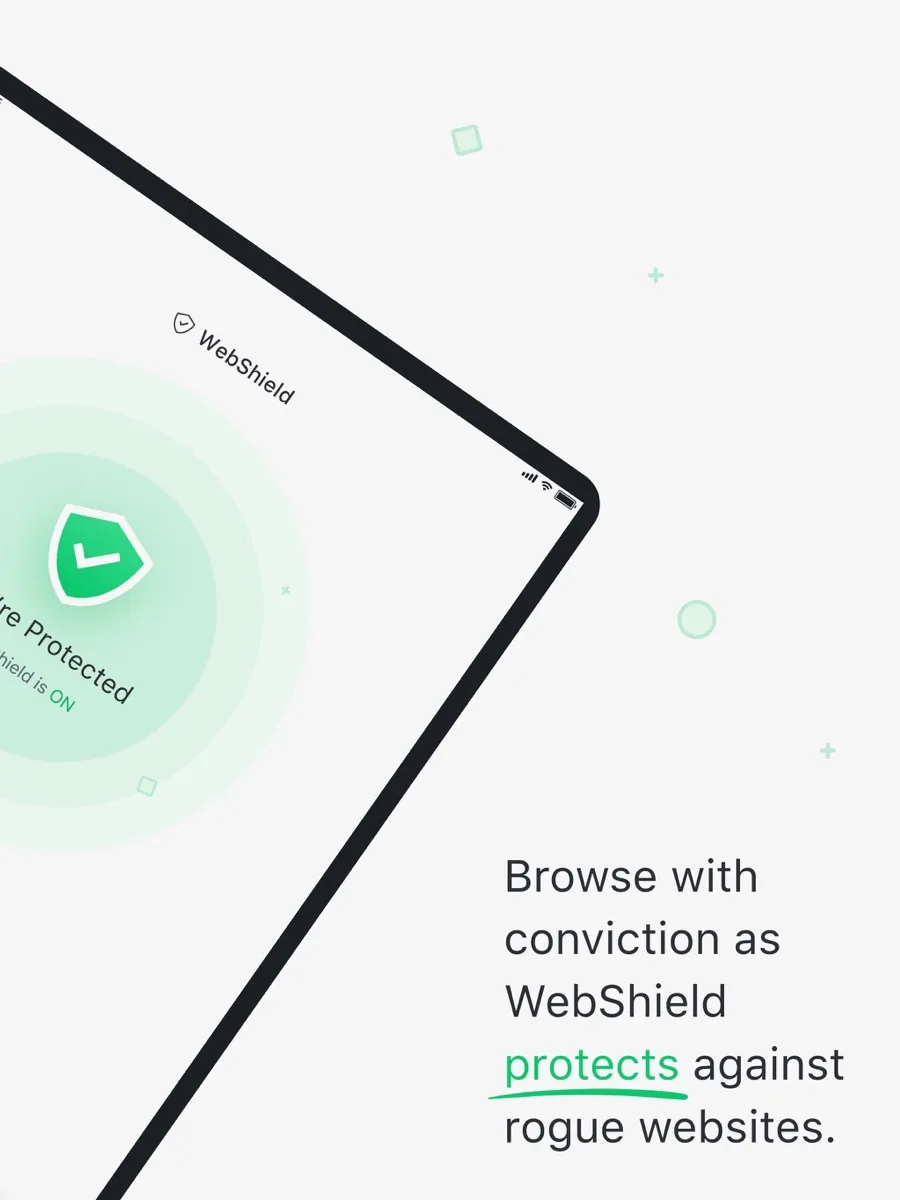
- WebShield, a safe-browsing layer against phishing and scam sites.
- Scheduled smart scans, so checks run automatically.
- Clean-up tools: a junk file cleaner, an uninstaller for unused apps and a browser cleaner for history, cookies and cached data, plus blocking of tracking cookies.
- Data Breach Monitoring, which watches your email address in known breach data and sends alerts. TotalAV's small print says it relies on publicly available breach data only.
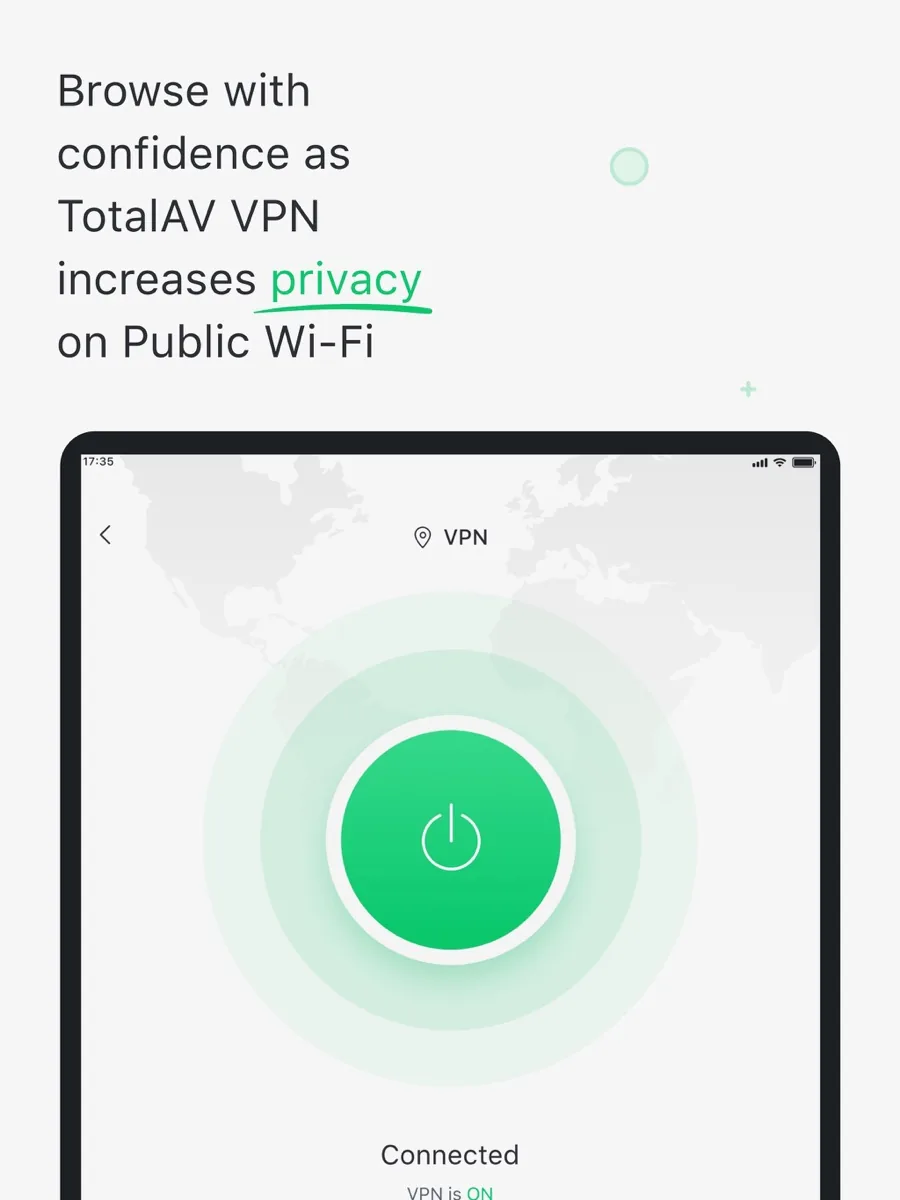
- Total VPN, which TotalAV says uses AES-256 encryption (Internet Security and Total Security plans).
- Total Adblock for ads and pop-ups (Internet Security and Total Security).
- Total Password, a password manager using AES-256 encryption (Total Security only).
The apps run on Windows, macOS, Android and iOS. TotalAV's footnotes say device features may vary, so check that the feature you care about exists on the device you plan to protect. The lab results below are for Windows. PCMag also found that TotalAV's free edition has no real-time protection; it scans and removes threats on demand, which is why the paid plans are the ones to compare.
How well does TotalAV protect you?
Lab results are the most important evidence for any antivirus, and TotalAV appears in both of the major consumer test programmes.
AV-TEST
In AV-TEST's most recent published round, covering July and August, TotalAV 6.6 and 6.7 on Windows 11 scored the maximum 6 out of 6 for protection, 5.5 out of 6 for performance and 6 out of 6 for usability, 17.5 points out of 18. It stopped 100% of the 297 zero-day attacks in both months and 100% of more than 12,000 samples of widespread malware, and it raised no false warnings on the 500 legitimate websites used. AV-TEST certified it. In the previous rounds TotalAV had also scored the maximum for protection.
AV-Comparatives
In AV-Comparatives' Real-World Protection Test covering February to May, TotalAV blocked 396 of 400 test cases, a 99.0% protection rate, with 5 false positives, and was placed in the top cluster alongside Microsoft Defender and other leading products. In the same lab's Malware Protection Test, run with more than 10,000 recent samples, TotalAV reached a 99.98% online protection rate, among the very highest results. But it also raised 19 false alarms on clean files, which AV-Comparatives classes as many, and it received a lower award than its detection alone would have earned for that reason.
Two honest readings follow from those numbers. TotalAV's detection is genuinely excellent and its performance impact is modest. But it can be quicker than some rivals to flag a legitimate file, and the gap between the best paid products and Windows' own protection in the real-world test was small. So the case for TotalAV rests as much on what else it includes, and on cross-platform coverage, as on raw detection.
How much does TotalAV cost?
Our price box shows current figures, so here is the structure rather than the price. TotalAV's plans page lists three tiers:
- TotalAV Plus: the antivirus, web protection and tune-up tools, for up to 4 devices. No VPN, ad blocker or password manager.
- Internet Security: everything in Plus, with Total VPN and Total Adblock, for up to 6 devices.
- Total Security: everything in Internet Security, with Total Password, for up to 8 devices.
Some outlets and lab reports still call the entry plan "Premium" and list a smaller device allowance; the four-device Plus plan above is what TotalAV's own page shows now. TotalAV says it offers monthly, quarterly, biannual and annual subscriptions that renew automatically unless cancelled. Introductory pricing may be available to first-time customers, and renewals are billed at the standard rate unless otherwise stated. This is the most important thing to understand before buying: the first-term price and the renewal price are different, and the renewal is automatic. Every review outlet we read made the same point about the size of the renewal increase.
Auto-renewal, cancellation and refunds
- Advance notice. TotalAV says it gives notice at least 15 days before renewal for annual plans, and for California customers whose subscriptions reach 12 months.
- Cancelling. According to its cancellation guide, you can switch off auto-renewal yourself in the online portal under My Subscriptions without contacting support. Your service stays active until the end of the period you have paid for. App Store and Google Play purchases are cancelled through Apple or Google instead.
- Refunds. The money-back guarantee is 30 days for annual and biannual plans and 14 days for monthly, quarterly and add-on services. TotalAV adds two conditions people miss: you must first fully terminate your subscription, because turning off auto-renewal does not end your access or trigger a refund, and if a refund is approved your access ends immediately.
The full rules sit in TotalAV's terms of service. If you only want one year, note your renewal date or switch off auto-renewal straight after purchase; your protection continues until the term ends.
Is TotalAV safe and legitimate?
Yes. TotalAV is a real, paid product from an identifiable company, and its Windows app is certified by both major independent labs. An antivirus needs deep access to your system, so the vendor's reputation matters more than usual. On the add-ons, TotalAV describes Total VPN's encryption, but it is a bundled extra rather than a standalone privacy product with its own published audit, so people for whom the VPN is the main reason to buy should compare it with a dedicated VPN. The data breach monitor watches public breach data only, as TotalAV itself states.
What could be better
- Renewal costs much more than the first term, and renewal is automatic.
- The cheapest plan has no VPN, ad blocker or password manager.
- There is no firewall, a gap several outlets mention; Windows' own firewall still applies.
- Refunds require full termination and end access immediately.
- False alarms were above average in one AV-Comparatives test.
- Reviewers report that the free edition pushes upgrades hard, and some clean-up tools repeat what Windows already does.
Who should choose something else
If you have a single Windows PC, browse carefully and do not need a VPN or password manager, the protection built into Windows may be enough; the real-world test above suggests the detection gap is small. If you only want a VPN, a specialist VPN with an audited no-logs policy is a better fit than a bundled one. If you want a firewall and fine control inside the suite, look at suites that include them. And if you want a free antivirus, TotalAV's free edition is a scanner, not full protection.
Is TotalAV worth it?
TotalAV combines lab-proven detection, with top protection scores from AV-TEST and top-cluster placing from AV-Comparatives, with a broad bundle of extras and apps for every major platform. That is why it leads our antivirus ranking. The trade-offs are a subscription built on introductory pricing and automatic renewal, no firewall, and a tendency to more false alarms than the very best. Pick the tier that matches the devices and extras you will actually use, and set a reminder for your renewal date.
What other reviewers found
- PCMag raised its rating after its latest look, finding lab and hands-on scores good rather than great; phishing detection improved markedly, but its newest-malware URL test came in below the median, and it still prefers Bitdefender and Norton.
- TechRadar praised the interface, the cross-platform apps and the lab scores, but marked it down for price, the missing firewall and a free version that leans heavily on upsells.
- Security.org scored it well for ease of use and malware detection, but criticised the lack of behaviour-based detection and the size of the renewal increase.
- AV-Comparatives, a lab rather than a review site, recorded near-perfect online protection alongside a higher than average false alarm count.
Where the outlets agree: TotalAV is easy to use, its detection is strong in independent labs, renewal prices are a real catch, and there is no firewall. Where they disagree is how far to trust its protection. TechRadar points to the lab scores; PCMag's hands-on tests were more mixed; and Security.org says it relies on known signatures, which sits uneasily with AV-TEST's perfect zero-day result. For a buyer, the labs are the stronger evidence because they test thousands of samples, and they put TotalAV near the top. The fair conclusion is that the protection is excellent, that it is not alone at that level, and that the plan you pick and the renewal date you remember matter as much as the engine.
Frequently asked questions
Is TotalAV a legitimate antivirus?
Yes. TotalAV is sold by Total Security Limited and Total Security US LLC, and its Windows app is tested and certified by the independent labs AV-TEST and AV-Comparatives, where it has posted top protection scores. Complaints about TotalAV tend to concern its subscription terms and upgrade prompts rather than its protection, so read the renewal terms before you buy and switch off auto-renewal if you only want one term.
Does TotalAV have a free version?
TotalAV offers a free edition, but review outlets including PCMag found that it lacks real-time protection: it scans for and removes threats on demand rather than blocking them as they arrive. Reviewers also report frequent prompts to upgrade. For continuous protection you need a paid plan, or you can rely on the protection built into Windows, which also scores well in the labs.
How do I cancel TotalAV and get a refund?
Log in to TotalAV's online portal and switch off auto-renewal under My Subscriptions; your protection continues until the paid term ends. To get money back, you must fully terminate the subscription and ask within 30 days for annual or biannual plans, or 14 days for monthly and quarterly plans. If a refund is approved, access ends immediately. App store purchases are handled by Apple or Google.
Does TotalAV slow down your computer?
Independent lab results suggest the impact is modest. In AV-TEST's latest round TotalAV scored 5.5 out of 6 for performance, which measures how much an antivirus slows everyday tasks such as opening websites, launching programs and copying files. Earlier rounds scored it at the maximum. Any security tool adds some overhead, and older or low-powered computers notice it more.
Which TotalAV plan includes a VPN?
The VPN, Total VPN, is included in the Internet Security and Total Security plans, not in the entry-level TotalAV Plus plan. Internet Security also adds Total Adblock and covers more devices, while Total Security adds the Total Password manager and covers the most devices. If you already pay for a separate VPN, the entry plan may be enough.
Do I need TotalAV if I have Windows Defender?
Not necessarily. Microsoft Defender placed in the same top cluster as TotalAV in AV-Comparatives' real-world test, so for one careful user on one Windows PC it may be enough. TotalAV makes more sense if you want one subscription covering several devices, including Macs and phones, plus extras such as a VPN, an ad blocker and a password manager.
Sources
- TotalAV Plus, plans and subscription FAQ, TotalAV
- TotalAV homepage, TotalAV
- Terms of Service, TotalAV
- How to cancel your subscription, TotalAV Help
- Test Protected.net TotalAV 6.6 and 6.7 for Windows 11 (July to August), AV-TEST
- Real-World Protection Test February to May, AV-Comparatives
- Malware Protection Test March, AV-Comparatives
- TotalAV Antivirus Pro Review, PCMag
- TotalAV Antivirus review, TechRadar
- TotalAV Antivirus Review, Security.org