
Dropbox review: our verdict
This Dropbox review is about the service that made cloud file sync mainstream and is still the yardstick others are measured against. Dropbox keeps a folder on each of your computers in step with the cloud and your phone, lets you share files and folders with anyone through a link, keeps earlier versions of files so mistakes can be undone, and adds tools for signing documents, requesting files and transferring large ones. It works on Windows, macOS, iOS, Android and the web, which makes it especially useful for households and teams that mix devices from different makers.
We rank Dropbox near the top of our cloud storage comparison with a "Best Sync" label, because independent reviewers continue to find its syncing fast and dependable and its sharing tools among the best. The trade-offs are well known. The free plan is small and limited to three devices, the cost per terabyte is higher than the storage add-ons from Google, Apple and Microsoft, and Dropbox does not use zero-knowledge encryption by default, so it is not the most private option. For people who value reliable sync and easy sharing above the lowest price, it remains an excellent choice.
NerdBible did not run its own sync tests for this review. It is an editorial assessment based on Dropbox's plan, feature, security and help pages, and on published independent reviews.
What is Dropbox and who is it for?
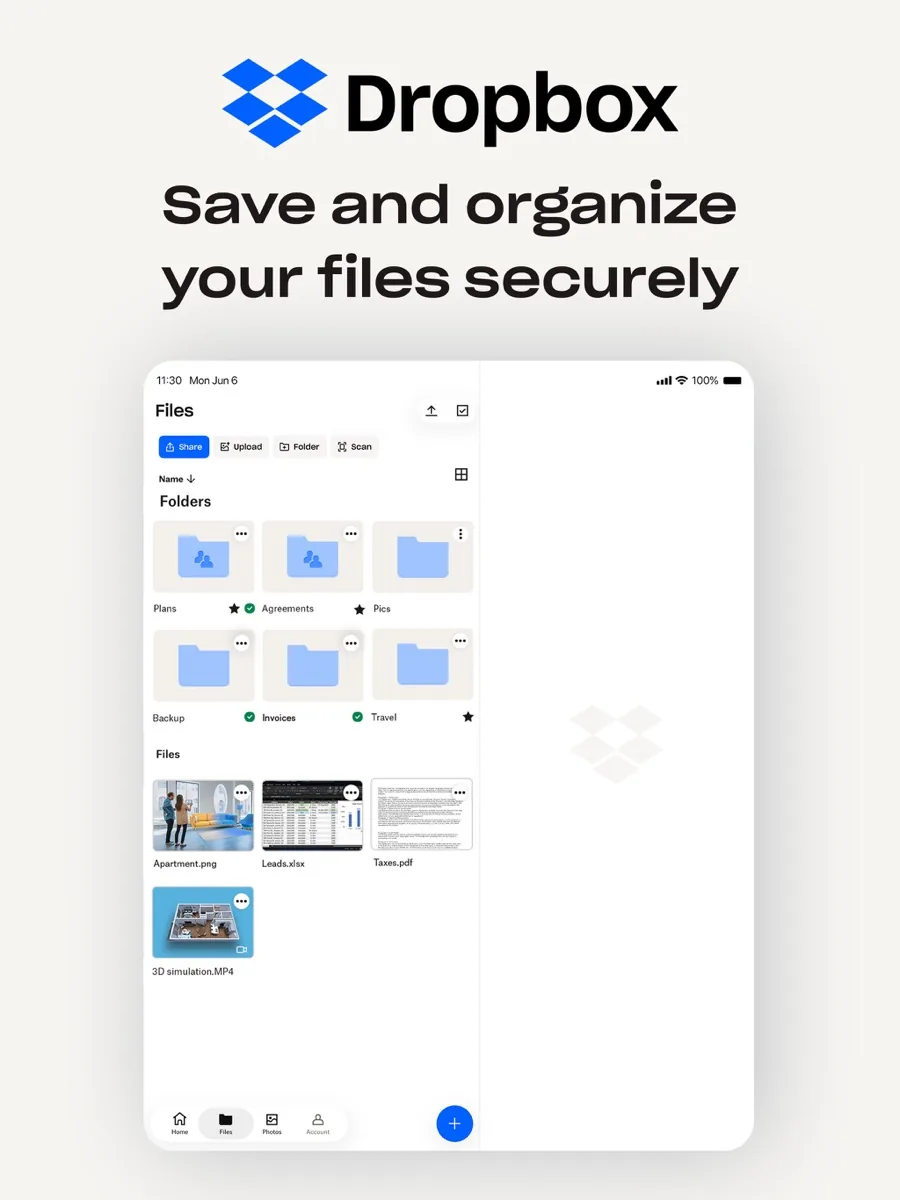
Dropbox started as a simple synced folder and has grown into a broader file and document platform. The core is unchanged: put a file in your Dropbox folder and it appears on every device signed in to your account. The Dropbox Basic page describes desktop apps for Windows and Mac that show your files in a Dropbox folder, web access from any browser, and mobile apps that can preview more than 175 file types.
Dropbox suits:
- People with mixed devices, such as a Windows PC, a Mac and an Android phone, where platform-specific services work less smoothly.
- Freelancers and creatives who share large files with clients and want those clients to upload without needing an account.
- Small teams that need shared folders, admin controls and longer file recovery.
- Anyone who relies on many apps, because Dropbox connects to a very large range of third-party tools.
It suits less well people who only use Apple or only use Google devices and already pay for storage there, privacy-focused users who want zero-knowledge encryption, and anyone who needs a lot of free storage.
Key features
File sync
Dropbox's sync features page describes keeping files in step across devices, making files "online-only" to save disk space while still seeing them on your desktop, selective sync to keep chosen folders off a computer, and offline access on all devices. PCMag notes that the online-only behaviour is the default on a new computer, with files downloading when you open them, and that some of these controls are reserved for paid plans.
Sharing and file requests
You can share a file or folder with another Dropbox user or create a link anyone can open. File requests let people without a Dropbox account upload files into your folder, which PCMag lists among Dropbox's strengths. Paid team plans add password-protected links, branding on shared files and team sharing controls.
Version history and file recovery
Dropbox keeps earlier versions of files and lets you restore deleted ones. According to the version history help page, Basic, Plus and Family customers get 30 days, Standard and similar plans get 180 days, and Advanced and Enterprise customers get 365 days. Upgrading does not extend history backwards; the longer window starts from the day you upgrade.
Backup and camera uploads
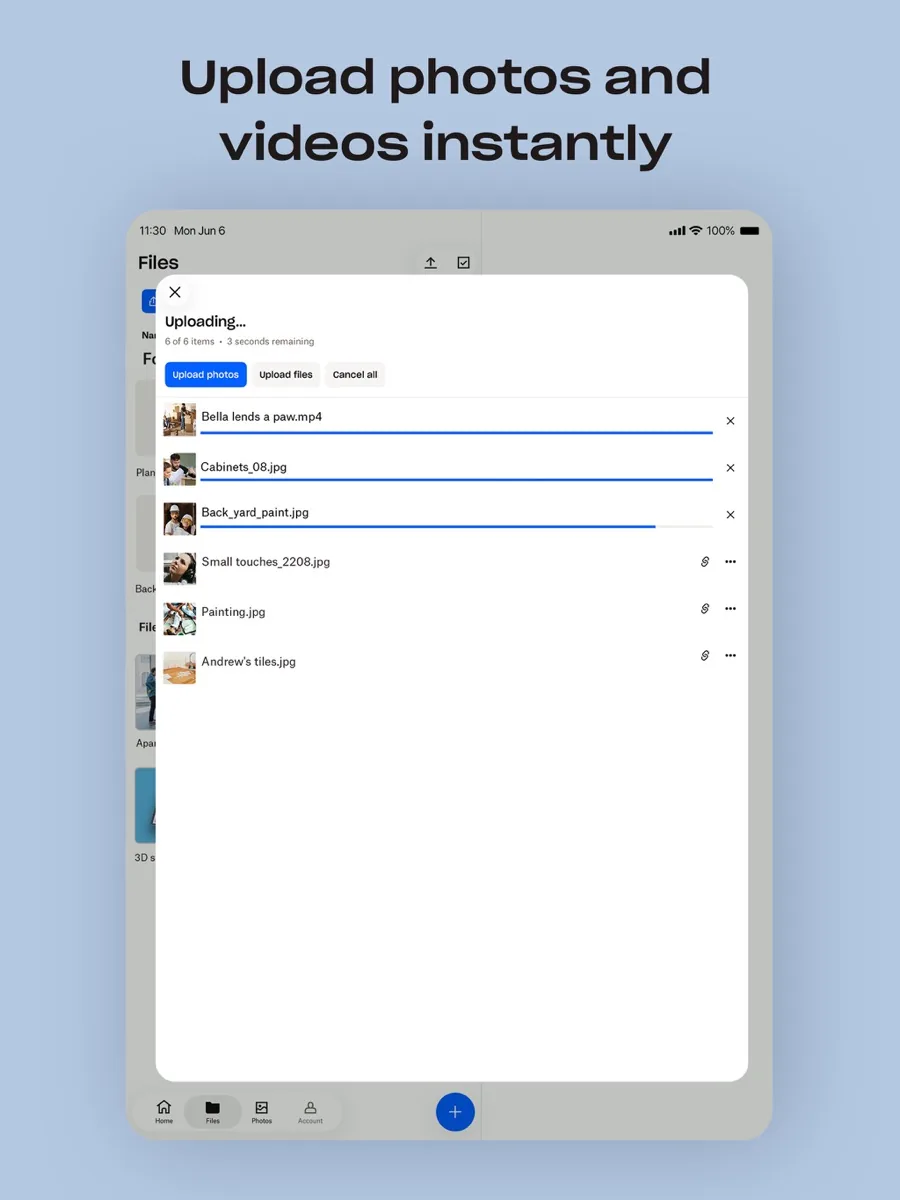
The desktop app can back up standard folders such as Documents, Desktop and Pictures, and the mobile app can upload photos and videos automatically. PCMag points out that Dropbox is not a full computer backup service: it backs up common folders, not every drive.
Documents, signatures and transfers
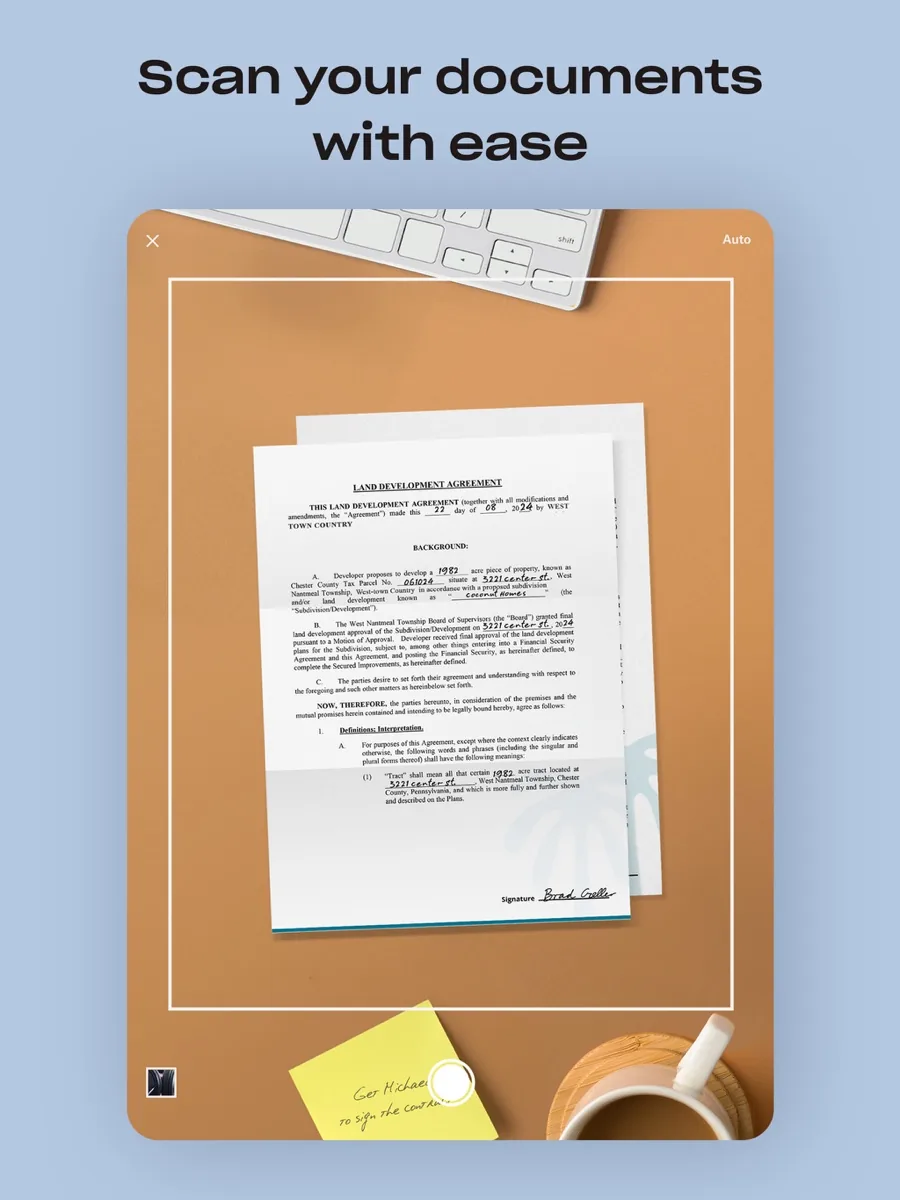
The Dropbox plans page lists PDF editing and signature requests on paid plans, and large file transfers whose size limit rises with the plan. PCMag also highlights document scanning with text recognition in the mobile app.
Integrations and AI
Dropbox integrates with hundreds of third-party apps, which PCMag calls one of the best arguments for choosing it. Team plans now include AI features for selected customers, such as finding images by describing them and asking questions about your content, with a monthly allowance of AI credits.
How much does Dropbox cost?
Dropbox offers a free plan and several paid tiers, billed monthly or yearly with a saving for annual payment. The structure on its plans page is:
- Basic (free): 2 GB of storage, 30-day file recovery, up to three devices.
- Plus: for one person, with 2 TB of storage, unlimited devices and larger transfers.
- Standard: for one person or more, starting with 3 TB shared across the team, 180-day recovery, team folders, admin controls and AI features.
- Advanced: for three or more people, starting at 15 TB for the team, one-year recovery, tiered admin, end-to-end encryption, advanced key management, compliance tracking and single sign-on.
- Enterprise: custom pricing with dedicated support.
Tom's Guide also describes a Family plan that shares storage among up to six people. Business plans come with a free trial. Our comparison page shows the prices we list. Independent reviewers agree that Dropbox charges more per terabyte than the big platform providers, so its value depends on how much you use its sync and sharing features.
Is Dropbox safe and private?
Dropbox's security page says files at rest are encrypted with 256-bit AES and protected in transit with SSL/TLS, that two-step verification is available by text message or authenticator app, and that Dropbox publishes SOC 1, SOC 2 and SOC 3 reports. It also supports GDPR compliance and HIPAA compliance for teams. Paid plans add remote device wipe and device approvals.
The privacy limitation is that standard Dropbox encryption is managed by Dropbox, not by you. Its plans page lists end-to-end encryption only on the Advanced plan. Tom's Guide and Cloudwards both note the lack of zero-knowledge encryption, and Cloudwards adds that Dropbox's privacy policy allows sharing data with trusted third parties. Tom's Guide also recalls that Dropbox suffered a major breach over a decade ago and has tightened its security since. For most people, turning on two-step verification is the most important step you can take.
What could be better
- Small free plan. 2 GB is less than most rivals offer, and earning more through referrals is slow.
- Three-device limit on Basic. The device limit help page confirms free users can be signed in on up to three devices at once; paid plans remove the cap.
- Price per terabyte. Every outlet we read describes Dropbox as relatively expensive for raw storage.
- No zero-knowledge encryption by default. End-to-end encryption is limited to the Advanced plan.
- Mac quirks. PCMag reported that online-only files were not fully working on macOS with some third-party apps and that Dropbox advises making files available offline first.
- Sharing extras need team plans. PCMag found that the strongest sharing controls sit on business plans rather than Plus.
Who should choose something else
If you live entirely in Apple's world, iCloud Drive integrates more tightly with your Mac and iPhone. If you use Google Docs and Gmail, Google Drive's storage plans and online office suite are a natural fit, and Microsoft 365 subscribers already get OneDrive storage. Privacy-first users who want zero-knowledge encryption on every plan should compare services built around it, such as Sync.com or Proton Drive. And if you mainly need cheap space for archives, a backup-focused service will cost less per terabyte.
Is Dropbox worth it? The bottom line
Dropbox is worth it when sync and sharing are the job. Its desktop and mobile apps are dependable, it moves files quickly, it works equally well across Windows, Mac, iOS, Android and the web, and its file requests, version history and integrations save real time. You pay more per terabyte than with the platform giants, the free plan is mainly a trial, and privacy-conscious users should note the encryption model. For individuals and teams who share files every day across different devices, Dropbox remains one of the best services you can choose.
What other reviewers found
- PCMag praised Dropbox's integrations, mobile apps with text recognition and file requests, but criticised the three-device limit on the free plan, the per-gigabyte value and a syncing issue on Macs.
- Tom's Guide called Dropbox a leader in cloud storage with fast transfers and good sharing and versioning, but quite expensive and without zero-knowledge encryption.
- TechRadar found strong upload performance and judged Dropbox "just about the best in the business" at syncing between different operating systems, while noting the limited free storage.
- Cloudwards liked the clean interface, app integrations and selective sync, and named privacy as Dropbox's main weakness, together with price.
Where reviewers agree and disagree
The four outlets agree on the fundamentals: Dropbox syncs quickly and reliably, shares files well and integrates with more apps than most rivals, and it costs more per terabyte than the alternatives. They differ on how much weight to give privacy. Cloudwards treats the lack of zero-knowledge encryption as a central flaw, Tom's Guide lists it as a con but still rates the security as strong, and TechRadar focuses on performance and calls Dropbox the best at what it does. For a buyer, that means the decision turns on priorities: choose Dropbox for speed, cross-platform sync and sharing, and choose a zero-knowledge service if keeping your provider unable to read your files matters most.
Frequently asked questions
How much free storage does Dropbox give you?
Dropbox Basic, the free plan, includes 2 GB of storage. Free accounts can be signed in on up to three devices at a time and keep 30 days of file history and deleted file recovery. You can earn a little more space by referring friends, but anyone who needs more than a few gigabytes will need a paid plan or another service.
Is Dropbox safe to use?
Dropbox says it encrypts stored files with 256-bit AES and protects transfers with SSL/TLS, offers two-step verification and publishes SOC 1, SOC 2 and SOC 3 reports. Standard encryption is managed by Dropbox rather than by you, and end-to-end encryption is listed only on the Advanced plan. Turn on two-step verification and review shared links regularly to keep your account secure.
Why is Dropbox more expensive than Google Drive or iCloud?
Dropbox focuses on sync, sharing and integrations across every major platform, rather than bundling storage into a wider ecosystem of email, phones or office apps. Reviewers agree it costs more per terabyte than those platform providers. Whether it is worth the difference depends on how much you rely on its sync speed, file requests, version history and app connections.
Can I use Dropbox on more than three devices?
On the free Basic plan, Dropbox limits you to three signed-in devices at once; when you add a fourth, you are asked to sign out of another. Paid plans such as Plus, Standard and Advanced allow unlimited devices. Free users can also reach their files from any web browser, which does not count against the device limit.
How long does Dropbox keep deleted files and old versions?
It depends on the plan. Dropbox's help centre says Basic, Plus and Family accounts keep 30 days of version history and deleted files, Standard and similar plans keep 180 days, and Advanced and Enterprise keep 365 days. If you upgrade, the longer window starts from the upgrade date rather than applying to older history.
Sources
- Find your Dropbox plan, Dropbox
- Dropbox Basic (free account), Dropbox
- Secure Dropbox storage, Dropbox
- Sync files and folders across devices, Dropbox
- Version history overview, Dropbox Help
- How many devices can I use with my Dropbox account?, Dropbox Help
- Dropbox Review, PCMag
- Dropbox cloud storage review, Tom's Guide
- Dropbox cloud storage review, TechRadar
- Dropbox Review, Cloudwards