
Bark review: our verdict
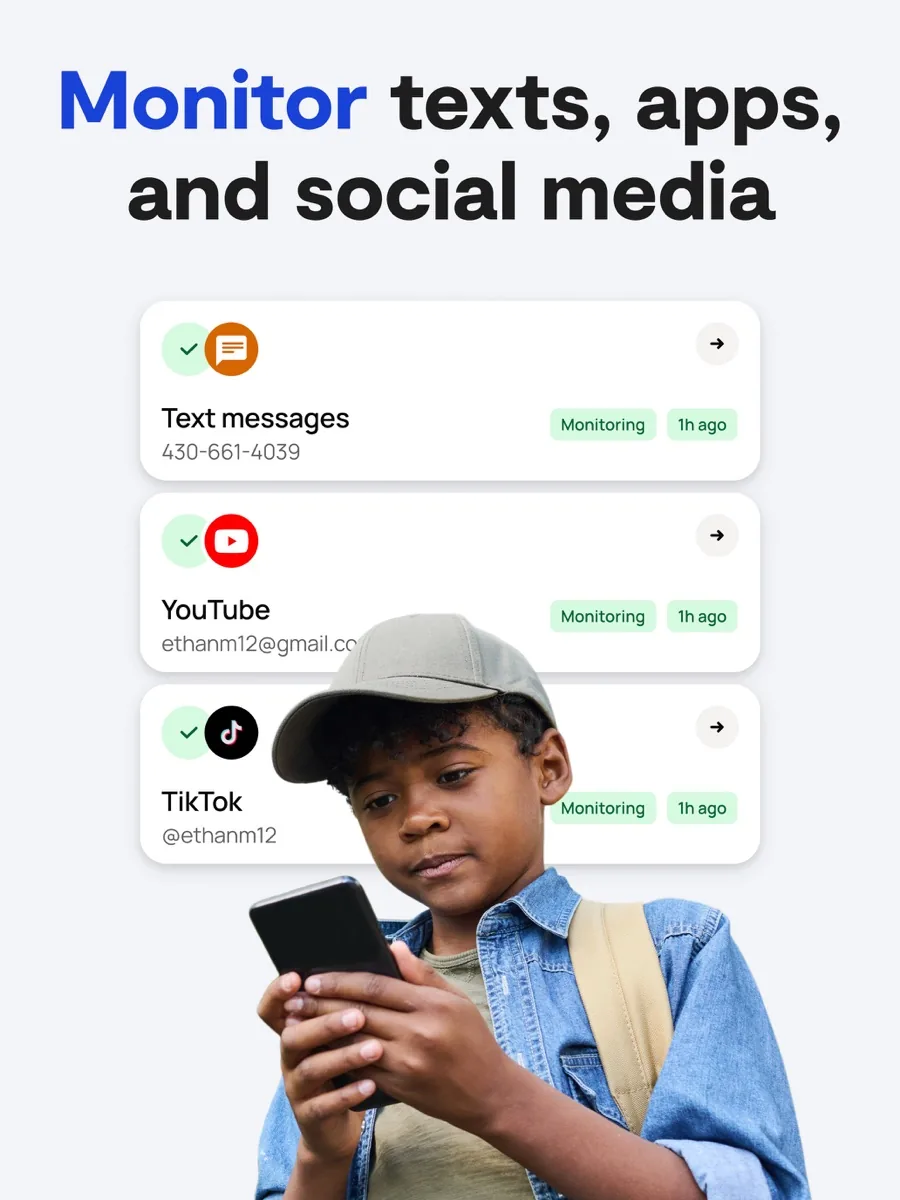
This Bark review covers a parental control service that takes a different approach from most of its rivals. Instead of giving parents a complete log of everything a child types, Bark uses automated scanning to look through texts, email, social media, photos and web activity for signs of real trouble, such as bullying, predatory contact, sexual content, drugs or self-harm, and only alerts a parent when something concerning appears. Around that core it adds the expected tools: screen time schedules, website and app blocking, and location tracking.
For families with tweens and teens who are already on social media, that is a sensible design. It respects a child's privacy more than a keylogger would, it saves parents from reading hundreds of harmless messages, and it surfaces the conversations that genuinely need an adult. The trade-offs are real: monitoring is far deeper on Android than on iPhone, desktop coverage is limited to certain browsers, and it is less suited to young children who need tight, hands-on limits. Bark is also only sold in a handful of countries.
NerdBible did not run its own hands-on trial for this review. It is an editorial assessment based on Bark's own product, pricing, privacy and security pages and on the published findings of independent review outlets, credited and linked below.
What is Bark and who is it for?
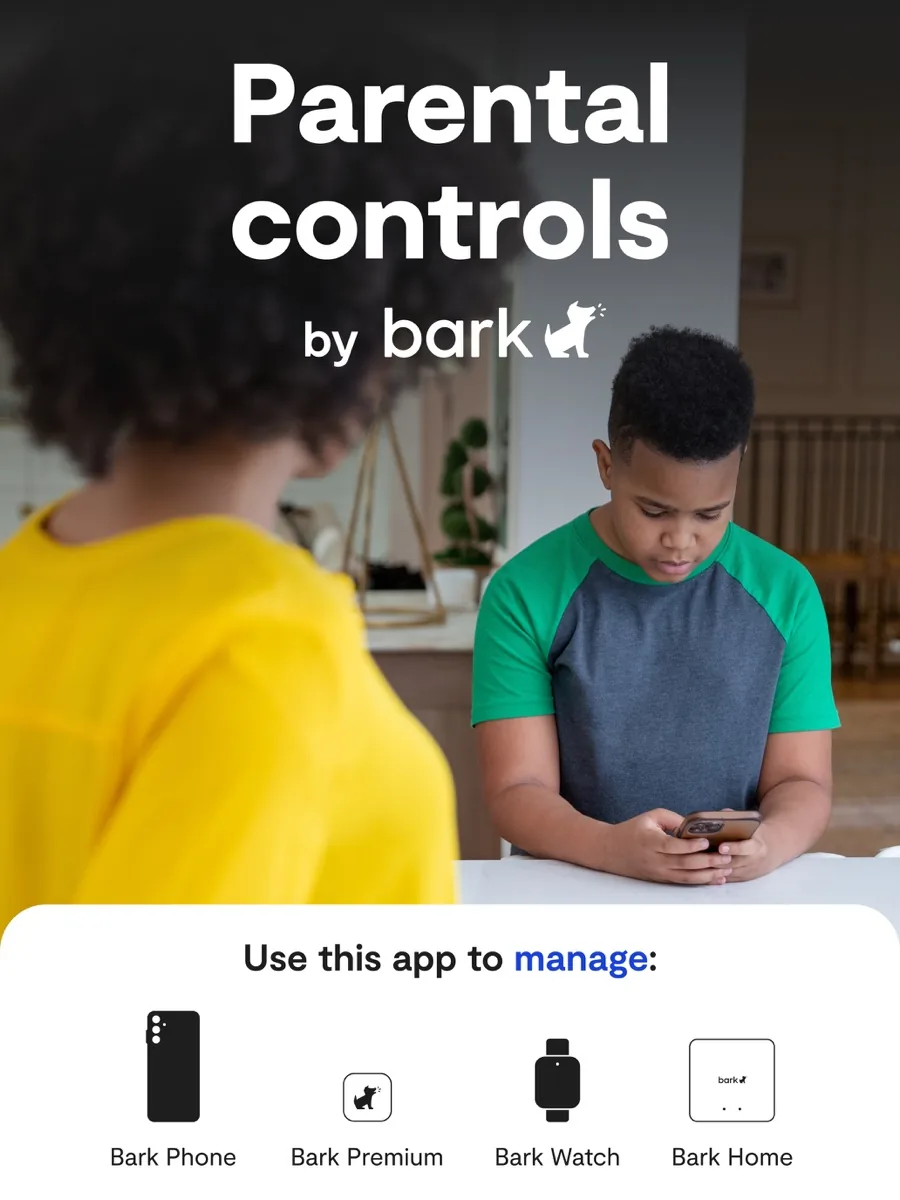
Bark is a family safety company that sells a monitoring app for children's existing phones and tablets, plus its own hardware: the Bark Phone, the Bark Watch and Bark Home, a small device that manages internet-connected gadgets on your home network. The Bark homepage says more than seven million families are protected by its service, and that the app is currently available in the United States, its territories, South Africa and Australia. The Bark Phone is US-only.
Bark suits:
- Parents of tweens and teens who use social media, messaging and email and who want to know when something goes wrong rather than read everything.
- Large families. Plans cover unlimited children and devices.
- Android households. Bark can see much more on Android than on iOS.
It suits less well parents of young children who want strict lockdowns and contact controls on a phone the child already owns, and families outside the countries where it is sold.
Key features
AI-based content monitoring and alerts
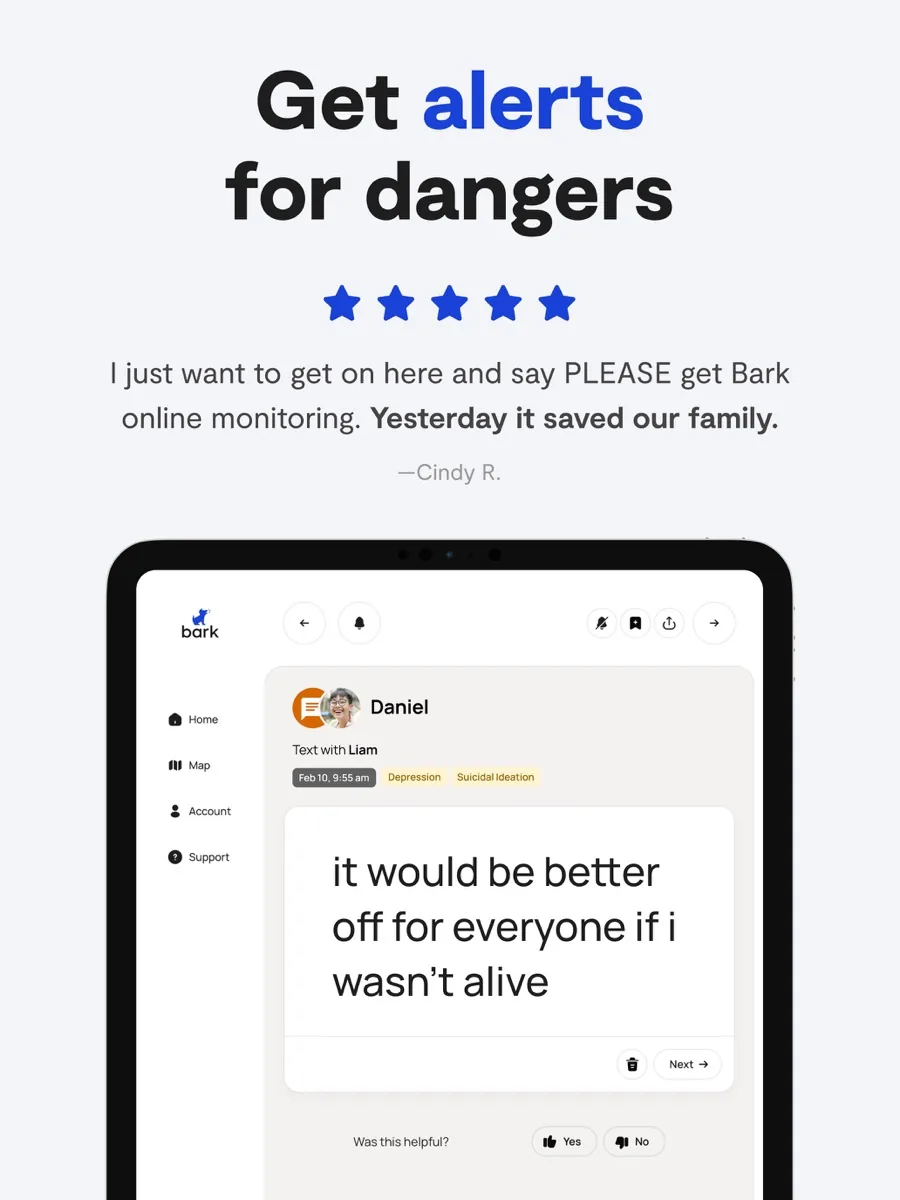
According to the Bark products and pricing page, once accounts and devices are connected Bark's AI scans text, images, video and audio for potential dangers, in English, Spanish and Afrikaans, and sends alerts for anything concerning. The homepage lists alert categories covering more than two dozen kinds of risk, and parents can tune sensitivity per category, for example ignoring profanity but receiving every alert about drugs. Each alert comes with guidance on how to approach the conversation.
Wide platform coverage, with an iOS gap
TechRadar reports that on Android Bark monitors around 30 apps and services, including major social networks, messaging apps, cloud storage, gaming platforms and AI chat tools, along with texts, email, photos and videos. On iOS the list is shorter because of Apple's restrictions. Security.org notes that Bark cannot read texts and calls on an iPhone the way it can on Android, and some platforms require the child's login details during setup so Bark can see the account.
Screen time, filtering and location
Bark lets parents set schedules such as school time, free time and bedtime, block specific websites and apps, and track location with alerts when a child arrives at or leaves a place. SafeWise points out that per-app time limits, contact list controls and remote lockdowns are features of the Bark Phone and Watch rather than the app on an existing phone.
Bark Phone, Watch and Home
The Bark Phone page explains that Bark's software is built into the phone itself and cannot be deleted, so monitoring and controls stay in place. The watch is a standalone device with its own number. Bark Home applies schedules and filtering to TVs, consoles and other gadgets on your network.
How much does Bark cost? Plans and pricing structure
Current prices appear in our comparison above. According to the Bark pricing page, the structure is:
- Bark Jr: the lower tier, with screen time schedules, website and app blocking, and location features. SafeWise notes that it does not include message monitoring alerts.
- Bark Premium: everything in Bark Jr plus content monitoring and alerts across texts, email, social media and web activity, for unlimited children and devices.
- Hardware: the Bark Phone and Bark Phone Pro are paid off monthly over a set term with a separate service plan, and both include a Bark Premium subscription for the family. The Bark Watch and Bark Home are sold separately.
Plans can be paid monthly or annually, and the homepage advertises a 7-day free trial. Because the price covers an unlimited number of children, Bark becomes better value the more kids you have, a point SafeWise also makes when comparing it with rivals that charge per child.
Is Bark safe? Privacy and security
A service that reads children's messages has to be trusted with very sensitive data. Bark's security page says its databases, servers and browsing sessions are encrypted, its data is hosted on Amazon Web Services, staff undergo background checks, and it holds a SOC 2 Type II report. It also lists compliance with COPPA and, for its school product, FERPA and CIPA.
The Bark privacy policy states that it does not sell or share personal information for money as defined under California law, does not share children's personal information other than to provide the service and with contracted service providers, and keeps child-related data only as long as needed. Parents can ask to review or delete a child's information.
The design itself is privacy-protective in one important way: parents see flagged excerpts rather than a full transcript of every conversation. That helps preserve trust, and Common Sense Media's guidance on parental controls stresses that these tools work best when used openly with children. Bark alerts are a prompt for a conversation, not a diagnosis. If an alert suggests a child may be at risk of harm, contact a qualified professional or, in an emergency, local emergency services.
What could be better
- iPhone limitations. Every outlet notes that monitoring on iOS is narrower than on Android because of Apple's rules.
- Desktop coverage. Security.org and TechRadar report that on computers Bark only monitors Chrome and Edge.
- Not a lockdown tool. On a child's existing phone, the app cannot manage contacts or remotely lock the device.
- Setup takes time. Connecting each social account, sometimes with the child's password, is fiddly, and Security.org describes customer support as lacklustre.
- Accounts parents do not know about. Common Sense Media points out that any monitoring tool only sees accounts it is connected to, so a secret profile made on a friend's device will be missed.
Who should choose something else?
Parents of younger children who mainly want time limits and content filters may find the free tools built into phones enough: Common Sense Media notes that Apple's Screen Time lets parents manage app time, downloads and downtime on iOS devices without any extra subscription. Families who want detailed activity logs rather than alerts should look at a more traditional monitoring app. And households outside the US, South Africa and Australia cannot buy Bark at present.
Is Bark worth it? Bottom line
Bark is the strongest choice we know of for parents whose main worry is what happens inside their teen's messages and social apps. Its alert-based approach catches serious issues without turning parenting into surveillance, it covers unlimited children, and it adds the core controls most families need. Go in knowing its limits on iPhone and desktop, use the 7-day trial to see what it can monitor on your child's devices, and treat each alert as the start of a conversation.
What other reviewers found
- SafeWise picked Bark as its best overall parental control app and praised its message screening, while noting it is less suited to young children who need hands-on management.
- Security.org was impressed by its AI alerts and unlimited device coverage, but marked it down for limited iOS and desktop monitoring and weak customer support.
- TechRadar's review highlighted its broad app coverage on Android and its trust-based design, and pointed out how much shorter the monitored list is on iOS.
- TechRadar's parental control buying guide liked Bark's guidance for parents and its bullying alerts, but rated its tracking and monitoring as less detailed than some rivals.
- Common Sense Media lists Bark among full-featured monitoring services for tweens and teens and stresses that parents usually need the child's account details to monitor social media.
Where the outlets agree and disagree
Reviewers agree on what Bark does best: smart, alert-based monitoring of messages and social apps that flags genuine risks without drowning parents in data. They also agree on the main weakness, which is how much less Bark can see on an iPhone and on desktop. They differ on how much that matters. SafeWise ranks Bark first overall, while TechRadar's buying guide prefers rivals for parents who want detailed tracking and full activity logs. The difference is about parenting style rather than quality. If you want to be told when something is wrong, Bark is the better fit. If you want to see everything, a log-based tool will feel more complete, at some cost to your child's privacy.
Frequently asked questions
Can my child tell that Bark is installed?
Bark is designed to be used openly rather than as hidden spyware. Setup involves installing the app or connecting accounts on the child's devices, and some platforms need the child's login details. Bark and outside guides such as Common Sense Media encourage parents to explain what is being monitored and why, which tends to make the alerts easier to discuss when they arrive.
Does Bark work on iPhone?
Yes, but with less coverage than on Android. Apple's restrictions mean Bark cannot monitor texts and calls on an iPhone the way it can on an Android phone, and several social apps are monitored only on Android. Screen time, web filtering and location features work on iOS. If you are choosing a first phone, the Bark Phone avoids these limits.
Can Bark read all of my child's messages?
Bark scans connected messages, email and social media automatically, but parents do not see a full transcript. Instead, Bark sends an alert with the relevant excerpt when its AI detects a possible issue such as bullying, sexual content, drugs or self-harm. Parents can adjust how sensitive each alert category is to reduce noise they do not care about.
How many children does a Bark plan cover?
Both Bark Jr and Bark Premium cover an unlimited number of children and devices under one family subscription, according to Bark's pricing page. That makes it competitive for large families compared with rivals that charge per child or per device. The Bark Phone and Bark Watch are separate hardware purchases with their own service plans.
Is Bark available outside the United States?
Bark's homepage says the app is currently available in the United States and its territories, South Africa and Australia. The Bark Phone is sold only in the US. Families elsewhere cannot subscribe at present and should look at parental control apps sold in their country, or at the free controls built into their children's phones, such as Apple's Screen Time.
Sources
- Bark, Parental Controls for Families
- Products and Pricing, Bark
- Privacy and Security With Bark, Bark
- Privacy Policy, Bark
- The Bark Phone: A Safer Phone for Kids, Bark
- Bark Review, TechRadar
- Best parental control apps, TechRadar
- Bark App Review, SafeWise
- A Real Review of Bark's Parental Control App, Security.org
- Parents' Ultimate Guide to Parental Controls, Common Sense Media