
Our verdict
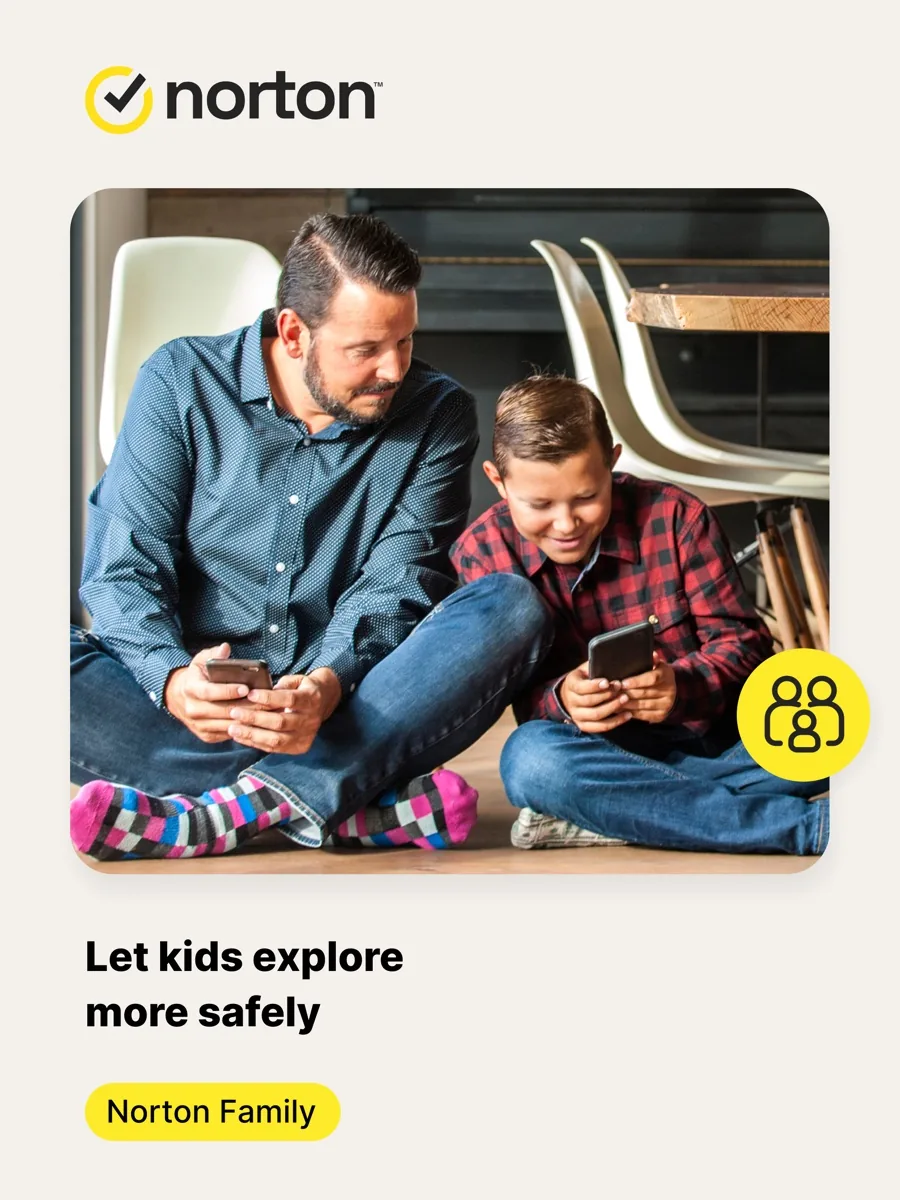
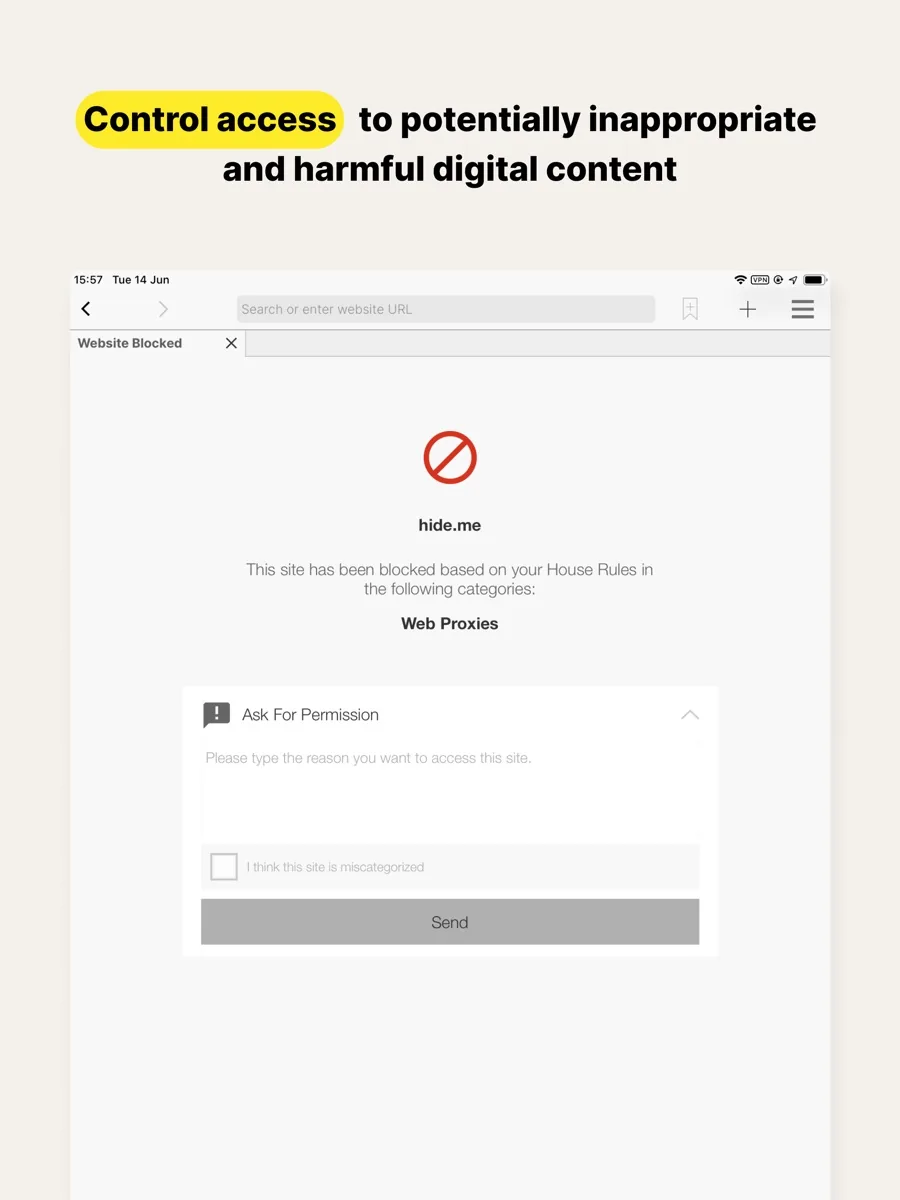
This Norton Family review covers Norton's parental control service, which is sold on its own and also included in the Norton 360 Deluxe and Premium security suites. Norton Family is a mature, broad and reasonably priced tool for supervising children's devices: web filtering across dozens of content categories, time limits and schedules, a School Time mode, instant device lock, app supervision, search and video monitoring, and location features with geofenced alerts. It covers an unlimited number of devices on Windows, Android and iOS, and parents can manage everything from a web dashboard or a phone app.
Its limits are equally clear. It does not run on a child's Mac, it does far less on iPhones and iPads than on Android, and it does not monitor social media messages, texts or calls. Some protections rely on browser extensions or Norton's own browser, which a determined child can work around. For families with Windows PCs and Android phones, or those who already pay for Norton 360, it is excellent value. For Apple-only households, the free controls built into iOS may do much of the same job.
NerdBible did not set up Norton Family on test devices for this review. It is an editorial assessment based on Norton's own product pages, the free parental tools from Apple, Google and Microsoft, and reviews from PCMag, TechRadar and Tom's Guide, each credited where used.
What is Norton Family and who is it for?
Norton Family is made by Gen Digital, the company behind Norton, according to the Norton Family product page. The page says the parental control app can be installed on a child's Windows PC, iPhone, iPad or Android device, while parents can manage settings from Windows, Mac, iOS or Android. Macs and Windows in S mode are not supported as child devices.
Norton Family suits:
- Families with many devices. There is no limit on the number of supervised devices.
- Parents of younger children who want web filtering, schedules and bedtime limits, with clear reports on what was blocked.
- Norton 360 customers. The Norton 360 Deluxe page lists Parental Control among its included features, so many households already have access.
- Parents who prefer openness to surveillance. PCMag notes that Norton Family encourages parents to tell children what rules are in place rather than spying covertly.
It suits less well families using Macs, households where children mainly use iPhones and parents who want to read their teenager's social media or text messages.
Key features
The product page groups the features into supervision areas:
- Web Supervision. Block unsuitable websites and see which sites children visit. Full functionality on Windows needs a supported browser extension.
- Search Supervision. See the terms children search for. This needs a browser extension on Windows and the in-app Norton Browser on iOS and Android.
- Video Supervision. See videos watched on YouTube.com in a supported browser. Norton notes it does not work with the YouTube app or with videos embedded on other sites.
- Time Supervision. Set daily limits or schedule the times and days children can use Windows, Android or iOS devices.
- School Time. A dedicated setting for school hours, listed alongside the time controls, so devices can stay usable for schoolwork while other use is limited.
- Instant Lock. Lock a child's device on demand, for example at dinner time.
- App Supervision. See and manage the apps children download, on Android and Windows.
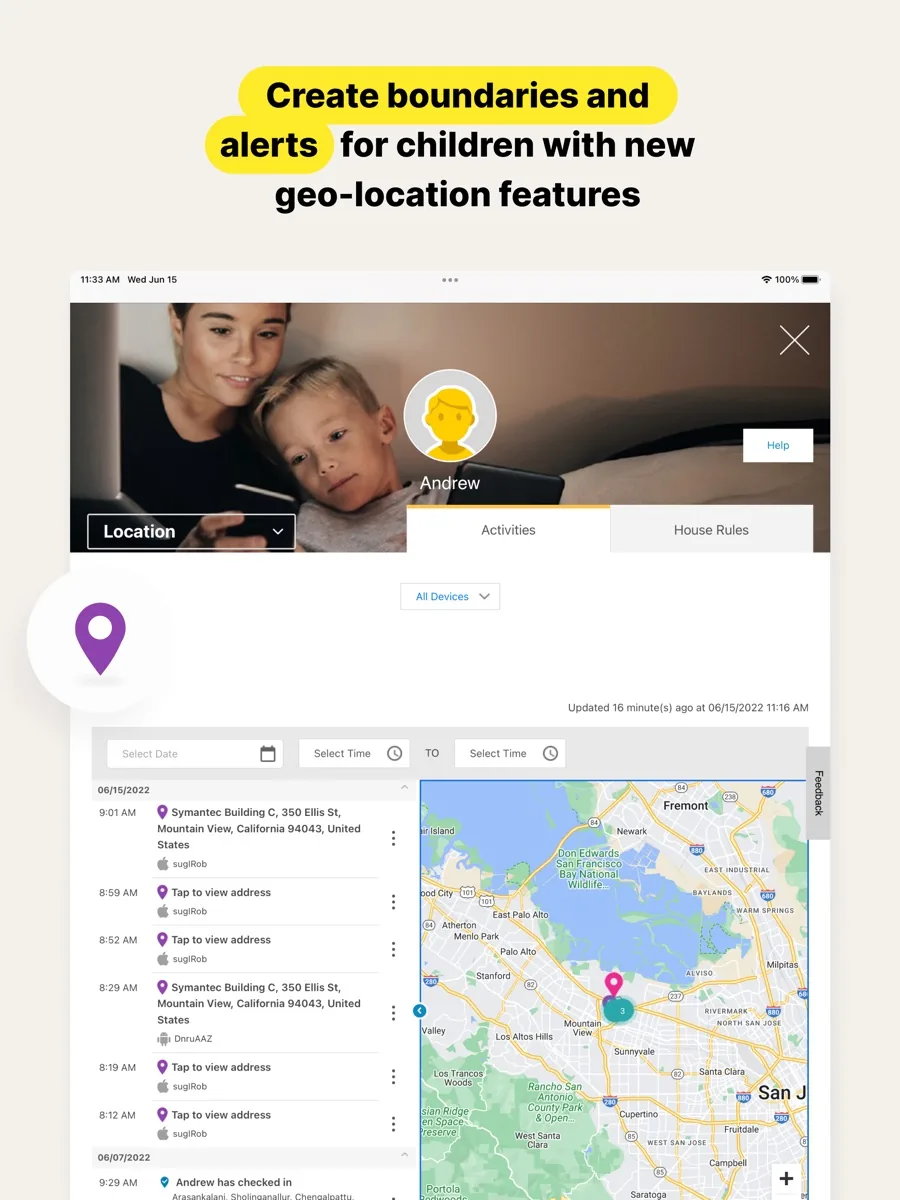
- Location Supervision. Check In lets a child share their location, Alert Me sends the location at set times, and Favorite Locations alerts you when a child arrives at or leaves a defined area. Norton says location features are not available in every country.
- Reports and alerts. Email alerts and weekly or monthly activity reports, plus the online parent portal.
TechRadar adds that the web filter covers more than 45 categories and that the geofence radius extends to around two miles, the largest it has seen in a parental control app.
How much does Norton Family cost? Plans and structure
Prices appear on this page from our own data, so here is how it is sold. Norton Family is available as a standalone subscription covering unlimited devices, and it is also bundled into Norton 360 Deluxe and Norton 360 Premium, which add antivirus, a VPN, dark web monitoring and cloud backup. Tom's Guide notes that the standalone product is a single plan, which keeps the choice simple.
The product page sets out the refund rules: you can cancel and get a full refund within 14 days of the initial purchase for a monthly subscription, and within 60 days of payment for an annual subscription. Free trials require a payment method at sign-up and are charged at the end of the trial unless you cancel first. As with most Norton products, introductory pricing usually rises at renewal, so check the renewal figure before you subscribe.
How well does Norton Family work on iPhone and Android?
Platform matters more with Norton Family than with most security products. On Android and Windows it offers its full feature set. On iOS, reviewers consistently report a narrower experience. PCMag found that most app and content blocking on iPhones is handled by Apple's own Screen Time rather than by Norton, and that unlocking an iOS device could break monitoring alerts. TechRadar notes that on iOS, web filtering and SafeSearch enforcement work only through the Norton Browser. Tom's Guide describes the iOS setup as messier, requiring a VPN profile and a device management profile.
Norton's own page does list time limits and schedules on iOS, so iPhone owners do get scheduling, but the overall depth is lower. If your children use iPhones, compare Norton Family with Apple's free controls first.
Is Norton Family safe and effective?
Norton Family is made by an established security company, and parents can protect their account with multi-factor authentication, which PCMag recommends. The harder question is effectiveness. No parental control app is foolproof, and the reviewers found specific gaps: PCMag reports that browser extensions can be disabled easily, that Norton Family cannot block individual desktop apps and games on PCs, and that a clever child could use virtualisation software to get around it. It recommends setting children up on a non-administrator account on Windows to reduce the risk.
It also does not cover messaging. TechRadar notes there is no dedicated social media monitoring and no call or text message monitoring. For many families that is a reasonable line to draw, but parents who want that level of oversight will need a different tool.
What could be better?
- No Mac support for children's devices.
- Weaker on iOS than on Android and Windows.
- No social media, text or call monitoring.
- No per-app time limits. TechRadar points out that rivals let you limit time in individual apps.
- Coarser schedules. TechRadar notes that screen time schedules are set in thirty-minute blocks.
- Dashboard time-outs. PCMag found the web dashboard logs you out after a few minutes of inactivity, with no way to change it.
Who should choose something else?
If your family uses only Apple devices, start with Apple's Screen Time and parental controls, which are built into Apple devices and cover the apps and websites a child can use, who they can communicate with and when they can use their devices. Android families can try Google Family Link, which offers screen time, app limits and location tools. Windows and Xbox households can use Microsoft Family Safety for content filters and screen time limits. And if monitoring social media and messages is the priority, a specialist service focused on that will suit you better than Norton Family.
Norton Family review bottom line: is it worth it?
For many families, yes. Norton Family offers broad, well-organised controls for unlimited devices, strong location and geofencing tools, a School Time mode that suits remote learning, and reports that help parents talk to children about what they do online. It is best value for households already paying for Norton 360 Deluxe or Premium and for families built around Windows and Android. Go in aware of the iOS and Mac limits and the lack of message monitoring, combine it with conversation rather than relying on software alone, and it is a dependable family tool.
What other reviewers found
- PCMag found Norton Family easy to set up with a comprehensive dashboard, unlimited devices and excellent geofencing, but criticised the lack of Mac support and the ease of disabling browser extensions. PCMag has since stopped rating third-party parental control apps altogether and now points families to the free tools from Apple, Google and Microsoft.
- TechRadar called it popular, effective and easy to use with great value, praising the wide geofence and filter categories, but marked it down for weak social media and messaging coverage and missing iOS features.
- Tom's Guide concluded that Norton Family offers a lot of features at a fair price but, like many parental control apps, can do far less on iOS than on Android, while praising unlimited children and devices on a single plan.
Where they agree: Norton Family is good value, easy to run and strong on web filtering, schedules and location, and it is clearly weaker on Apple devices than on Android and Windows.
Where they disagree: whether a paid parental control app is worth it at all. TechRadar and Tom's Guide recommend Norton Family on its merits, while PCMag now argues that third-party apps can be unreliable and even counterproductive if children feel spied on, and that the free built-in tools are a better starting point. PCMag also counts a cap on child profiles where Tom's Guide describes unlimited children. For a buyer, the sensible order is: try the free tools on your platform first; if you need cross-platform reporting, location alerts or School Time, or you already pay for Norton 360, Norton Family is a strong next step.
Frequently asked questions
Does Norton Family work on iPhone?
Yes, but with fewer features than on Android or Windows. Norton lists time limits and schedules on iOS, but web filtering and search supervision on iPhone depend on the Norton Browser, and PCMag found that much of the blocking is handled by Apple's own Screen Time. Setup on iOS also needs a VPN profile and a device management profile, according to Tom's Guide.
Does Norton Family work on Mac?
Not on a child's Mac. Norton's product page says the child app can be installed only on Windows PCs, iPhones, iPads and Android devices, and that Macs and Windows in S mode are not supported. Parents can still manage settings and view reports from a Mac through the web portal. Families with children on Macs should look at Apple's free Screen Time controls instead.
Is Norton Family included with Norton 360?
Yes, with some plans. Norton's website says that buying Norton 360 Deluxe or Norton 360 Premium includes Norton Family, also listed as Parental Control. If you already pay for one of those suites, you can activate Norton Family without a separate subscription and manage it from the same Norton account.
Can Norton Family monitor text messages and social media?
No. Reviewers including TechRadar note that Norton Family does not offer dedicated social media monitoring and does not monitor calls or text messages. It focuses on web filtering, search and video supervision, time limits, app supervision and location. Parents who want to oversee messaging apps will need a specialist tool built for that purpose, and should consider discussing it openly with their child.
Can I get a refund on Norton Family?
Yes. Norton's product page says you can cancel and receive a full refund within 14 days of the initial purchase for monthly subscriptions, and within 60 days of payment for annual subscriptions. Free trials need a payment method at sign-up and are charged at the end of the trial unless you cancel before then, so set a reminder if you are only testing.
Sources
- Norton Family parental control, Norton
- Norton 360 Deluxe, Norton
- Norton Family review, PCMag
- Norton Family parental control software review, TechRadar
- Norton Family parental control app review, Tom's Guide
- Use parental controls on your child's device, Apple Support
- Google Family Link, Google
- Microsoft Family Safety, Microsoft