Our verdict
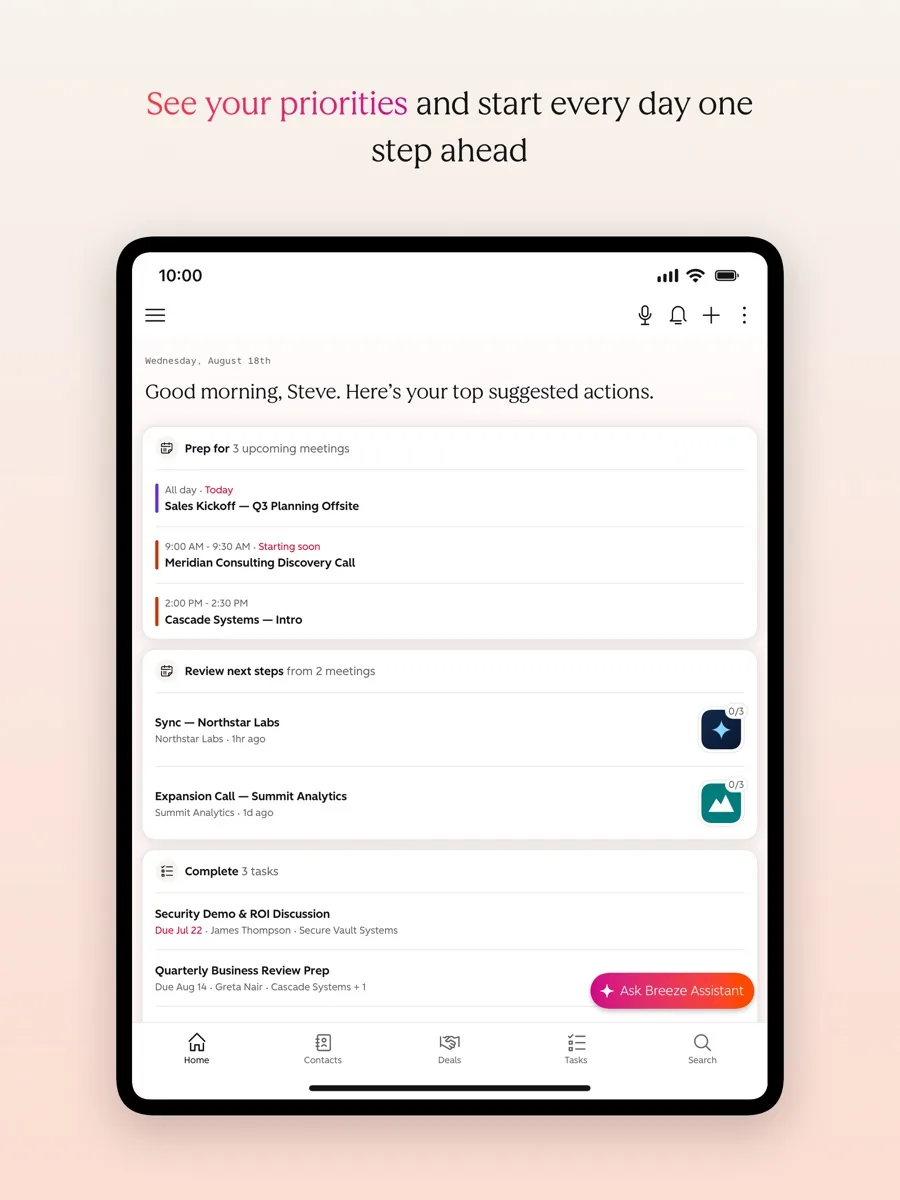
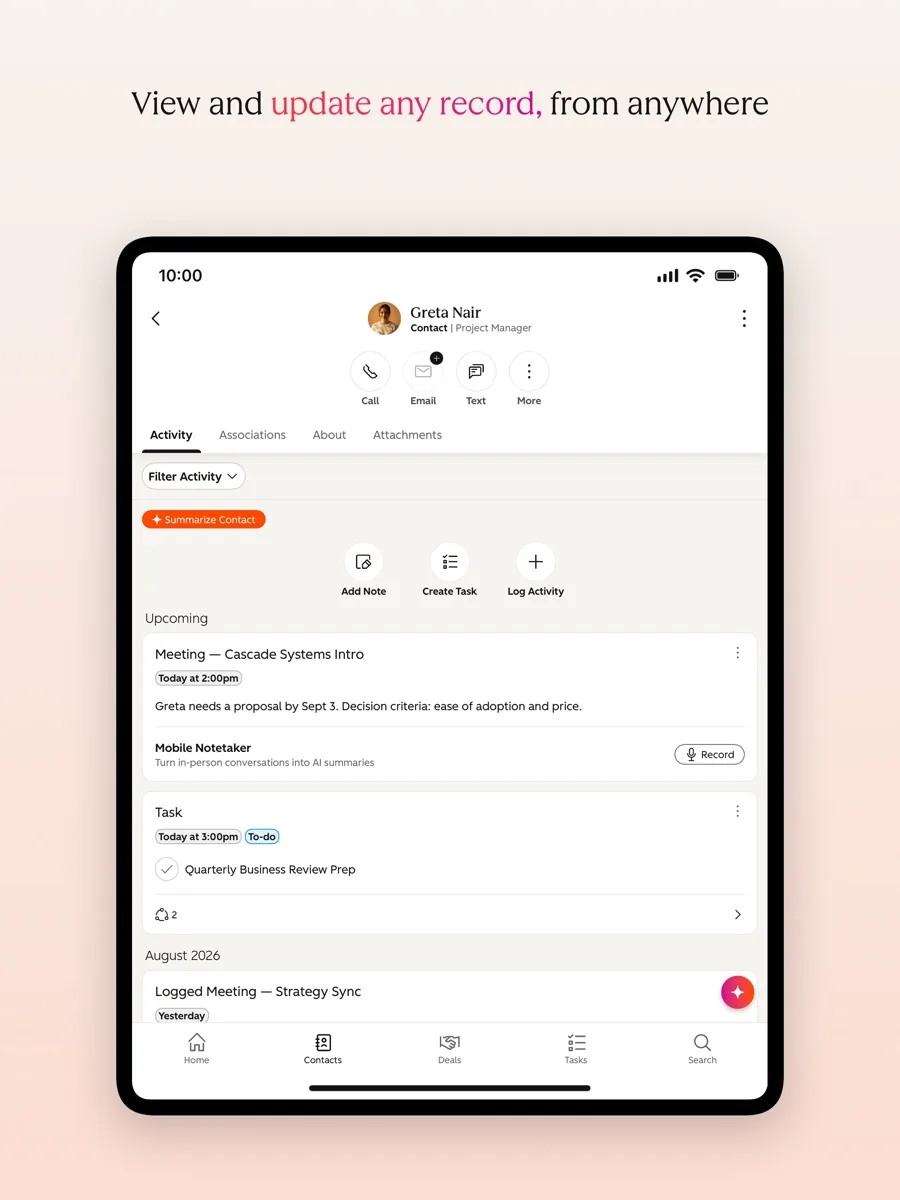
This HubSpot review covers the CRM we rank first for most small and growing businesses. HubSpot's free CRM is genuinely usable rather than a teaser: it stores contacts, companies and deals, tracks emails, runs a sales pipeline and includes reporting dashboards and AI tools at no cost for a small team. When you outgrow it, the same platform extends into marketing, sales, customer service, content, data and revenue tools without a migration, and its app marketplace connects it to thousands of other business apps.
The catch is cost at scale. The free plan is capped on users and contacts, paid tiers are priced per seat, marketing tools are priced by the number of marketing contacts, and the Professional and Enterprise tiers carry one-time onboarding fees. A team that grows quickly can see its bill rise steeply. HubSpot is the CRM we would point most small businesses to first, as long as they plan where they will be in two or three years and price that, not just today.
NerdBible did not set up a HubSpot account for this review. It is an editorial assessment built from HubSpot's product, pricing and security pages and the published findings of independent review outlets.
What is HubSpot and who is it for?
HubSpot sells a customer platform built on what it calls the Smart CRM: one shared database of contacts, companies, deals and activity, with separate products, called hubs, layered on top. The products page lists six hubs: Marketing, Sales, Service, Content, Data and Revenue, all sharing the same CRM and the Breeze AI assistant.
It suits:
- Small businesses starting their first CRM. The free plan and easy interface make it a low-risk place to start.
- Teams that want marketing and sales in one system. Email marketing, forms, landing pages and the sales pipeline share one record per customer.
- Growing companies that expect to add service and automation. You can add hubs and tiers as you need them.
It suits less well very price-sensitive teams that will grow past the free limits quickly, companies that need deep custom data models at a low price, and teams that want phone support on every plan.
Key features
The free CRM
According to HubSpot's free CRM page, the free plan covers up to two users and a capped number of contacts, and includes contact management, deal pipelines, tasks, reporting dashboards, email tracking and templates, a shared inbox, a chatbot builder, an AI content writer and the Breeze assistant. Free tools carry HubSpot branding, which the paid Starter tier removes.
Sales tools
Sales Hub adds sequences, meeting scheduling, quotes, forecasting and, at higher tiers, more advanced automation and sales seats with additional tools. Independent reviewers rate HubSpot's automation builder among the best in the category.
Marketing tools
Marketing Hub covers email marketing, forms, landing pages, ads tracking and campaign reporting. Its pricing is tied to the number of marketing contacts you send to, while contacts you only store do not count toward that figure, according to the Marketing Hub pricing page.
Breeze AI
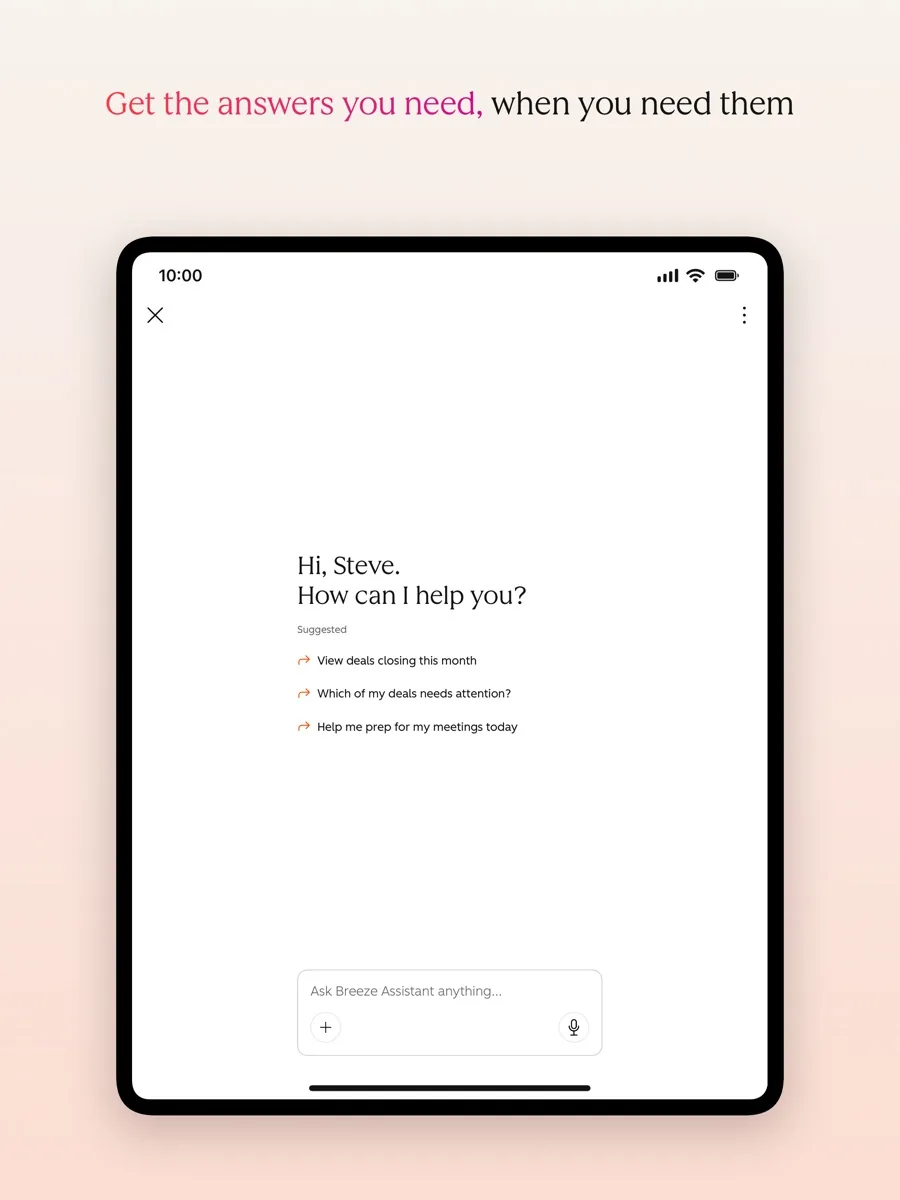
HubSpot's AI tools, branded Breeze, help draft content, summarise records and research prospects. Usage on paid plans draws on a pool of HubSpot Credits included with each tier, with more available to buy.
App marketplace and integrations
HubSpot says the free CRM connects with more than 2,000 business apps through its marketplace, covering email, calendars, accounting, ecommerce, telephony and more. This breadth is one of the reasons it fits so many businesses.
How much does HubSpot cost? Plans and pricing structure
Our product card above shows current prices. In structure, the CRM pricing page and Sales Hub pricing page describe four levels:
- Free: up to two users with the core CRM and basic tools.
- Starter: priced per seat, removes branding and raises limits.
- Professional: priced per seat with more automation and reporting, plus a one-time onboarding fee.
- Enterprise: priced per seat with advanced controls, plus a larger onboarding fee.
Seats come in types: core seats, specialist seats such as sales seats on higher tiers, and view-only seats that HubSpot says cost nothing extra. Annual billing is cheaper than monthly, and on Professional the page shows both an annual commitment and a monthly option. Marketing Hub Professional and Enterprise include a set number of core seats with extra seats charged separately. Entry pricing is sometimes promotional, so check what the plan renews at.
How to choose the right HubSpot tier
The structure rewards a little planning. A sensible way to approach it is in three steps.
- Start on the free CRM and use it properly. Import your contacts, set up your deal stages, connect your email and calendar, and run your pipeline there for a few weeks. You will learn which limits you actually hit, which is more useful than any feature table.
- Upgrade only the hub you need. HubSpot sells each hub separately, so a sales team that needs sequences does not have to buy marketing tools, and a marketing team that needs to remove branding from forms and emails does not have to buy sales seats. Give paid seats to the people who use paid features and view-only seats to everyone who just needs to look.
- Price the next tier before you need it. The jump from Starter to Professional is where costs change most, because of per-seat pricing and the onboarding fee. If your growth plan makes that jump likely within a year or two, compare that total against alternatives now, not after your processes depend on HubSpot.
Teams that follow this route usually get excellent value from HubSpot. The businesses that feel burned are typically the ones that bought a higher tier for features they did not use, or that grew their contact list and seat count without watching the bill.
Is HubSpot secure? Privacy and data
HubSpot's security page says it holds a SOC 2 Type 2 report, available to customers under confidentiality, and publishes a SOC 3 report. It encrypts data at rest with AES-256 and in transit with TLS. For GDPR, it provides tools to track lawful basis, manage consent and delete contacts on request. Customer data is hosted primarily in the US, and HubSpot offers an EU data centre in Frankfurt for customers who want their data stored in Europe. As the business that collects your customers' data, you remain responsible for using it lawfully, so take advice from a qualified professional on your own obligations.
What could be better
- Costs climb with growth. Per-seat pricing, marketing contact tiers and onboarding fees add up as a team grows.
- Free plan limits. Two users and a modest contact cap mean many teams will outgrow it.
- Complex AI credits. Reviewers find the credit system for Breeze AI confusing.
- Support depends on tier. Live support is limited on lower plans.
- Navigation in places. With six hubs, some areas of the interface can be hard to find your way around.
Who should choose something else?
If you only need a simple sales pipeline for a small team and will never use marketing or service tools, a lighter CRM built around deals may cost less as you add people. If you are an enterprise with complex custom objects and a dedicated admin team, a platform built for heavy customisation may fit better. And if your budget is fixed and your team is growing fast, model the per-seat cost a few years out before committing, because switching CRMs later is painful.
What other reviewers found
- TechRadar rates HubSpot highly for small and mid-sized businesses, praising the generous free tier, Breeze AI features and integrations, while warning that higher tiers get expensive, live support is limited and the AI credit system is confusing.
- PCMag likes the contact management, automation builder, AI tools and integrations, but feels its paid base plan prices out some small businesses and that parts of the interface can be confusing to navigate.
- Business.com gives it a very high editor's rating and singles out its AI prospecting tools and free marketing and service tools, while noting that the best AI features need higher tiers and that usage fees and onboarding fees apply.
- Fit Small Business recommends it to businesses that want a free or affordable, feature-rich CRM, scoring its features and support highly and its pricing lower.
The outlets agree on the core story: HubSpot's free and entry tiers are excellent value, its features and integrations are among the best available, and costs rise sharply at Professional and Enterprise. They disagree on who it suits best. TechRadar and Fit Small Business see it as a small business tool, while PCMag argues its strengths show most in larger companies. For a buyer, that means HubSpot is the best place to start for most small teams, but growth plans should be priced before you build your processes around it.
Is HubSpot worth it? Bottom line
HubSpot earns its top place by offering the most useful free CRM we know of and a clear path to paid marketing, sales and service tools on the same data. Its weakness is the price of that path, which rises with every seat, contact and tier. Start free, learn what you actually use, and upgrade deliberately.
Frequently asked questions
Is HubSpot CRM really free?
Yes. HubSpot's free CRM has no time limit and covers up to two users with contact management, deal pipelines, email tracking, reporting dashboards and basic AI tools, within a contact cap. Free tools show HubSpot branding. You pay only when you need more users, higher limits or the advanced features in Starter, Professional or Enterprise.
How does HubSpot pricing work?
Paid HubSpot plans are priced per seat, with different seat types and view-only seats that HubSpot says cost nothing extra. Marketing tools are also priced by the number of marketing contacts you send to. Professional and Enterprise tiers carry a one-time onboarding fee, and annual billing costs less than paying monthly.
Is HubSpot good for small businesses?
For most small businesses it is an excellent starting point, because the free CRM is genuinely useful and the interface is easy to learn. The risk is growth: once you need several paid seats or Professional features, costs rise quickly. Small teams should estimate their needs a few years ahead before committing.
Can HubSpot store data in the EU?
Yes. HubSpot hosts data primarily in the United States but offers a data centre in Frankfurt, Germany, for customers who want their data stored in the EU. Its security page also describes SOC 2 and SOC 3 reports, encryption at rest and in transit, and tools to help manage consent and deletion requests.
Does HubSpot integrate with other apps?
Yes. HubSpot says its free CRM connects with more than 2,000 apps through its marketplace, including email, calendar, accounting, ecommerce and phone tools. Independent reviewers consistently rate its integration ecosystem among the best in the CRM market, which is a big part of why it suits so many different businesses.