Salesforce review: our verdict
This Salesforce review covers the customer relationship management platform that most of the CRM industry measures itself against. Salesforce manages leads, contacts, accounts, opportunities, forecasts and service cases, and it can be shaped to almost any sales process through custom objects, fields, page layouts, automation and thousands of add-on apps. Its AI layer, now branded Agentforce, can research accounts, draft emails, summarise records and run agents that act on CRM data.
For mid-sized and large organisations with complex sales processes, nothing else offers the same combination of depth, customisation and ecosystem, which is why it ranks so highly in our CRM comparison and earns our enterprise pick. The trade-offs are well known. Salesforce takes real effort to set up, it usually needs a trained administrator, and costs rise as you add editions, add-ons and support plans. Salesforce has worked to lower the barrier with a Free Suite for up to two users and packaged Starter and Pro suites for small businesses, but the platform's real strengths show at scale.
NerdBible did not run its own hands-on trial for this review. It is an editorial assessment based on Salesforce's own pricing, product and trust pages and on the published findings of independent outlets, credited and linked below.
What is Salesforce and who is it for?
Salesforce is a cloud CRM platform. Its sales product, Sales Cloud, sits alongside service, marketing, commerce and analytics products that share the same customer data, and Slack and Tableau are part of the same family. Businesses use it to track every interaction with a prospect or customer, manage a sales pipeline, forecast revenue and coordinate teams.
It suits:
- Mid-sized and large sales organisations with several teams, territories, products and approval steps.
- Businesses with unusual processes that need custom data and workflows rather than a fixed template.
- Companies that want one platform across sales, service and marketing, with deep reporting.
- Organisations with technical resources, in-house or through a partner, to configure and maintain it.
Very small teams that want a CRM working in an afternoon can now try the Free Suite, but they should compare simpler rivals too.
Key features
Lead, contact and opportunity management
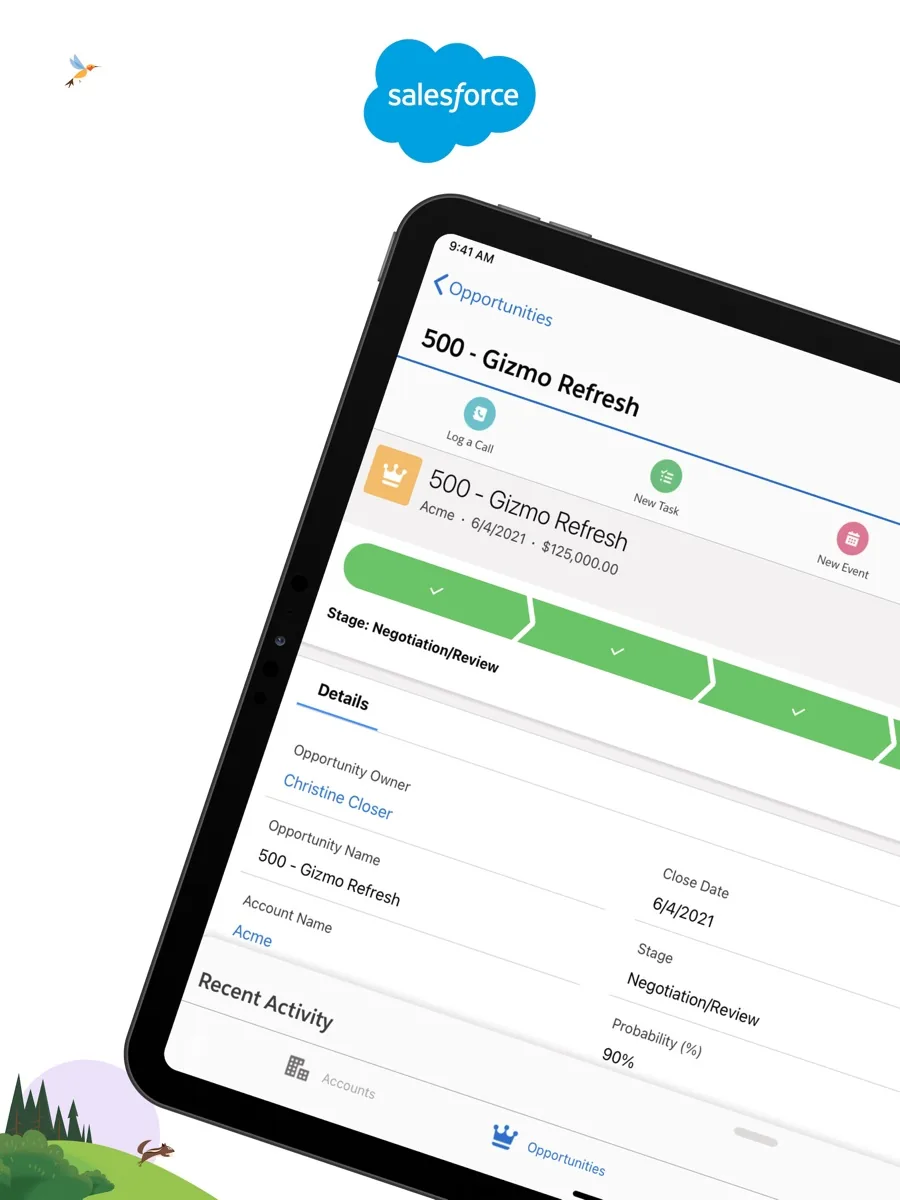
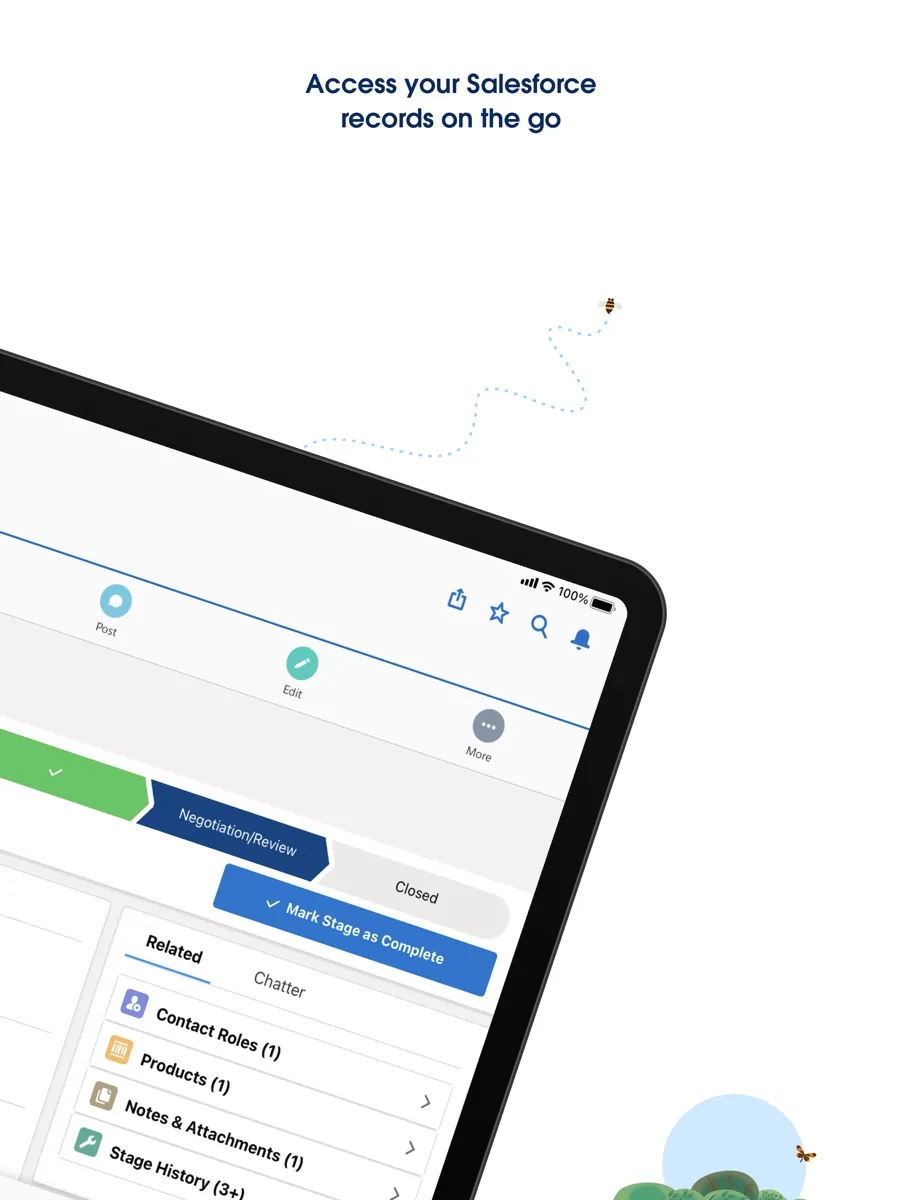
The Sales Cloud pricing page lists lead, account, contact and opportunity management, built-in sales flows and lead routing at the entry level, with quoting and forecasting added on Pro Suite. TechRadar highlights lead scoring and a drag-and-drop lead workspace that lets teams move prospects through custom stages.
Customisation
Salesforce's defining feature is how far it can be adapted. Administrators can create custom fields, objects, page layouts and workflows, and PCMag found its dashboards more customisable than almost any CRM it had reviewed. Business.com names it the best CRM for customisation. Much of that can be done with point-and-click tools, but complex changes need developer skills.
Agentforce AI
The Agentforce page describes Agentforce, formerly Einstein Copilot, as an AI agent platform that can search CRM data, build action plans and carry them out across sales, service, marketing and commerce. The Sales Cloud editions include varying levels of Agentforce capability, from prospecting and email help to lead nurturing and pipeline management on the top tiers.
Reporting and dashboards
Reports and dashboards are customisable and can be shared across teams, and higher editions add Tableau analytics. Reviewers consistently rate Salesforce's reporting among the strongest in the category.
Integrations and the app marketplace
Salesforce's app marketplace, formerly AppExchange and now renamed AgentExchange, offers thousands of pre-built apps and integrations for accounting, e-signature, support, marketing and more. An open API covers anything not available off the shelf. PCMag and TechRadar both single out the size of this ecosystem as a reason to choose Salesforce.
Trailhead learning
Trailhead, Salesforce's free learning platform, offers bite-sized modules, curated trails and hands-on challenges for users, admins and developers. It is one of the best training resources attached to any business software and goes some way to offset the learning curve.
How much does Salesforce cost? Plans and pricing structure
Current prices appear in our comparison above. Salesforce sells per user, per month, and its line-up has two layers, according to its pricing page and Free Suite page:
- Free Suite: a no-cost tier for up to two users with core sales, service and marketing tools and built-in AI. No contract or credit card is required.
- Starter Suite and Pro Suite: all-in-one suites for small and growing businesses, billed monthly or annually, with Pro adding forecasting, quoting and more customisation.
- Sales Cloud editions: larger editions billed annually, adding Slack and Tableau features, enhanced security, more AI capacity and, at the top, the full suite of Agentforce tools.
- Add-ons and support plans: extra AI capacity, additional products and paid success plans for faster support or a dedicated contact.
Salesforce offers a free 30-day trial of its Sales Cloud editions and of Starter Suite, with no credit card needed. Budget for more than the licence: business.com warns that the number of products, options and paid add-ons makes it hard to choose a plan and stick to a budget, and many organisations also pay for implementation help.
Is Salesforce secure?
Salesforce runs a public Trust site that reports system status, availability, security and compliance information, and says it maintains a broad set of compliance certifications and attestations. Higher Sales Cloud editions add security products such as backup and recovery, archiving, data detection and a security centre, according to the pricing page. As with any CRM, much of the real-world security depends on how your own administrators configure permissions, sharing rules and sign-in policies, so treat setup as a security task, not just a sales one.
Support and getting started
Every customer gets access to Trailhead, documentation and the Trailblazer community, and the Free Suite page says free users can get round-the-clock help from an AI chat assistant on the help site. Business.com reports that faster, 24/7 human support and a dedicated account manager are available through paid success plans. TechRadar estimates that most users can handle the basics within a few days of training, with advanced features taking weeks to master.
What could be better
- Complexity. TechRadar notes that complexity has long been the biggest complaint about Salesforce, and business.com expects setup to require training for administrators.
- Total cost. Add-ons, higher editions and support plans add up quickly, and TechRadar calls the pricing somewhat prohibitive for small businesses.
- Technical skills for deep changes. Business.com says some customisation requires knowledge of code.
- Confusing line-up. Suites, editions and AI capacity are packaged in several overlapping ways.
Who should choose something else?
Small teams that want a CRM working the same day, without an administrator, will usually be happier with a simpler product, even though Salesforce's Free Suite and Starter Suite narrow the gap. Teams whose needs are a straightforward pipeline and email tracking do not need Salesforce's depth. And organisations without anyone to own configuration and data quality should plan for a partner or choose a CRM with fewer moving parts. Before committing, map your sales stages, the data you need to capture and the reports managers expect, then use the 30-day trial to build a small version of that process. If the trial already feels like more work than value, that is a useful signal that a lighter CRM is the better fit for your team today.
Is Salesforce worth it? Bottom line
Salesforce is the most capable and customisable CRM platform available, with the biggest ecosystem of apps, excellent reporting, an increasingly capable AI layer and free training that few rivals match. It is worth it for organisations whose sales process is complex enough to benefit from that power and who can invest in setting it up properly. Smaller teams should start with the Free Suite or a 30-day trial and be honest about whether they will use what they pay for.
What other reviewers found
- TechRadar called Salesforce powerful and versatile, ideal for medium to large enterprises, while warning that its cost and complexity can be a challenge for smaller businesses. It also notes a redesigned workspace aimed at reducing clutter.
- Business.com named it the best CRM for customisation and praised its support materials, but warned that setup is time-consuming and that the range of add-ons makes budgeting difficult.
- PCMag found its dashboards and records unusually customisable and its app marketplace one of the largest available, noting that the interface becomes easy after the initial learning curve.
Where the outlets agree and disagree
The outlets agree on Salesforce's character: it is the most customisable CRM with the deepest ecosystem, and it asks more of its customers in setup, training and budget than its rivals do. They differ mainly on how hard it is to learn. TechRadar thinks most users can handle the basics within days and that Salesforce's support resources make the learning process manageable, whereas business.com stresses that setup will likely need training and some technical knowledge. The resolution is that day-to-day use is approachable once the system is configured, but configuring it well is a job in itself. For a buyer, that means the decision is less about the software and more about whether you have, or will pay for, someone to run it.
Frequently asked questions
Does Salesforce have a free plan?
Yes. Salesforce now offers a Free Suite for up to two users, with core sales, service and marketing tools and built-in AI, and no contract or credit card required. Larger teams can try Starter Suite or the Sales Cloud editions free for 30 days. The free tier is a starting point; growing teams will move to a paid suite or edition.
Is Salesforce good for small businesses?
It can be, through the Free Suite and the packaged Starter and Pro suites, which bundle sales, service and marketing tools in a simpler form. Reviewers still describe Salesforce as best suited to medium and large organisations, because its strengths lie in deep customisation and scale. A small team with a simple pipeline may find a lighter CRM quicker to adopt.
How long does it take to learn Salesforce?
TechRadar estimates that most users can handle basic tasks within a few days of training, while advanced features and customisation can take weeks. Salesforce's free Trailhead platform offers guided modules for users, administrators and developers. Organisations with complex requirements often rely on a trained administrator or an implementation partner to set the system up.
What is Agentforce?
Agentforce is Salesforce's AI agent platform, which replaced the earlier Einstein Copilot branding. It can search CRM data, draft emails, summarise records and run agents that carry out tasks across sales, service and marketing. The amount of Agentforce capability included depends on your edition, with the fullest set on the top Sales Cloud tier and more available as add-ons.
Can Salesforce integrate with my other business software?
Very likely. Salesforce's app marketplace, now called AgentExchange, lists thousands of pre-built apps and integrations, including accounting, support and marketing tools, and an open API supports custom connections. PCMag and TechRadar both cite the breadth of this ecosystem as one of the main reasons organisations choose Salesforce over rival CRMs.
Sources
- Salesforce Sales Pricing, Salesforce
- Salesforce Free CRM, Salesforce
- Small Business Pricing, Salesforce
- Agentforce: The AI Agent Platform, Salesforce
- Trailhead, Salesforce
- Salesforce Trust
- AgentExchange (formerly AppExchange), Salesforce
- Salesforce CRM review, TechRadar
- Salesforce CRM Review, Business.com
- Salesforce Sales Cloud Lightning Professional Review, PCMag