

This PandaDoc review covers a platform that does more than collect signatures. PandaDoc lets sales and operations teams build proposals, quotes and contracts from templates, send them for e-signature, track when they are opened and collect payment at the point of signing. We rank it first among e-signature tools. This is an editorial assessment based on PandaDoc's help centre and compliance documentation and on independent reviews; NerdBible did not run its own hands-on trial for this article, and nothing here is legal advice.
Our verdict
PandaDoc is the best choice for teams whose signed documents are part of a sales process. Where a pure e-signature tool starts with a finished PDF, PandaDoc starts earlier: a drag-and-drop editor, reusable templates, pricing tables, approvals and CRM data come together in one document, and signing and payment happen at the end of the same flow. Its compliance coverage is broad, spanning US and EU signature laws and regulated-industry standards.
The downsides are cost and complexity. PandaDoc charges per seat, many of its stronger features sit on the Business and Enterprise plans or as paid add-ons, and the free plan has a tight monthly send limit. TechRadar found the number of features intimidating at first, and user reviews on Trustpilot are critical of support and recent interface changes. If you only need someone to sign a PDF now and then, a simpler tool will do. If documents are how you close deals, PandaDoc leads the category.
What it is and who it is for
PandaDoc is a document automation and e-signature platform. Its core users are sales teams sending proposals and quotes, agencies and consultancies sending statements of work, and operations and HR teams sending contracts and offer letters. The product connects to CRMs so that client and product details can flow into documents, and back again when a deal closes.
It suits teams that send many similar documents and want them consistent, trackable and quick to approve. It suits less well individuals who sign or send a few documents a year, or organisations that need a deeply customised contract lifecycle system with heavy negotiation tooling.
Key features
Document editor and templates
Documents are built in a drag-and-drop editor with text, media, fillable fields and pricing tables. PandaDoc's plan comparison lists a public library of more than four hundred templates, variables in templates and import of Word files into the editor. TechRadar described PandaDoc as closer to a desktop publishing tool than a basic signing service.
E-signatures
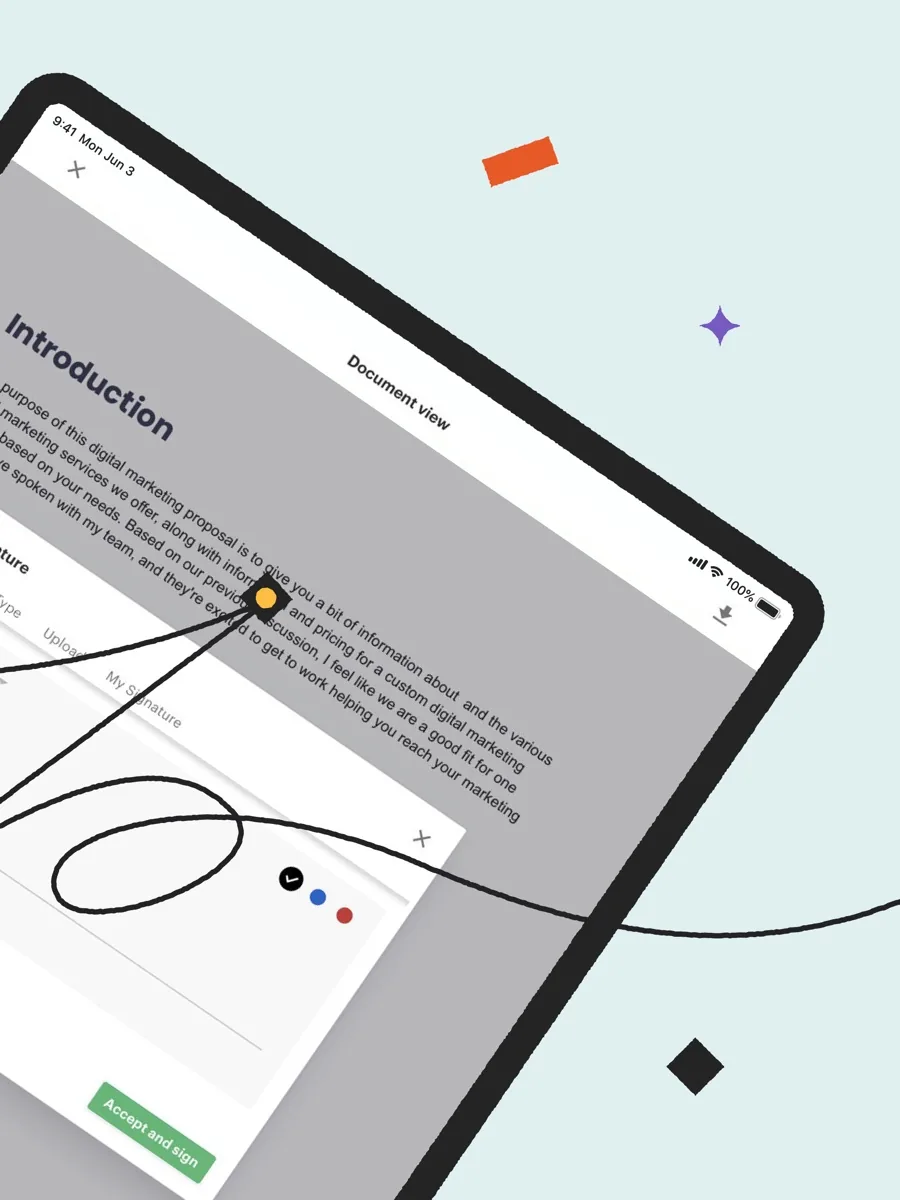
Signing works on any device, with signing order, signature forwarding and the full range of fields. PandaDoc's compliance article says each completed document carries a Certificate of Completion identifying the signers, the document and a timestamp for each signing event, embedded in the final PDF. An audit trail and tamper-evident sealing of completed PDFs are listed on the plans that include them.
Quotes and pricing tables
The Business and Enterprise plans add a quote builder, pricing tables, a product catalogue and multiple-choice pricing options, so a buyer can select packages inside the document. Enterprise adds product bundling and CPQ workflows.
Approvals and workflow
Approval rules, approval order and approver groups are listed on Business and Enterprise, with conditional approvals as an add-on or on Enterprise. Automatic reminders and expirations keep documents moving without manual chasing.
Payments
PandaDoc can collect payment when a document is signed. The plan comparison shows Stripe available from Starter, and Authorize.net, Square, PayPal and QuickBooks Payments on the higher plans.
Integrations
Native CRM integrations include HubSpot, Pipedrive, Microsoft Dynamics and others, with Salesforce listed separately. PandaDoc's help article on Salesforce automations shows that some automations which update a CRM when a document's status changes are a paid add-on on Business and included on Enterprise. API access is available on Enterprise.
Tracking and analytics
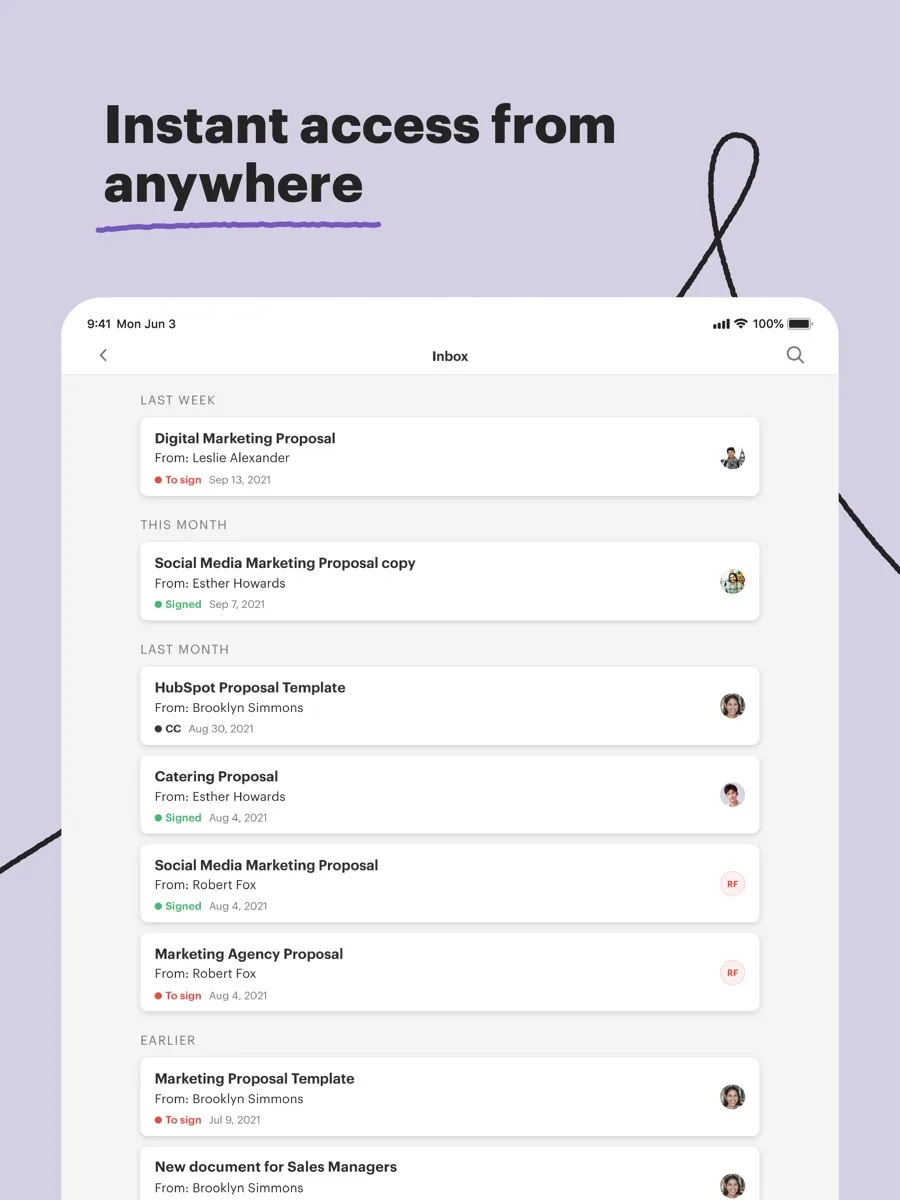
Senders see when a document is opened and viewed, and higher plans add reporting and content usage data, so sales managers can see which proposals get read and which stall.
How much does PandaDoc cost? Plans and pricing structure
Our page shows current prices from our data. The structure, from PandaDoc's help centre, is:
- Free eSign: upload and send documents for legally binding signature with a small monthly send limit, two recipients per document and up to five templates, per the free plan guide. Unlimited seats and storage.
- Starter: per-seat plan with unlimited sending, the editor, analytics and Stripe payments, but still limited templates.
- Business: per-seat plan adding unlimited templates, quotes and pricing tables, approvals, content library, custom branding and CRM integrations.
- Enterprise: custom pricing with CPQ workflows, API access, advanced automations and the remaining add-ons included.
Paid plans are billed per user, monthly or annually, with annual billing cheaper per month. A free trial of the paid features is available. Several capabilities, including recipient identity verification, qualified electronic signatures, bulk send and some automations, are listed as add-ons, so price the features you need rather than the plan name.
Is PandaDoc legally binding and secure?
PandaDoc states that its e-signatures comply with the US ESIGN Act and UETA, New York's ESRA, and the EU and UK eIDAS framework at all three levels: simple, advanced and qualified. It explains that advanced signatures rely on recipient identity verification and that qualified signatures work through integrations with qualified trust service providers, both of which are add-ons. It also lists support for HIPAA, FERPA, FDA 21 CFR Part 11 in a dedicated workspace, GDPR, CCPA and the EU-US Data Privacy Framework, backed by SOC 2 Type II certification.
Whether a particular document can be signed electronically, and at which signature level, depends on the document type and the jurisdiction. For wills, property transfers, regulated filings or anything unusual, ask a qualified lawyer before relying on any e-signature tool.
What other reviewers found
- TechRadar was impressed by how much PandaDoc does beyond signing, from building complex documents to tracking them through to payment. It found importing an existing file a little convoluted and the sheer number of features potentially overwhelming.
- ERP Research credited PandaDoc for combining document creation, quoting and signatures with data-syncing CRM integrations, while flagging per-seat costs for small teams, advanced features gated to Enterprise, documents that generally cannot be edited after sending and reports of proposal emails landing in spam.
- Tekpon's review highlighted the template library and workflow automation, such as reminders, approvals and view notifications, as the features users value most.
- Trustpilot users give PandaDoc a low TrustScore. Many still praise the interface, templates and tracking, but negative reviews focus on slow support, billing and subscription changes, a redesign that broke some templates and signature emails going to spam.
Where they agree: PandaDoc is unusually capable for proposals and quotes, and its templates and tracking save real time. Where they disagree: editorial reviewers focus on the product and rate it highly, while users on Trustpilot focus on the company's support and change management. For a buyer, the takeaway is to test your real templates during the trial, check email deliverability with a few clients, and confirm which add-ons your workflow needs before you sign up.
Getting started with PandaDoc
Start with the documents you send most often. Rebuild your standard proposal or contract as a PandaDoc template, using variables for client names and pricing tables for products, so each new document takes minutes rather than an hour. Connect your CRM if your plan includes it, and set up approval rules if managers need to sign off discounts. Send a few test documents to colleagues on different email providers to check they arrive in the inbox rather than spam, and tell clients to expect a signing email. Turn on reminders and expiry dates so stalled documents chase themselves, and review the analytics after a few weeks to see which sections clients actually read.
What could be better
- Feature gating. CRM integrations, quotes, approvals and many automations need Business or Enterprise, and some are add-ons on top.
- Per-seat cost. Teams with many occasional senders pay for every seat.
- Learning curve. The editor and options take time to master.
- Tight free plan. The free send limit suits testing, not regular business use.
- Support and changes. User reviews report slow support and disruption from interface changes.
- Email deliverability. Some users say signature requests land in spam; tell clients to expect them.
Who should choose something else
If you only need people to sign finished PDFs, a dedicated e-signature tool with a simpler interface will be cheaper and quicker to learn. If you already pay for an office suite or PDF editor with built-in signing, that may cover occasional needs at no extra cost. If you need deep contract negotiation, clause libraries and obligation tracking across a legal team, a contract lifecycle management platform is a better fit. And if your team is large but few people send documents, compare tools that price per envelope rather than per seat.
Is PandaDoc worth it? Bottom line
For sales-led teams that send proposals, quotes and contracts every week, PandaDoc is worth it. It turns document creation, approval, signature and payment into one tracked flow, with compliance coverage strong enough for regulated sectors. That is why we rank it first. Buy the plan that includes the features you will use, budget for any add-ons, and test deliverability and templates before you roll it out.
Frequently asked questions
Is PandaDoc free?
PandaDoc has a Free eSign plan that lets you upload documents and collect legally binding signatures. According to PandaDoc's free plan guide, it limits how many documents you can send each month, allows two recipients per document and up to five templates, while offering unlimited seats and storage. It suits occasional signing; regular business use needs a paid per-seat plan.
Are PandaDoc signatures legally binding?
PandaDoc states its signatures comply with the US ESIGN Act and UETA and with the EU and UK eIDAS framework, including advanced and qualified signatures through add-ons. Each completed document carries a Certificate of Completion. Whether a specific document can be signed electronically depends on its type and jurisdiction, so check with a qualified lawyer for anything unusual.
Does PandaDoc integrate with my CRM?
PandaDoc offers native integrations with CRMs including HubSpot, Pipedrive and Microsoft Dynamics, with Salesforce listed separately. The plan comparison places most CRM integrations on the Business and Enterprise plans, and some automations that update the CRM when a document's status changes are a paid add-on on Business. Confirm your CRM's features during the trial.
Can clients pay inside a PandaDoc document?
Yes. PandaDoc can collect payment when a client signs, so a quote or invoice can be accepted and paid in one step. The plan comparison shows Stripe available from the Starter plan, while Authorize.net, Square, PayPal and QuickBooks Payments are available on the higher plans. Payment processor fees apply on top of the PandaDoc subscription.
Is PandaDoc suitable for healthcare or life sciences?
PandaDoc says it supports HIPAA, with encryption and a tamper-evident audit trail, and FDA 21 CFR Part 11 through a dedicated workspace. It holds SOC 2 Type II certification. Regulated organisations should still review PandaDoc's agreements, such as a business associate agreement, with their compliance team before handling protected data in the platform.
Sources
- Compare subscription plan features, PandaDoc Help Center
- PandaDoc Free plan guide, PandaDoc Help Center
- PandaDoc eSignature compliance, PandaDoc Help Center
- Salesforce automations, PandaDoc Help Center
- PandaDoc review, TechRadar
- PandaDoc review, ERP Research
- PandaDoc reviews, Tekpon
- PandaDoc reviews, Trustpilot