
This SignNow review is for small businesses and teams that send contracts, forms and agreements for signature and want a capable e-signature tool without paying per seat for every colleague. SignNow, sold as airSlate SignNow, is a web and mobile e-signature service from airSlate that covers signing, templates, reusable forms, team workflows and an API. We have not run our own document workflows through it. This is an editorial assessment based on SignNow's pricing, security and integration pages and on independent reviews, to help you decide whether it fits.
SignNow review: our verdict
SignNow earns its place near the top of our e-signature ranking on value. Its plans include unlimited users, unlimited templates and unlimited document storage, and even the entry tiers include tools such as signing order, reminders and audit trails that some bigger-name rivals reserve for higher plans. Independent reviewers consistently describe it as easy to set up and especially good when several people need to fill in and sign the same document.
The caveats are in the details of the plans. Pricing is structured around the volume of signature invites you send, and some user reviews complain about usage limits and billing changes they did not expect. Compliance options such as a HIPAA business associate agreement and premium CRM integrations including Salesforce are paid add-ons rather than standard. If you send documents regularly and want team access without per-seat costs, SignNow is excellent value; if you sign a few documents a year, a pay-as-you-go service or a free tool may be enough.
What is SignNow and who is it for?
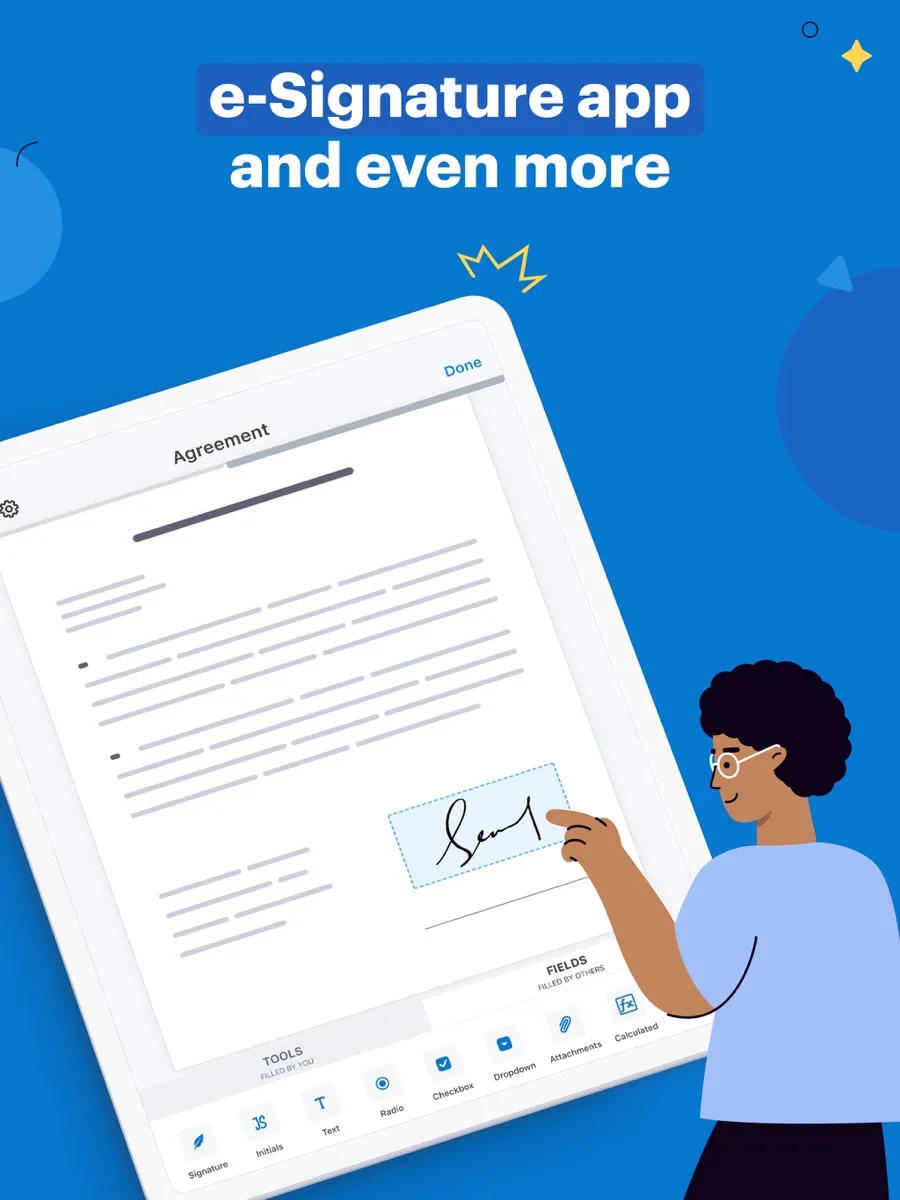
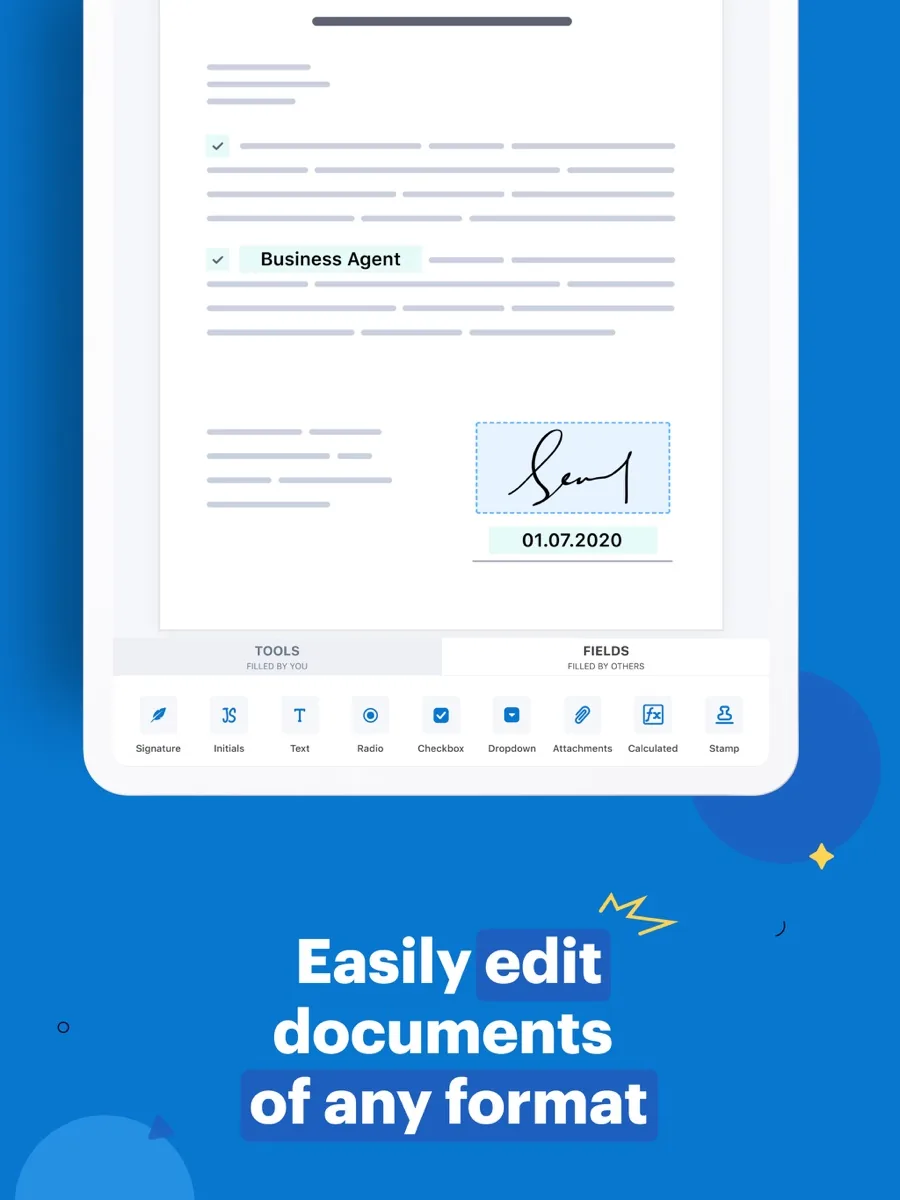
SignNow lets you upload a document, add fields such as signatures, initials, dates, checkboxes and drop-downs, assign each field to a recipient, and send it by email or text message for completion. Recipients do not need an account to sign. Completed documents are stored with an audit trail, and you can reuse any document as a template. The service runs in a browser and in mobile apps for iOS and Android, and a kiosk-style mode lets you collect signatures in person on a tablet.
The best fit is a small or mid-sized business that sends agreements, onboarding forms, quotes or consent forms several times a week, especially where documents involve several parties in a set order: sales teams, HR, property managers, agencies and service businesses. Larger organisations can use its API, CRM integrations and compliance add-ons.
Key features
Document preparation and multi-party signing
TechRadar found preparing documents impressively intuitive: you choose recipients first, and each person's fields are colour-coded so it is clear who completes which section. You can set a signing order so documents route from one person to the next, or send to everyone at once, and track who has and has not completed their part from the dashboard.
Templates, links and bulk sending
The pricing page lists unlimited reusable templates on every plan, along with a form library, automatic document expiration and the ability to merge documents. Higher tiers add signing links that anyone can open and sign, bulk sending so a group each receives a personal copy, scheduled sending and invitations by text message.
Advanced fields and branding
The top self-service tiers add conditional fields that appear only when certain answers are given, custom branding of emails and signing sessions, redirects after signing, and the ability to collect payments when a document is signed. These are the features that turn SignNow from a signing tool into a light form and workflow tool.
Integrations and API
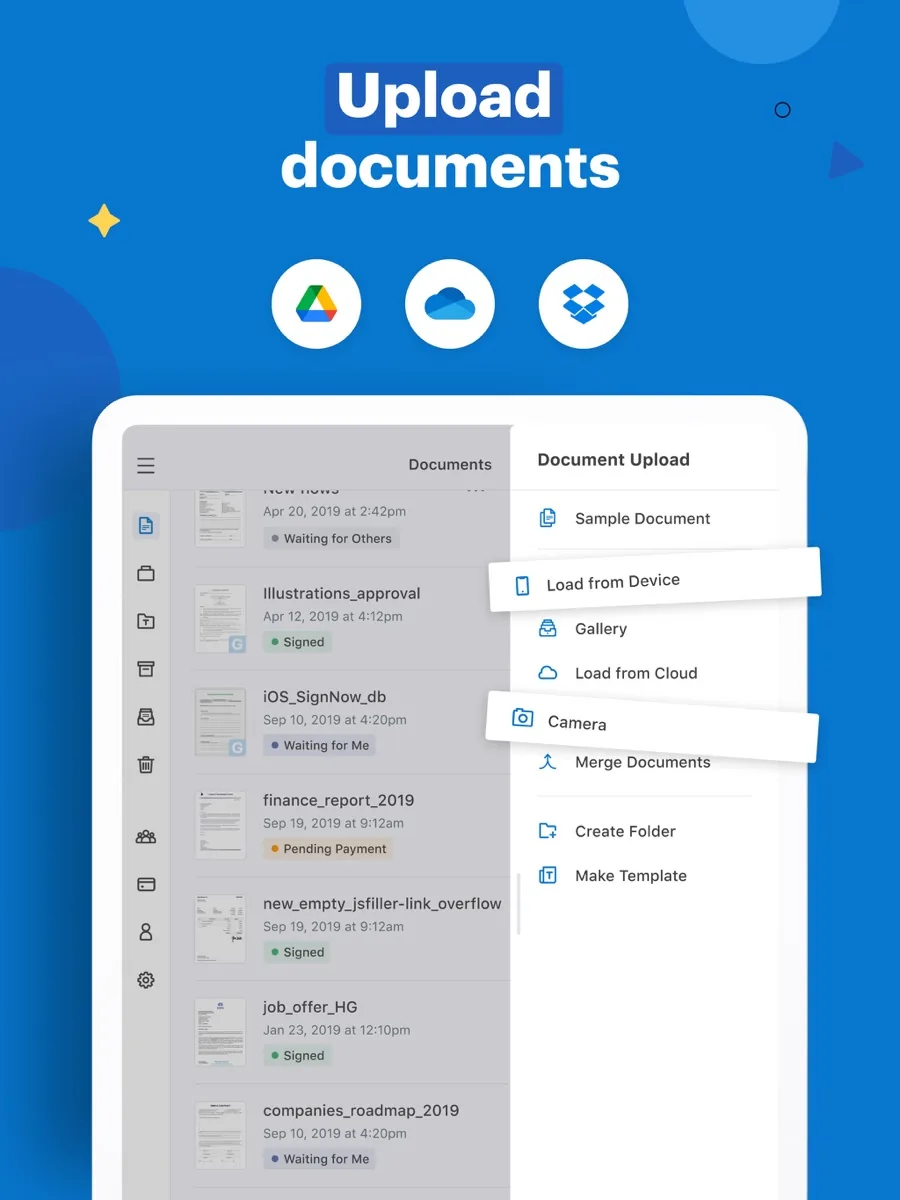
SignNow imports documents from cloud storage services such as Google Drive, OneDrive and Box, and its integrations directory lists connections with Google Workspace, Microsoft 365, Teams, SharePoint, Slack, HubSpot, Pipedrive, Zoho CRM and Zapier, among many others. Its Salesforce integration, installed from the Salesforce AppExchange, lets teams create, send, sign and track documents without leaving the CRM; it requires both a SignNow and a Salesforce subscription. Premium CRM and ERP integrations, including Salesforce, NetSuite and HubSpot, are listed as paid add-ons. Developers can use the API, with a free sandbox and a number of free signature invites to build and test.
Migration from other tools
SignNow advertises tools to migrate documents from other e-signature platforms, which matters if you are switching from an existing provider and need your archive and templates in one place.
How much does SignNow cost?
Our listing shows current prices. In structure, SignNow's pricing page offers four tiers: three self-service plans that add features as you move up, and an enterprise option priced per signature invite with volume discounts. All plans include unlimited users at no extra charge, which is the main difference from per-seat rivals. Annual billing saves substantially compared with paying monthly, each self-service plan offers a free trial, and SignNow lists a 30-day money-back guarantee.
Two points to check before buying. First, pricing is linked to how many signature invites you send, and TechRadar noted that additional fees apply once you pass an annual allowance. Second, HIPAA compliance through a business associate agreement, 21 CFR Part 11 compliance for FDA-regulated records and premium business integrations are paid add-ons, not standard features.
Is SignNow legally binding and secure?
SignNow's security and compliance page says it complies with the US ESIGN Act and UETA, with eIDAS in the UK and EU, and with GDPR and the California Consumer Privacy Act. It reports a SOC 2 Type II audit, says documents are encrypted in transit with TLS and at rest with AES-256, and keeps a detailed audit trail recording who did what to a document, when, and from which email and IP address. Two-factor authentication and session timeouts are available. Payment card data is handled through PCI DSS compliant processors, and the pricing page says its infrastructure is hosted on AWS, which holds ISO 27001 certification.
The same page notes that rules differ by country and that some document types cannot be signed electronically in certain places. Whether a particular document can be signed electronically is a legal question, so speak to a lawyer if you are unsure about wills, court filings or other special categories.
What could be better
- Invite-based limits. Plans are tied to signature invite volume, and some users on Trustpilot report being surprised by usage caps and billing changes.
- Compliance and CRM add-ons cost extra. HIPAA, 21 CFR Part 11 and premium integrations are not in the base plans.
- Limited formatting when filling. TechRadar noted there are no text formatting options when completing fields.
- Email delivery. Some users report recipients not receiving invitations and having to check spam folders, which the text message option helps work around.
- Plan naming can confuse. The pricing page's own feature notes use tier names that differ from its plan names, so compare features rather than names.
Who should choose something else?
If you sign or send only a handful of documents a year, Creative Bloq makes the point that a cheaper pay-as-you-go service may suit you better than any subscription, and many PDF readers include basic signing for free. If you need rich document creation with proposals, pricing tables and design, a document-automation tool built around proposals may fit better. Enterprises already standardised on another e-signature platform with deep integrations may find switching costs outweigh SignNow's savings.
What other reviewers found
- TechRadar found document setup intuitive and progress tracking easy, liked text message invitations, and recommended it for people who regularly manage several signers, while finding the lack of formatting when filling in fields disappointing.
- Tom's Guide named it the best e-signature software for multiple signers, citing ease of use, templates and real-time tracking, but noted that a subscription may not suit occasional users.
- Creative Bloq called it very competitive on price and features, highlighting tools on the basic plan that rivals charge more for, but said it is overkill for people who rarely sign anything.
- Users on Trustpilot give it 4.3 out of 5 across more than three thousand reviews, praising ease of use and price, with complaints focused on usage caps, billing changes and email delivery.
The outlets agree that SignNow is easy to use, strong for documents with several signers, and good value against bigger brands. Where they differ is on who it is for: some see it as a bargain for any business, others stress that light users should not pay a subscription at all. User reviews add a point the editorial reviews say little about: understand your invite allowance before you commit. For a buyer, estimate how many documents you send a month, use the free trial with a real multi-party document, and check the invite terms on the plan you choose.
Is SignNow worth it?
For businesses that send agreements regularly and want everyone on the team to have access, yes. Unlimited users, unlimited templates, solid audit trails, mobile apps and sensible routing tools add up to strong value, and the security credentials are appropriate for most commercial use.
For occasional signers, or teams that need HIPAA or CRM integrations as standard, it is less compelling, because those needs bring either unused capacity or add-on costs. Our ranking reflects SignNow as the best value pick for regular business use.
Bottom line
SignNow delivers most of what a small or mid-sized business needs from e-signature at a lower cost than many rivals, with unlimited users and strong multi-signer tools. Check your expected invite volume, budget for any compliance or CRM add-ons, and test it on a real document during the trial.
Frequently asked questions
Are SignNow signatures legally binding?
SignNow says its e-signatures comply with the US ESIGN Act and UETA, with eIDAS in the UK and EU, and it keeps an audit trail of each document's history, including email, IP address and timestamps. Rules vary by country and by document type, and some documents cannot be signed electronically, so ask a lawyer about anything unusual such as wills or court filings.
Does SignNow charge per user?
No. SignNow's pricing page says all plans include unlimited users at no extra cost, which sets it apart from e-signature services that charge per seat. Plans are instead differentiated by features and linked to the volume of signature invites you send, and the enterprise option is priced per signature invite with discounts for higher volumes.
Is SignNow HIPAA compliant?
SignNow says it supports HIPAA compliance, and its pricing page lists HIPAA compliance through a business associate agreement as a paid add-on. Healthcare organisations should arrange that agreement before sending protected health information, and confirm with their own compliance adviser that their workflow and settings meet their obligations. SignNow also offers 21 CFR Part 11 compliance as an add-on.
Does SignNow work with Salesforce?
Yes. SignNow's Salesforce integration is installed from the Salesforce AppExchange and lets teams create, send, sign and track documents inside Salesforce, with signers not needing their own accounts. You need both a SignNow and a Salesforce subscription, and SignNow lists premium business integrations, including Salesforce, NetSuite and HubSpot, as a paid add-on.
Is there a SignNow free trial?
Yes. SignNow offers a free trial on its self-service plans, which Tom's Guide describes as seven days, and the pricing page lists a 30-day money-back guarantee. Developers can also create a free API sandbox with a number of free signature invites to test integrations before paying for a production plan.