
Our verdict
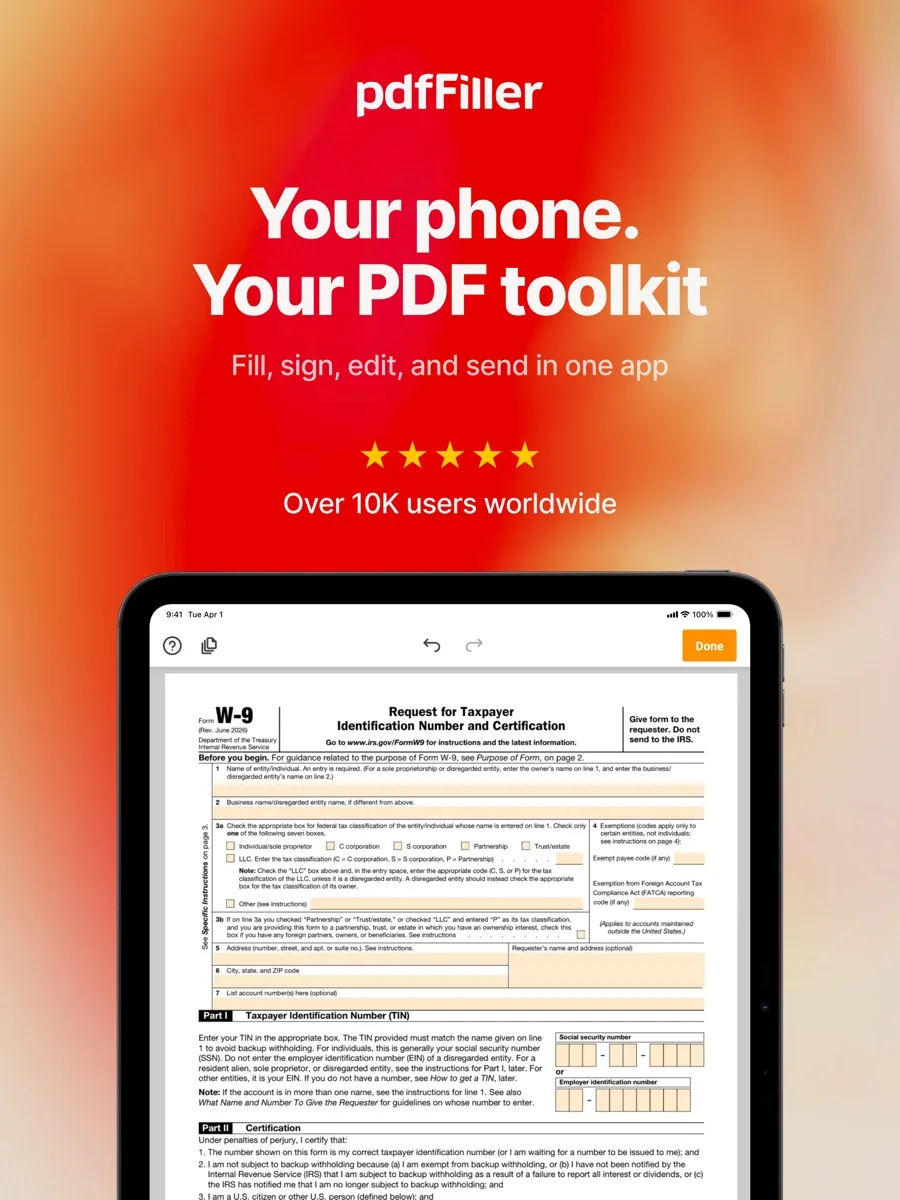
This pdfFiller review starts from one idea that the product is built around: most people who need a PDF tool do not want to edit a design file, they want to fill in a form, sign it, send it and move on. For that job, pdfFiller is the most complete package in our ranking. It combines a text and page editor, a fillable-form builder, electronic signatures, a very large online library of blank forms and cloud storage in one subscription, and it works in any browser and on phones and tablets through its apps. That breadth, and the fact that a single plan covers the form-filling work most households and small offices actually do, is why it sits at the top of our PDF editor list.
It is not perfect. It is cloud first, it is sold only as a subscription with no one-time licence, review outlets consider it on the expensive side, and its free trial renews automatically into a paid plan unless you cancel in time. If you only need to fill one form a year, a free tool will do. If you handle paperwork every week, pdfFiller is the one we would point you to first.
This is an editorial assessment based on pdfFiller's own security, help and pricing information and on the published findings of independent review outlets. NerdBible did not run its own hands-on tests.
What is pdfFiller and who is it for?
pdfFiller is made by airSlate, the company behind signNow and US Legal Forms. On its about page, airSlate says its products serve more than 100 million users and that it has around 900 employees in five offices. pdfFiller started as a web application for filling and sending PDF forms online, according to Wikipedia, and grew into a full online service where you upload or find a document, edit it, fill it, sign it or send it for signature, and store it.
The people who get the most out of it are:
- Freelancers and small business owners who handle contracts, onboarding paperwork, invoices and supplier forms and want one place to fill, sign and file them.
- Office administrators who repeatedly send the same form to different people and want to turn it into a reusable fillable template.
- Households dealing with government paperwork who want to find the current blank form, fill it on screen and print or send it without hunting for the right version.
- Anyone working across devices, since the same account and documents are available in the browser and the mobile apps.
It is a weaker fit for designers, publishers and anyone who needs heavy layout work, preflight checks or offline editing. Those users are better served by a full desktop PDF suite.
Key features
Editing and annotation
pdfFiller lets you change text, annotate, highlight, draw and comment on a PDF directly in the browser, and its page tools let you reorder, rotate, duplicate and delete pages. OCR is listed among its tools, which matters for scanned documents that would otherwise be flat images. TechRadar notes one limitation: editing existing text works line by line rather than as flowing paragraphs, so rewriting long passages is clumsier than in a desktop editor.
Fillable forms and templates
Any PDF can be turned into a fillable form by placing fields on it: text, signature and other field types that the recipient completes on screen. On the Plus plan and above you can save documents as reusable templates and add fillable fields, document versions, tags, folders and password protection, according to pdfFiller's trial guide. This is the feature that saves the most time in practice, because a form you send out every week only has to be set up once.
The forms library
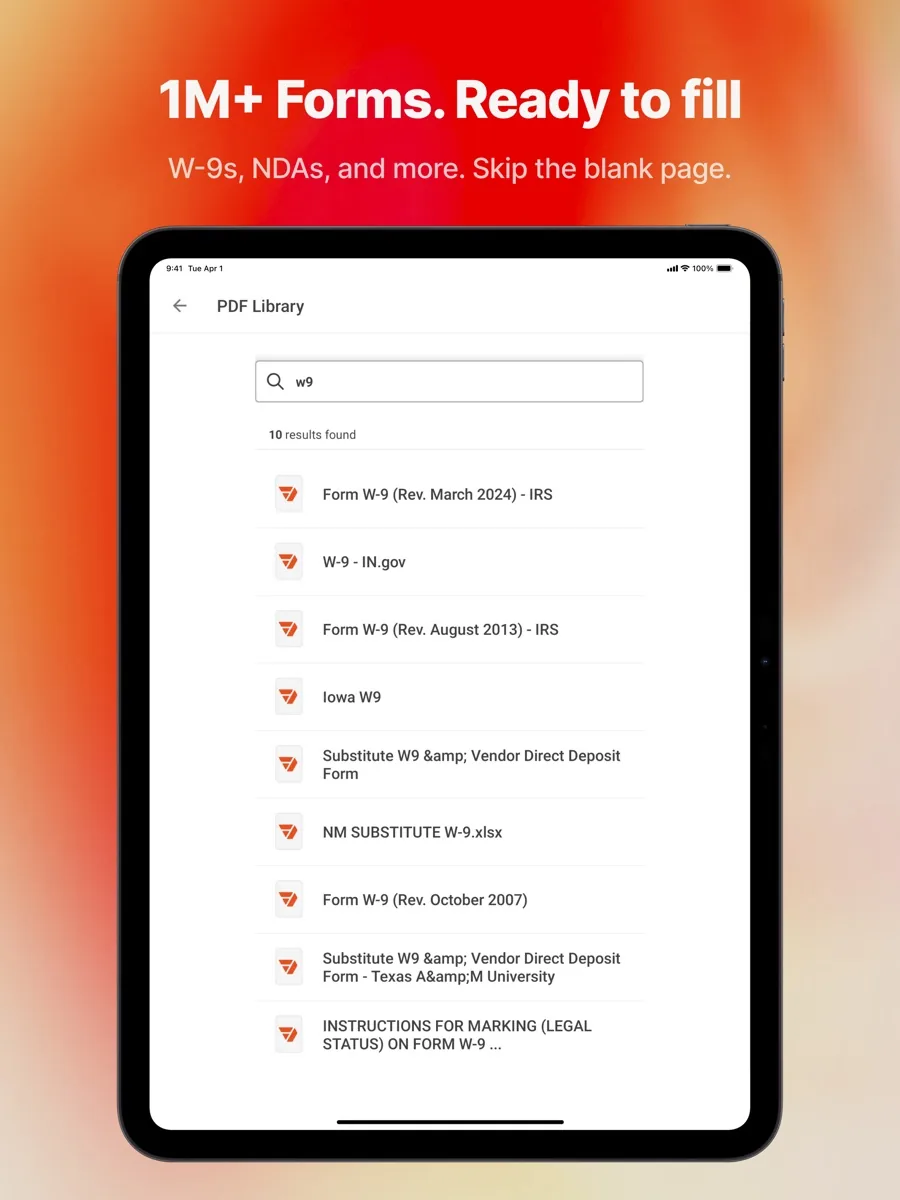
The distinguishing feature is the online library of blank forms. You can search for a government, legal or business form by name or number and open a fillable version directly, rather than downloading a flat PDF from somewhere else first. Premium subscribers also get access to US Legal Forms, airSlate's catalogue of more than 85,000 state-specific legal forms. PCWorld calls the library one of pdfFiller's most impressive features. A blank legal form is not legal advice, of course; for anything consequential, have a qualified professional check what you are signing.
Electronic signatures
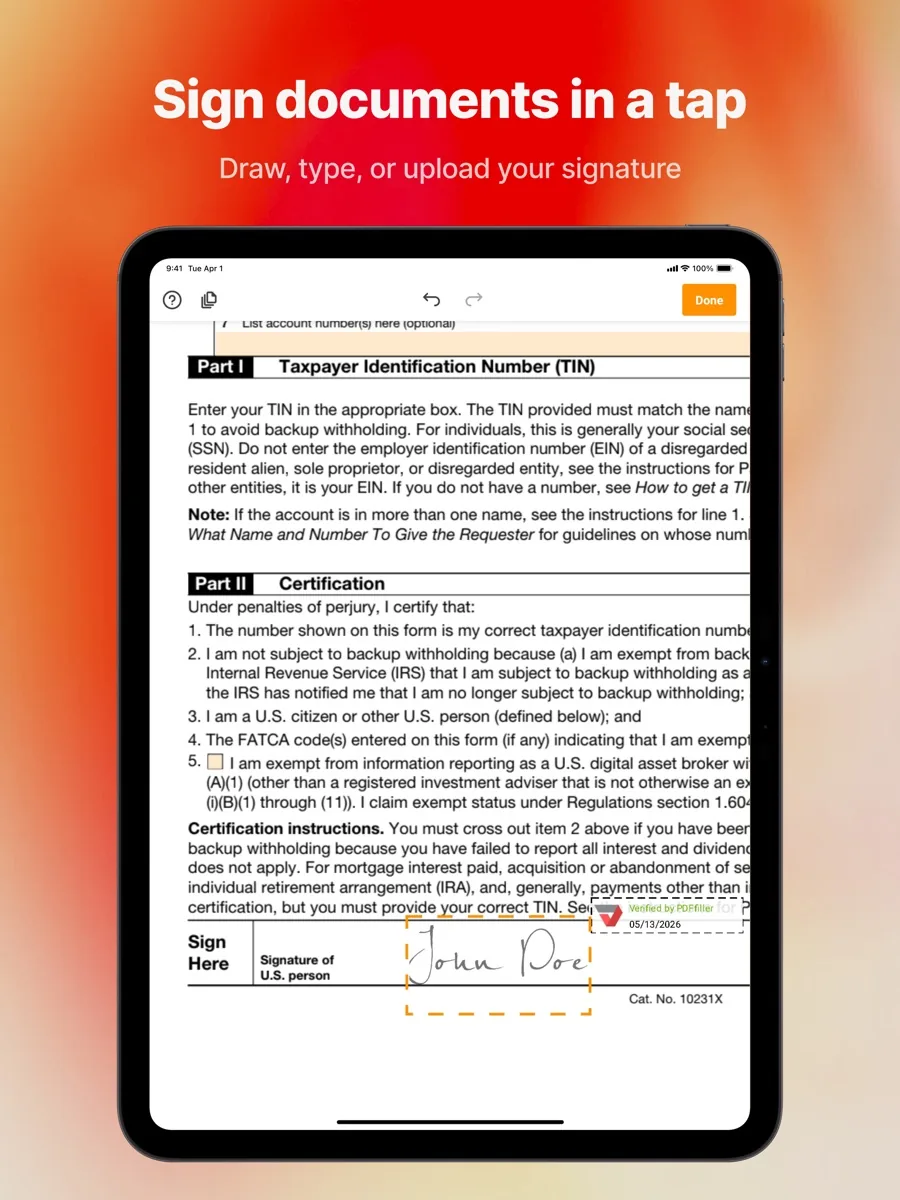
You can sign documents yourself and send them to others to sign. pdfFiller's security page says each document carries a detailed history showing every action, who performed it, their name, email address, IP address and a time stamp, and that a sender can require a signer to enter a password or confirm their identity by text message or phone call. If e-signature is the main thing you need and you send high volumes, airSlate's dedicated signNow product or a specialist e-signature service may suit you better, but for occasional and moderate use pdfFiller's built-in signing is enough.
Conversion, storage and integrations
According to pdfFiller's FAQ, it converts PDFs to Word, Excel, PowerPoint, JPEG and PNG, and turns Word, Excel, PowerPoint and image files into editable PDFs on upload, handling PDFs up to 100 MB. The same FAQ says there is no limit on how many documents or templates you can store, and that it connects with Google Drive, Dropbox, OneDrive and Box, with add-ons for Gmail and Google Drive. PCWorld also lists sharing by link, email, text, fax and post, and notarisation from within the account.
Apps
pdfFiller runs in any modern browser on Windows or Mac with nothing to install, and its FAQ confirms mobile apps for iOS and Android. pdfFiller's site also links to a desktop app, which TechRadar describes as available for Mac and Windows, but the service remains cloud based: the FAQ says you need an internet connection to edit, though downloaded PDFs open offline in any reader.
How much does pdfFiller cost?
pdfFiller is subscription only. There is no perpetual licence you buy once and keep, which is worth knowing if you are comparing it with desktop software sold that way. Current prices for your region are shown on this page from our own data; here is how the plans are structured.
- Basic covers the core editor: editing, filling, annotating, printing, saving, converting and cloud storage.
- Plus adds reusable templates, fillable fields, document versions, tags, folders and password protection.
- Premium adds the broader e-signature workflow tools and access to the US Legal Forms catalogue.
Plans can be billed monthly or annually, and annual billing works out much cheaper per month, which is why PCWorld lists the annual commitment as a drawback for people who only need it briefly. New users can usually start a free trial. pdfFiller's trial guide says eligible users can currently get a 30-day trial, that the terms shown at signup take precedence, and that the selected plan may renew automatically at the end unless you cancel; its FAQ describes entering card details at signup and not being charged until the trial ends. Cancellation takes effect at the end of the current billing cycle, a charge already processed is not reversed by cancelling, and documents stay available for about 30 days after you cancel. Note the renewal date the day you sign up, and cancel from the same place you subscribed (website, App Store or Google Play) if you do not intend to keep it.
Is pdfFiller safe?
pdfFiller publishes a security and compliance page with specific claims:
- Data is encrypted at rest and in transit with 256-bit encryption, and stored on Amazon Web Services.
- It holds a SOC 2 Type II certification and says its safeguards are audited annually against it.
- It says it complies with HIPAA hosting and data-processing standards and with the CCPA, and supports schools with FERPA compliance.
- It states a commitment to GDPR and participation in the EU-U.S. Data Privacy Framework.
- Card payments are handled through PCI DSS compliant payment processors.
- Documents can be kept in encrypted, password-protected folders, and signer identity can be checked by text or phone.
These are the right boxes for a service that holds official forms, contracts and identity documents, and PCWorld singles out the security options as a strength. Bear in mind that a cloud editor means your documents live on someone else's servers. If your organisation has rules about where sensitive files may be stored, check them before you upload, and if you handle health records ask for the appropriate agreement before relying on the HIPAA statement.
What could be better
- Auto-renewing trial. The trial is generous, but it rolls into a paid plan automatically.
- No one-time licence, and month-to-month billing costs much more than annual.
- Cloud dependence. Editing needs an internet connection.
- Features spread across tiers. Templates and fillable fields sit on Plus; e-signature workflows and the legal forms catalogue sit on Premium.
- Line-based text editing and a busy interface, according to TechRadar.
- Not a design tool. For print production or complex layout edits, a desktop PDF suite is better.
Who should choose something else
- Occasional users. If you fill in a handful of forms a year, the PDF viewer built into your browser or operating system, or a free online tool, is enough.
- High-volume e-signature teams. A dedicated e-signature platform gives more control over signing order, branding and reporting.
- Offline users who need to edit without a connection.
- Anyone who wants to pay once. Look at editors that still sell a perpetual licence.
Is pdfFiller worth it?
pdfFiller earns its place at the top of our ranking because it covers the real-world PDF job, finding the right form, filling it, signing it and sending it, more completely than any other editor we list, from any browser and on mobile. Its forms library and template tools are genuinely time saving, and its published security credentials are what you want from a service holding personal paperwork. Go in knowing it is a cloud subscription with an auto-renewing trial: set a reminder, pick the plan that includes the features you need, and it is the editor we would recommend first.
What other reviewers found
- TechRadar praised the web interface, responsive support, link sharing and password-protected documents, but found the pricing a bit expensive and disliked line-by-line text editing.
- In its best PDF editors guide, TechRadar ranks pdfFiller among its five picks as the strongest browser-based option, while naming a desktop suite as the best choice for most professionals.
- PCWorld called it an impressive editor and document manager with an uncommonly deep feature set, highlighting the forms library and security options, but noted that the best value requires an annual commitment.
Where the outlets agree: pdfFiller is one of the best ways to work with PDFs in a browser, its forms library and template tools stand out, and its security features suit sensitive paperwork. Where they differ is on value. TechRadar weighs the price heavily and prefers a desktop suite for heavy editing, while PCWorld treats the tiered plans as a sensible way to pay only for what you need. For a buyer, the deciding question is what kind of PDF work you do. If it is mostly forms, signatures and templates, pdfFiller is built for exactly that. If it is rewriting and redesigning documents, a desktop editor is the better tool.
Frequently asked questions
Is pdfFiller legit and safe?
Yes. pdfFiller is made by airSlate, which also owns signNow and US Legal Forms. It encrypts documents in transit and at rest, stores data on Amazon Web Services, holds a SOC 2 Type II certification and records a detailed history of every action on a document. Review outlets highlight its security options. As with any cloud service, check your organisation's rules before uploading sensitive files.
Is pdfFiller free?
No. pdfFiller has no permanent free plan that lets you download edited documents. Eligible new users can usually start a 30-day free trial with full access to the chosen plan, after which a paid subscription is needed. The trial renews into that paid plan automatically unless you cancel, so note the renewal date when you sign up and set a reminder a few days before.
How do I cancel pdfFiller?
Log in and go to My Account, then Subscription and payment, and click Cancel Subscription. Your account stays active until the end of the current billing cycle and you will not be charged again. If you subscribed through the App Store or Google Play, cancel through that store instead. Download any documents you want to keep, since they remain available for only about 30 days after cancelling.
Can I use pdfFiller offline?
Not for editing. pdfFiller is a cloud-based service, so you need an internet connection to open your documents and use its editing, filling and signing tools. Once you download a finished PDF, you can view it offline in any standard PDF reader. If you regularly need to edit without a connection, a desktop PDF editor that works fully offline is the better choice.
Can pdfFiller fill government and tax forms?
Yes. pdfFiller's online library includes a large range of government, business and legal forms that you can search by name or form number and open as fillable documents, which saves hunting for the right version. pdfFiller only provides the blank form and the tools to complete it; it does not give tax or legal advice, so check anything important with a qualified professional.
Sources
- Security and compliance, pdfFiller
- pdfFiller Free Trial: Billing, Features, and More, pdfFiller Blog
- Top 20 pdfFiller Common Questions, pdfFiller Blog
- About airSlate, pdfFiller
- US Legal Forms: 85,000+ state and industry-specific legal forms
- pdfFiller, Wikipedia
- pdfFiller review, TechRadar
- Best PDF editor: the top PDF editing software, TechRadar
- pdfFiller review: A versatile PDF editor for individuals and businesses, PCWorld